


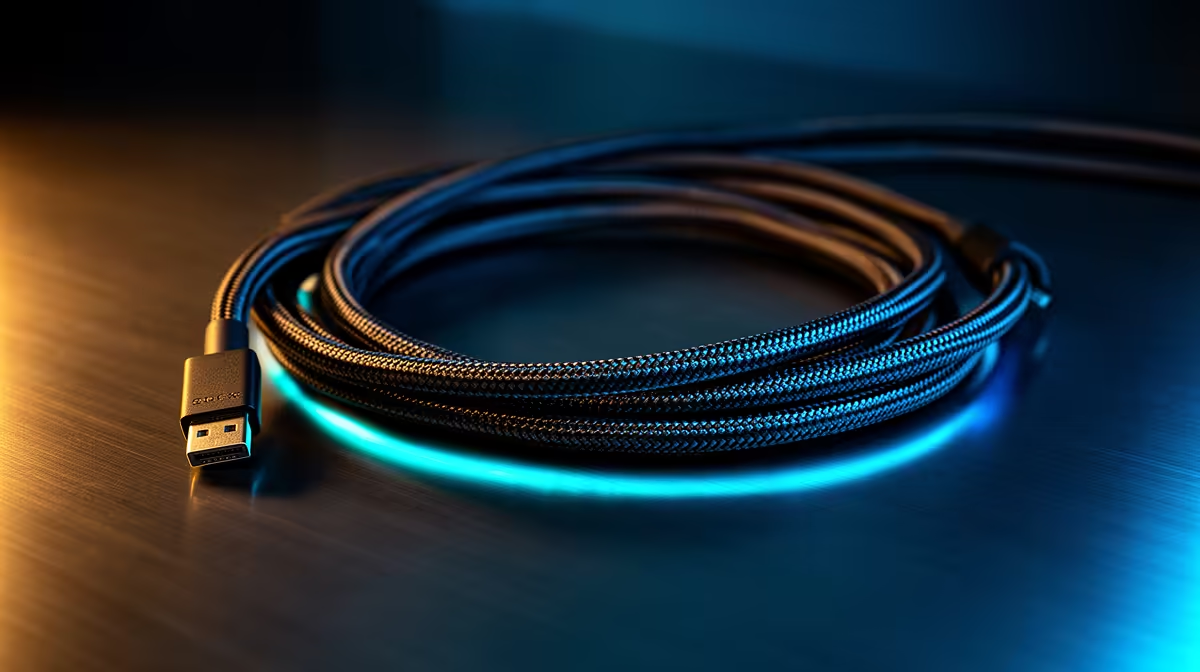
2 Meter Cables: Ideal Length for Desktop Cable Management
South African gamers, tired of cable chaos under your desk? 2 meter cables strike the sweet spot — long enough to reach behind big monitors and tower cases, short enough to avoid spaghetti bundles crawling across your floor. This guide helps you choose, measure, and tidy cables so your battlestation looks sharp and stays airflow-friendly. 🔧✨
2 Meter Cables: Why pick this length for your desk
A lot of desks, PC cases and monitor arms in SA fit neatly with two-metre runs. You get flexibility for routing behind shelves and through grommets, without piling excess slack on the floor. For case power or GPU power runs, that extra reach can prevent forced bends and stress on connectors... which prolongs cable life.
2 Meter Cables: measure before you buy
Before checkout, measure the route: from plug or PSU to device, following the intended cable path. Allow 10–15 cm extra for neat loops and connector movement. If you’re planning a clean rear mount or an elevated monitor arm, measure vertically and include cable clips or channels in your plan so the extra length doesn’t become clutter.
2 Meter Cables: product options and compatibility
If you want an RGB-ready extension for neat PSU-to-GPU routing, consider an ARGB extension instead of a raw cable. For a tidy aesthetic, sleeved premium kits give cleaner runs and consistent colour across your build. See an ARGB extension option for cases and GPUs here: ARGB extension cable. For premium individually sleeved options that help with visible runs and aesthetics, check NZXT’s range: NZXT individually sleeved premium cables.
2 Meter Cables: installation tips and airflow wins 🚀
- Route along chassis edges and secure with Velcro straps; avoid tight zip-ties at connectors.
- Group signal and power cables separately where possible to reduce EMI risk.
- Keep cable loops horizontal near vents to preserve airflow through intake and exhaust.
Cable Routing Quick Win ⚡
When running a 2 metre cable from a rear PSU to an elevated monitor, clip the cable along the underside of the desk using adhesive cable mounts. This keeps slack out of sight and avoids tripping hazards.
2 Meter Cables: aesthetics, durability and local buying
Choose cables with strain relief and proper sleeves to keep connectors from bearing the load. Sleeved cables also make RGB builds pop on camera or at LANs. Browse premium sleeved kits for visible runs and consistent colour matching here: NZXT individually sleeved premium cables. If you want an ARGB extension that’s budget-friendly and functional, this product is a solid starting point: ARGB extension cable.
2 Meter Cables: final checklist before purchase
- Measure the exact route, include clips and channels.
- Pick sleeved or extension types based on visibility.
- Secure slack; avoid sharp bends.
Ready to Find Your Perfect Match? The Mac vs Windows debate is complex, but for maximum power, choice, and value in South Africa, Windows is hard to beat. Explore our massive range of laptop specials and find the perfect machine to conquer your world.











