


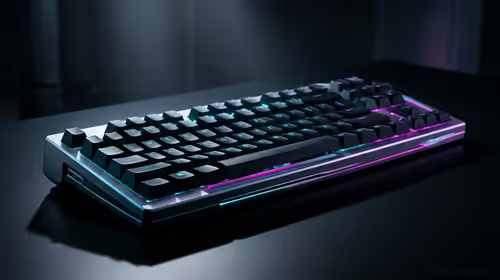
Stuck Pixel Checks for a Mechanical Keyboard Setup
Stuck pixel on a Mechanical Keyboard is likely a display symptom around that setup, not the part itself. Check the monitor, cable, GPU output, drivers, and warranty path first.
Read more360mm liquid cooler installation made simple: follow step-by-step mounting, fan alignment, tubing routing, and leak testing to boost cooling performance and compatibility. 🛠️💧
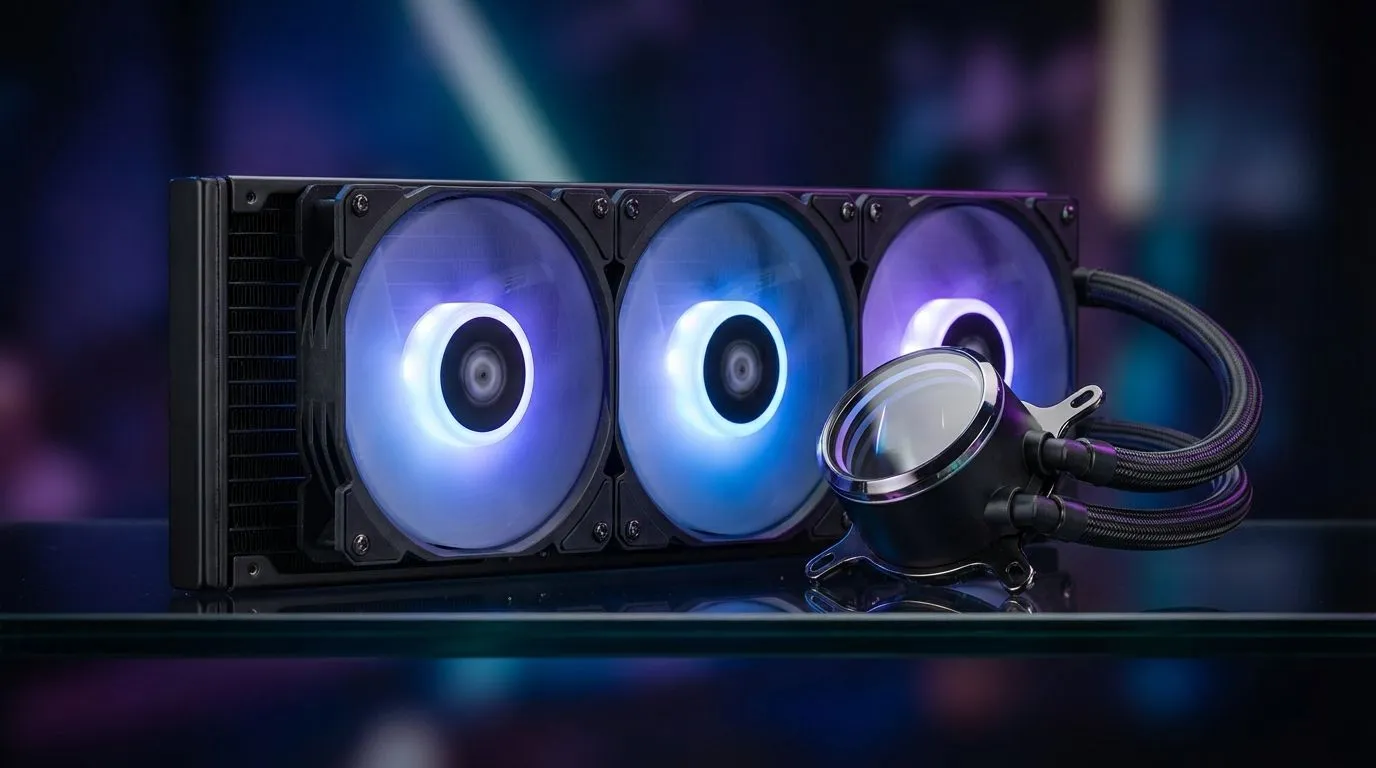
Nothing kills a Friday night gaming session in South Africa faster than a CPU hitting 95 degrees. Whether you are battling in Durban’s humidity or a dry Jozi heatwave, keeping your rig cool is vital. If you have just grabbed a beefy radiator, this 360mm Liquid Cooler Installation: Step-by-Step Guide will help you tame those temps and keep your frame rates steady. ✨
Before diving into the hardware, clear your desk. You need a Phillips head screwdriver and a clean surface. It is also a good idea to ground yourself to avoid static. If you are still deciding on hardware, browse the massive range of CPU coolers available to find one that fits your case dimensions.
Most modern chassis support top or front mounting. Check your manual to ensure your case can actually house a full-sized 360mm radiator. If space is tight, you might need to look at a more compact 240mm radiator instead.
Start by attaching the fans to the radiator. Most builders prefer a "push" configuration... this means fans blow air through the fins and out of the case. Align the screw holes and tighten them firmly but do not over-tighten.
Once the fans are on, mount the radiator to your case. If you are using premium CORSAIR units, they often include specialised mounting hardware to make this part easier. Ensure the tubes are positioned so they do not kink or block your RAM slots.
Always ensure the pump is not the highest point in the loop. If mounting the radiator at the front of your case, try to keep the tubes at the bottom if the length allows. This prevents air bubbles from being trapped in the pump... which reduces noise and extends the life of your cooler.
Clean your CPU surface with isopropyl alcohol. If you are using budget-friendly Deepcool models, check if thermal paste is pre-applied. If not, apply a pea-sized amount to the centre of the heat spreader.
Place the pump block over the CPU standoffs. Tighten the thumb screws in a cross pattern... this ensures even pressure across the chip. This is the most critical part of any modern Liquid Cooler (AIO) setup. Poor contact leads to instant thermal throttling. ⚡
Connect the pump power to the 'AIO_PUMP' or 'CPU_FAN' header on your motherboard. Plug the fan cables into the included splitter or hub. Double-check all connections before switching on the power. When you first boot, you might hear a slight bubbling sound. This is normal as the liquid starts to circulate... it should disappear within a few minutes. 🚀
Ready to Chill Your Build? A 360mm AIO is the ultimate way to keep your high-end CPU running at peak performance. Whether you are overclocking or just want a silent build, we have the right gear for you. Explore our massive range of Liquid Coolers and find the perfect match for your South African gaming rig.
Typical install takes 45–90 minutes depending on case access and experience; include leak testing and cable routing for best results.
Check your case specs for 360mm radiator support or measure top/front clearance; many mid and full towers support 360mm AIOs.
Often you can install without removing the motherboard, but backplate access or tight cases may require removal for easier radiator mounting.
Use push or push-pull for best airflow; push-pull delivers higher static pressure and lower temps if space and fans allow.
Power only the pump via PSU molex/jumper or use an adapter; run 10–30 minutes while inspecting for moisture and pressure issues.
Route tubes to avoid kinks and sharp bends, keep them clear of GPUs and cables, and ensure smooth curves for reliable flow.
Yes; vertical mounting works—verify tube clearance and pump orientation, and ensure tubing doesn't bend or trap air pockets.
Stuck pixel on a Mechanical Keyboard is likely a display symptom around that setup, not the part itself. Check the monitor, cable, GPU output, drivers, and warranty path first.
Read more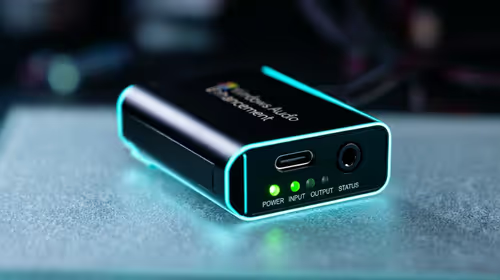
How to fix stuck pixel Windows 11 USB DAC issues starts with display-only tests. Check HDR, scaling, monitor input, USB cable movement, and safe South African support options before connecting the pixel issue to audio hardware.
Read more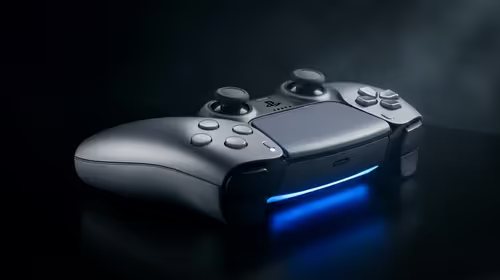
Windows 11 Steam Deck monitor issues often start with display mode, USB-C output, drivers, or dock power. Use this how to fix monitor not detected windows 11 steam deck checklist for SA handheld PC setups.
Read more
Stalker 2 Heart of Chornobyl PC build planning at R100,000 should stay cautious about parts and settings. Balance GPU, CPU, RAM, storage, cooling, and upgrade room before picking a South African gaming PC.
Read more
RX 9070 XT build stuttering needs a step-by-step check before replacing parts. Review drivers, settings, thermals, power, background apps, display limits, cables, and game options before changing hardware.
Read more
GTA 6 on R15,000 needs careful part balance. This SA build guide frames CPU, GPU, RAM, SSD, cooling, and upgrade trade-offs without promising live prices, stock, or exact FPS.
Read more
The smallest ATX case 2026 buyers should choose is the smallest chassis that still fits their exact graphics card, cooler, power supply and airflow plan. ATX support alone does not prove a case has the smallest footprint or volume.

The UGREEN LinkStation Pro eGPU dock combines Thunderbolt 5 and OCuLink connections with an integrated 850W ATX 3.1 power supply and up to 140W laptop charging. South African availability is unconfirmed.

The MSI PRO MAX 341QPXW14G is a 34-inch 3440 x 1440 ultrawide QD-OLED monitor with a 144Hz refresh rate and Mac-focused controls. A South African price and release date are still unknown.

NVIDIA lists 550W required system power for the RTX 5060 reference specification, based on a high-end test system. A quality 550W unit can be enough, but CPU draw, transient load, connectors and ageing decide real headroom.
The smallest ATX case 2026 buyers should choose is the smallest chassis that still fits their exact graphics card, cooler, power supply and airflow plan. ATX support alone does not prove a case has the smallest footprint or volume.
NVIDIA lists 550W required system power for the RTX 5060 reference specification, based on a high-end test system. A quality 550W unit can be enough, but CPU draw, transient load, connectors and ageing decide real headroom.

OpenRGB's master branch now carries changes labelled for 1.0 final, including translation and platform work, but the official tags page still lists 1.0rc3.1 as the newest packaged release. Stable users should wait for the signed release channel.

A motherboard can remain useful for many years when power, cooling and connectors stay healthy. Replace it for confirmed faults, damaged power delivery or a blocked platform need, not simply because the calendar reaches a fixed age.
The smallest ATX case 2026 buyers should choose is the smallest chassis that still fits their exact graphics card, cooler, power supply and airflow plan. ATX support alone does not prove a case has the smallest footprint or volume.

In a 6 bit + FRC vs 8 bit comparison, native 8-bit panels can produce 256 levels per colour channel directly, while 6-bit plus FRC rapidly alternates nearby values to approximate the wider palette. Panel quality still depends on more than bit depth.
The UGREEN LinkStation Pro eGPU dock combines Thunderbolt 5 and OCuLink connections with an integrated 850W ATX 3.1 power supply and up to 140W laptop charging. South African availability is unconfirmed.

Windows 11 KB5124008 can leave some USB Audio Class 1.0 devices with no sound, Code 10 or failed multichannel output. Microsoft confirms the issue and says switching to two-channel stereo can restore audio for some users.