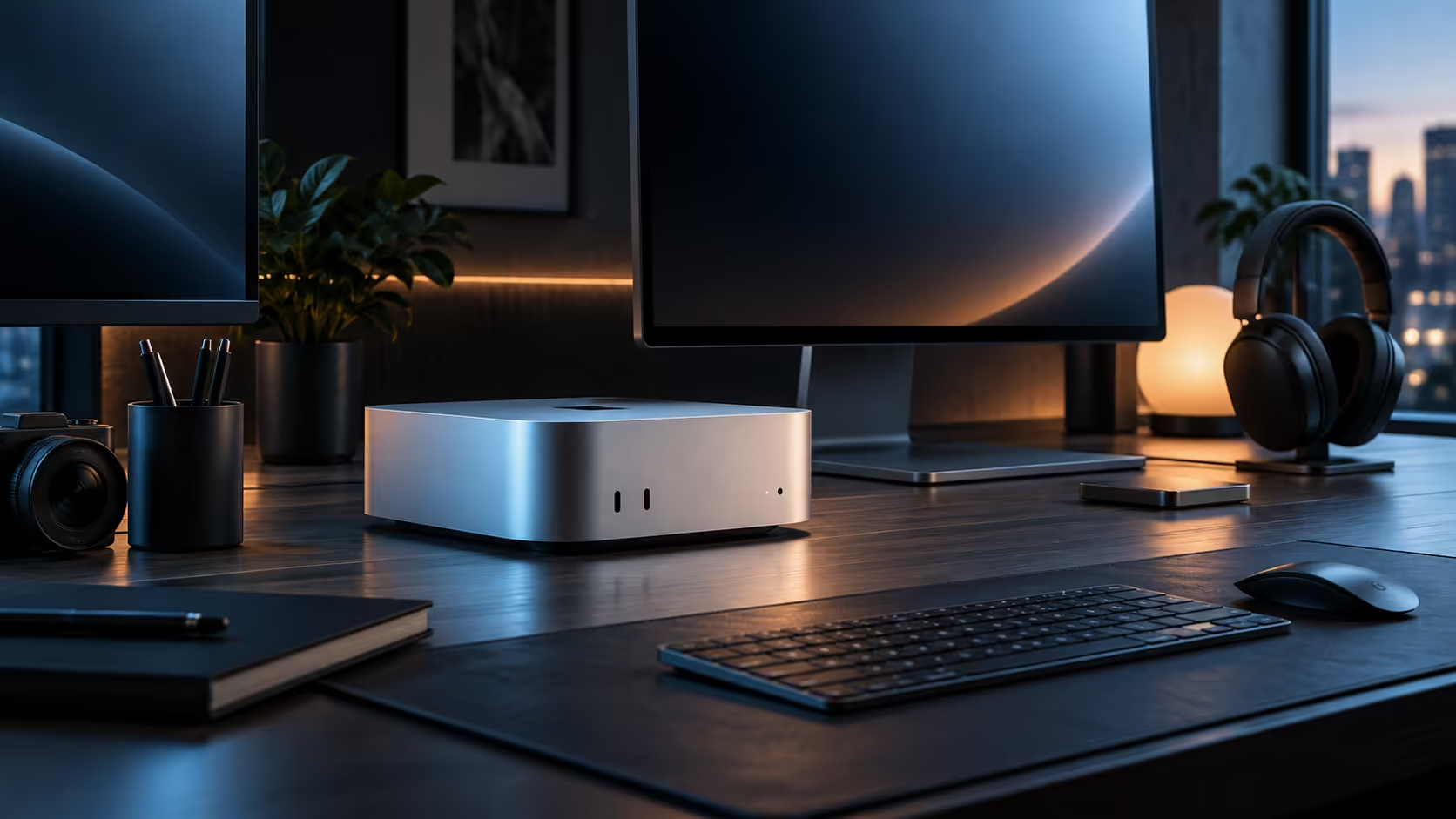
Swapping a laptop for a Mac Mini M6 and a proper monitor is one of the most common upgrade stories among South African buyers, and it usually starts with one screen before a second gets added a few months later once the budget allows.
Quick Answer
Start with one good monitor over Thunderbolt 4 or HDMI, since that single screen already beats most laptop displays outright at R21,699 for the machine alone. Add a second panel once the budget allows, and treat a third as a separate decision entirely, checked against the display ceiling Apple states for this chip rather than assumed from the port count.
💻 The laptop-to-desktop upgrade path
Anyone moving from a laptop screen around 13 inches to a Mac Mini desk notices the difference immediately with just one external monitor around 24 inches, since even an entry-level panel is larger and sharper than most built-in laptop displays. This is worth remembering when a first-time buyer feels pressure to go straight to two or three screens: one properly chosen monitor is already a meaningful upgrade on its own.
🛒 What actually changes the price of a second screen
A second monitor bought purely for reference material, chat windows or a browser can run to R1,500 or less against R4,000-plus for the primary display, since it is not doing any detailed work. Buyers who assume both screens need to match end up spending far more than the setup actually needs.
🇿🇦 Buying every panel locally
A monitor bought from a local South African retailer carries a warranty you can act on without shipping a panel overseas, which matters more the day a pixel defect shows up than it does on delivery day. Buying the R21,699 machine and every screen from the same place, rather than mixing in an imported panel to save a little upfront, keeps the whole desk under one support relationship.
📏 When to actually check the three-screen ceiling
Only once a genuine, specific reason for a third 1920x1080 screen exists, such as a dedicated reference monitor for professional work, is it worth reading the display limit Apple publishes for this chip. For most home and student setups, two screens is where the sensible upgrade path actually ends.
🪑 What else a first-time desktop buyer usually forgets
A laptop bundles its own screen, keyboard, trackpad and stand into one object, so switching to a desktop means those become separate purchases rather than assumptions. A basic keyboard and mouse pairing costing around R500, a monitor stand or riser if the desk is deep enough to need one, and a single cable clip to keep the desk tidy are the small items that turn a bare machine and a screen into an actually usable desk on day one.
🎒 What happens to the old laptop
Most buyers keep the old laptop around for genuine portability for another 1 or 2 years rather than selling it immediately, since a desktop upgrade does not remove the occasional need to work from a coffee shop or travel with something light. Treating the two as complementary, a fixed desktop for daily heavy use and a kept laptop for the rare trip, is usually the more sensible outcome than trying to replace one machine with the other entirely.
🛠️ Small accessories that make one monitor feel complete
A basic monitor arm or a stand-mounted riser, along with a cable clip to tidy the single video lead running to the machine, rounds out a one-screen upgrade properly without yet touching the cost of a second panel. Browse monitor accessories for exactly this kind of add-on before assuming the only path forward is buying a second screen outright.
Mac Mini shows every tier on offer, with mini PC sitting alongside it for anything outside Apple's own range.
Frequently Asked Questions
Is one monitor really enough to feel like an upgrade from a laptop?
Yes, for most people; a single well-chosen external screen is larger and sharper than nearly every laptop's built-in display.
Should both monitors in a two-screen setup be the same size?
No, a smaller, cheaper secondary screen for reference material is a sensible way to keep the total cost down.
Does the old laptop's screen resolution matter when picking the first external monitor?
Not directly; pick the external monitor based on your budget and desk space rather than trying to match a laptop screen you are moving away from entirely.
Is it worth buying a third screen just because the ports allow it?
Not unless you have a specific, ongoing reason for it; two screens covers most home and student setups comfortably.
How long does it typically take before adding a second monitor?
A few months is common, once the first monitor's benefit is fully felt and the budget for a second one has been set aside deliberately rather than spent elsewhere.
Ready to plan your Mac Mini upgrade from a laptop screen?
Start with one great monitor, then decide on a second once the budget allows.