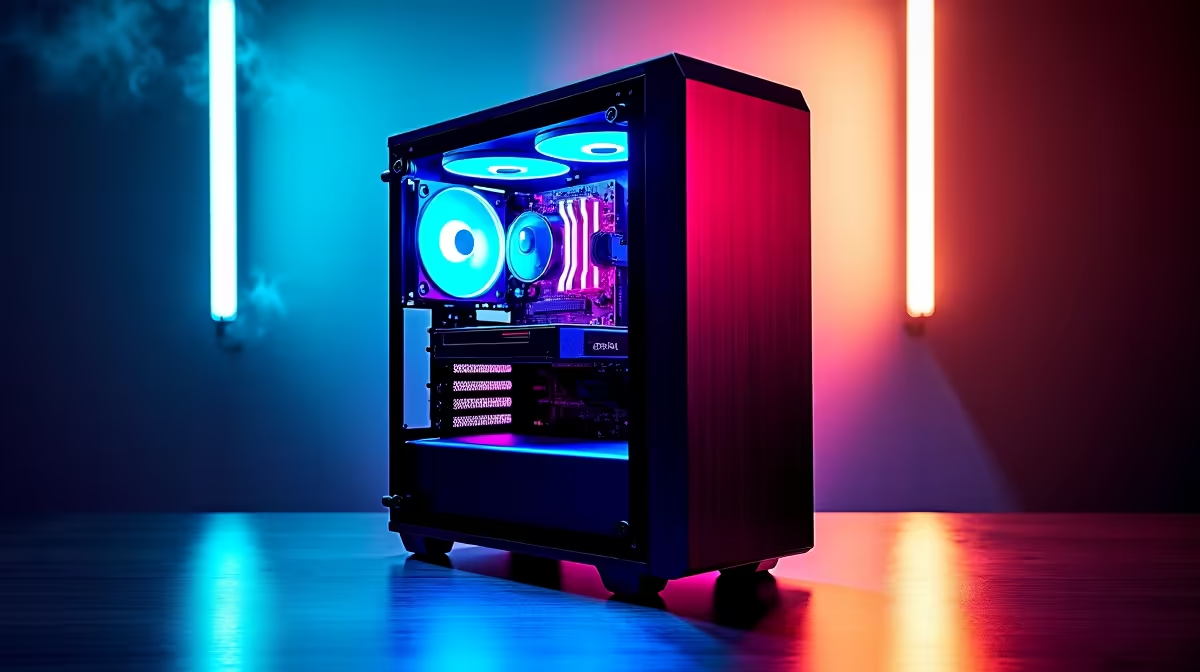
So, you’ve heard the buzz. AI is no longer just a sci-fi dream; it’s enhancing your games with DLSS, editing your photos with a click, and even helping you code faster. The next frontier? A PC built specifically to harness this power. For South African gamers, creators, and tech enthusiasts, building your first AI PC is the ultimate upgrade. This guide is your complete AI PC build checklist to get you started on that journey.
So, What Exactly Is an AI PC?
Let's clear this up straight away. An "AI PC" isn't a magical new type of computer. It’s a high-performance PC with components specifically chosen to excel at artificial intelligence and machine learning tasks. Think of it as a rig that’s not just great for gaming, but also for running local AI models, accelerating creative workflows, and handling next-gen applications.
The secret sauce lies in hardware designed for parallel processing… crunching massive amounts of data all at once. This guide to building an AI PC will focus on the key parts that make this possible.
Your Core AI PC Build Checklist 🔧
Getting the component mix right is crucial. While every part of a PC matters, three components do the heavy lifting for AI workloads. Here’s the checklist for an AI PC that delivers serious performance.
The GPU: The Heart of Your AI Machine
The Graphics Processing Unit (GPU) is, without a doubt, the most important component in your build. Its architecture, designed to handle thousands of operations simultaneously for graphics, is perfect for AI.
- NVIDIA: With their CUDA cores and dedicated Tensor Cores, NVIDIA is the current industry leader for consumer-grade AI. They offer incredible performance in a massive range of AI applications. If you're serious about AI, browsing NVIDIA GeForce gaming PCs is an excellent starting point.
- AMD: Team Red isn't slacking. Modern Radeon GPUs pack powerful AI accelerators and offer fantastic performance-per-rand, making them a brilliant choice for both gaming and creative AI tasks. You can find some incredible value in our range of AMD Radeon gaming PCs.
- Intel: As a growing force in the GPU space, Intel's Arc GPUs also include dedicated AI hardware called XMX Engines, offering another compelling option for your build, especially when looking at our Intel Arc gaming PCs.
The CPU: The Brains of the Operation
While the GPU handles the heavy lifting, the CPU manages the entire system. Newer CPUs are now shipping with a dedicated Neural Processing Unit (NPU)—a small, efficient processor designed to handle sustained, low-power AI tasks like background blurring in video calls without taxing your main processor.
Whether you lean towards the latest Core Ultra chips found in our Intel PC deals or the powerful processors in our AMD Ryzen PC deals, a modern CPU is a cornerstone of a responsive AI machine.
RAM and Storage: Fuelling the Beast
AI models and the datasets they use are massive. Don't skimp here.
- RAM: 16GB is the absolute minimum, but 32GB of fast DDR5 RAM is the real sweet spot for a smooth experience.
- Storage: A fast NVMe SSD is non-negotiable. It dramatically cuts down loading times for apps, games, and the large files you'll be working with.
Balancing Your Build: Budget vs. Beast Mode ✨
Building your first AI PC in South Africa doesn't mean you have to empty your savings account. Many modern, budget-friendly gaming PCs already have the horsepower to handle entry-level AI tasks and AI-powered gaming features.
For professionals in 3D rendering, data science, or high-end video production, investing more into a rig that doubles as one of our powerful workstation PCs will pay for itself in saved time. The key is to find the right balance for your needs and budget, and our list of the best gaming PC deals is the perfect place to see what's possible.
Don't Want to Build? No Stress! 🚀
Feeling a bit overwhelmed by this AI PC build guide? That’s perfectly fine. The DIY route isn’t for everyone. A professionally assembled machine guarantees that all components are compatible, expertly installed, and covered by a single, simple warranty.
If you want the power without the hassle of building, exploring our pre-built PC deals is your best bet. You get all the performance, tested and ready to go, straight out of the box.
AI-Powered Audio Trick ⚡
If you have an NVIDIA RTX GPU, download the free NVIDIA Broadcast app. Its AI-powered noise removal is incredible for cleaning up your mic audio during streams or Discord calls. It can filter out everything from keyboard clicks to the neighbour's hadeda, making you sound like you're in a professional studio.
Ready to Unleash Your AI Potential?
The AI PC journey can seem complex, but whether you're crafting the ultimate custom rig or choosing a perfectly optimised pre-built machine, the power is within your reach. Dive into our PC configurator and start designing the machine of your dreams today.