


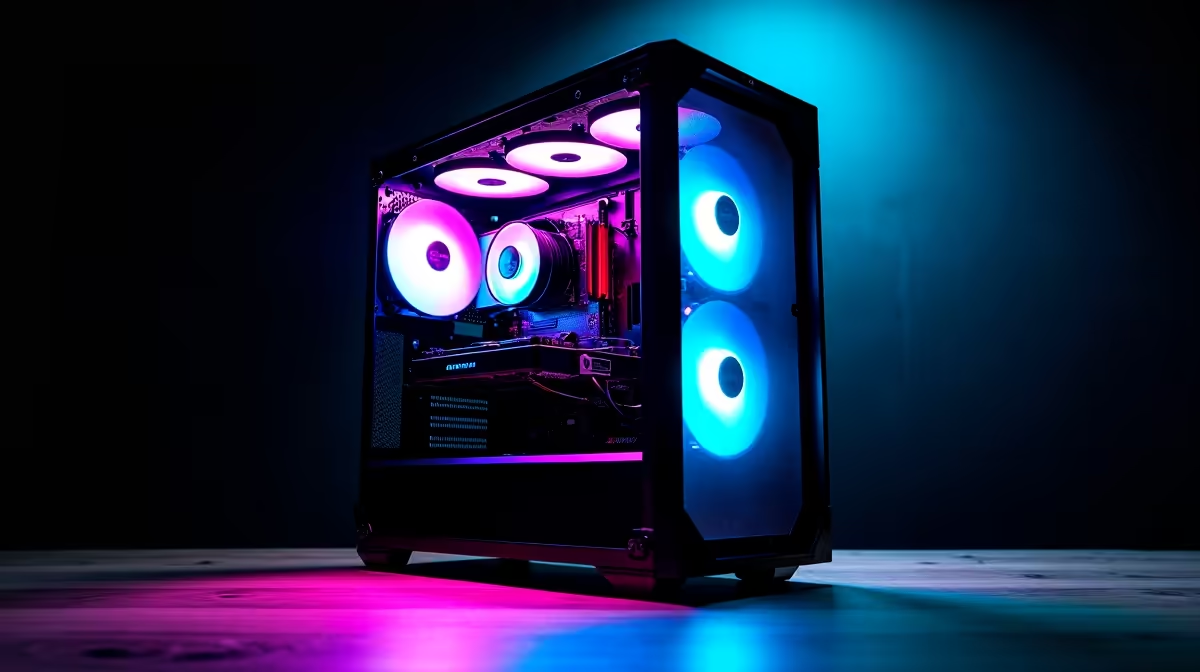
Heard the buzz around AI? From generating wild art with Stable Diffusion to getting help from ChatGPT, artificial intelligence is no longer just sci-fi… it's a powerful tool you can use right now. But to truly unlock its potential, you need the right hardware. This AI PC build guide for beginners is your first, step-by-step map to assembling a machine that can think, create, and compute right here in South Africa. Let's get building! 🚀
What Exactly Makes a PC an "AI PC"?
At first glance, an AI-focused PC looks a lot like a high-end gaming rig. Many of the parts overlap, but the priority is different. While gaming PCs balance everything for smooth frame rates, an AI PC build focuses intensely on one key component: the Graphics Processing Unit (GPU).
AI tasks like training models or generating images involve performing millions of simple calculations at the same time. This is called parallel processing, and it’s exactly what GPUs were designed for. The more powerful your GPU, the faster you can work.
Your Step-by-Step Component Guide
Building your first AI PC is about making smart choices. You don't need the most expensive part in every slot, but you do need to invest where it counts. Here's our beginner-friendly breakdown.
The Brains: Central Processing Unit (CPU)
While the GPU handles the heavy AI lifting, the CPU is the project manager. It prepares data, runs the operating system, and keeps everything flowing smoothly. A sluggish CPU will bottleneck even the most powerful GPU.
For a balanced AI PC build, you can't go wrong with modern multi-core processors. Both Intel PC deals featuring their Core series and the latest AMD Ryzen PC deals offer fantastic performance without breaking the bank. Aim for at least 6-8 cores to start.
The Muscle: Graphics Processing Unit (GPU) 💪
This is the most important decision in your AI PC build guide for beginners. Your GPU's power, and specifically its video memory (VRAM), will determine the size and complexity of the AI models you can run.
Currently, NVIDIA is the top choice for most AI work. This is because of its CUDA platform, a software layer that most AI tools are heavily optimised for. More VRAM is critical; aim for at least 12GB. Systems built around NVIDIA GeForce gaming PCs are an excellent starting point.
While NVIDIA leads, don't discount other options. For certain tasks and for those who also want great gaming value, exploring AMD Radeon gaming PCs is a smart move. And with improving software support, even Intel Arc gaming PCs are becoming a viable budget-friendly choice.
CUDA is Key ⚡
For beginners, we strongly recommend an NVIDIA GPU. Why? The vast majority of online tutorials, university courses, and pre-trained AI models are built using NVIDIA's CUDA. Starting with an NVIDIA card means you'll spend more time learning and creating, and less time troubleshooting software compatibility issues.
Memory & Storage: RAM and SSDs
AI models and the datasets they use can be huge. Your PC needs fast access to this data.
- RAM: This is your PC's short-term memory. 16GB is the bare minimum, but 32GB is the sweet spot for a beginner AI build. It allows you to handle larger datasets without your system slowing to a crawl. Many of the best gaming PC deals now come standard with 32GB of RAM.
- Storage: A fast NVMe Solid State Drive (SSD) is non-negotiable. It will dramatically reduce loading times for your OS, apps, and datasets. A 1TB NVMe SSD is a great starting point.
The Foundation: Motherboard and Power Supply (PSU)
These components tie everything together.
- Motherboard: Ensure your motherboard is compatible with your chosen CPU (e.g., an AM5 socket for modern Ryzen CPUs) and has enough PCIe slots for your GPU and other components.
- Power Supply Unit (PSU): Don't cheap out here. A powerful GPU needs a lot of stable power. Use a PSU calculator online to determine your wattage needs and choose a reputable brand with an 80+ Gold rating or better.
Bringing It All Together: The Build ✨
Assembling the parts is a rewarding experience. But let's be honest... it can be intimidating for a first-timer. The good news is, you don't have to do it yourself to get started.
If you want a solid foundation without the hassle, exploring budget gaming PCs can give you a great starting point that you can upgrade later. For those who want to skip the screwdriver session entirely, our wide range of pre-built PC deals are assembled and tested by professionals. And if you're serious about turning this into a career, our powerful Workstation PCs are configured for maximum performance and reliability.
Ready to Power Your AI Dreams? Building your first PC is a fantastic journey. But if you'd rather jump straight into creating, our expertly configured systems are the perfect shortcut. Use our award-winning tool to design your ultimate machine. Design Your Custom PC with the Evetech PC Builder











