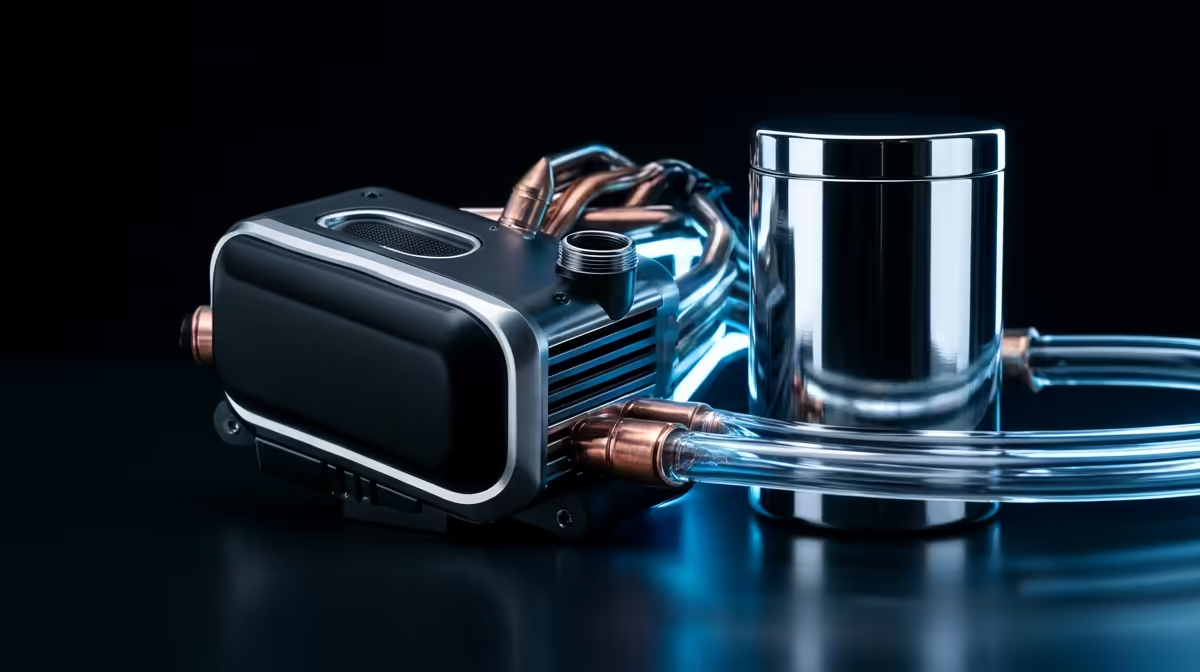
Building a new rig for 2025? Awesome. But before you pair that shiny new Intel i7 or AMD Ryzen 7 CPU with a graphics card, there’s a critical choice to make. It’s the age-old battle that can make or break your performance during a heated Apex Legends match in a Durban summer: the air vs liquid cooling debate. Picking the wrong one means thermal throttling, lost frames, and a PC that sounds like a jet engine. Let's get it right.
The Great Debate: Air vs Liquid Cooling Fundamentals
At its core, the choice between air vs liquid cooling is about how you move heat away from your processor. An air cooler uses a metal heatsink and fans to dissipate heat into the air. A liquid cooler, or All-in-One (AIO), uses a pump to circulate fluid through a closed loop, moving heat from the CPU to a radiator, where fans cool it down. Both have their place in modern Intel and AMD builds, but they serve different masters.
Before diving deeper, it's worth getting familiar with the massive range of CPU coolers available. The options can seem endless, but understanding the basics makes the choice simple.
The Case for Air Cooling: Simple, Reliable, and Effective
Don't let the simplicity fool you. Modern high-performance air coolers are engineering marvels, capable of taming even powerful CPUs without the complexity of liquid. For most South African gamers building mid-range to high-end PCs, a quality air cooler is often the smartest choice.
Why Go with Air?
- Reliability: With fewer moving parts (just a fan), there's less that can go wrong. No pumps to fail, no liquid to leak. It's the fit-and-forget solution, perfect for those who want peace of mind, especially with our unpredictable power grid.
- Cost-Effective: You can get phenomenal cooling performance from an air cooler for a fraction of the price of a premium AIO. This frees up your budget for a better GPU or more RAM. You can find many reliable air coolers from Gamdias that offer fantastic value.
- Easy Installation: Most air coolers are straightforward to install. You mount a bracket, apply thermal paste, and clip on the heatsink. Done. 🔧
The main drawback? Size. Large air coolers can have clearance issues with tall RAM modules or small PC cases, so always check your dimensions.
Airflow is King 👑
Your fancy new cooler won't work well if your case is a hotbox. Ensure you have at least one intake fan at the front and one exhaust fan at the rear. This creates a clear path for cool air to flow over your components and for hot air to be expelled. Positive air pressure (more intake than exhaust) can also help reduce dust buildup!
The Allure of Liquid Cooling: Peak Performance and Aesthetics
When you're pushing a top-tier Intel Core i9 or an AMD Ryzen 9 to its absolute limits, or you just want that clean, futuristic look for your build, an AIO liquid cooler is tough to beat. They offer superior heat dissipation, making them ideal for heavy overclocking, intense rendering, and marathon gaming sessions.
Why Choose an AIO?
- Superior Cooling Power: Liquid is simply more efficient at transferring heat than air. An AIO can keep CPU temperatures lower under sustained, heavy loads, preventing thermal throttling and squeezing out maximum performance. For demanding tasks, this is the key advantage in the air vs liquid cooling showdown.
- Sleek Aesthetics: Let's be honest, AIOs look incredible. The clean CPU block and vibrant RGB lighting on top-tier AIOs from Corsair can be the centrepiece of a stunning build.
- Better Case Airflow: By moving the heat exchange to a radiator mounted on the case edge, the area around your CPU socket is much clearer. This can improve overall airflow to your motherboard's VRMs and other components.
Many gamers find a sweet spot with versatile 240mm AIO coolers, which offer a great balance of performance and compatibility with most cases. You can even find cost-effective options like Gamdias AIO liquid coolers that bring liquid cooling within reach for more builds. ✨
So, Which Cooler is Right for Your 2025 Build?
The best choice in the air vs liquid cooling debate for your Intel or AMD rig in 2025 comes down to three things: your CPU, your budget, and your goals.
- For the Everyday Gamer & Budget Builder (e.g., Ryzen 5, Core i5): An air cooler is your champion. It provides more than enough cooling power, saves you money, and is incredibly reliable.
- For the Enthusiast & Overclocker (e.g., Ryzen 7, Core i7): This is where it gets interesting. A high-end air cooler can often match a 240mm AIO in performance. The choice here is often down to aesthetics, case space, and price.
- For the Ultimate Performance Chaser (e.g., Ryzen 9, Core i9): Go liquid. 🚀 To consistently keep these heat-generating monsters boosted to their max clocks, a 280mm or 360mm AIO is the recommended path for optimal performance.
Ultimately, both technologies are fantastic. The key is matching the cooler to the job it needs to do. Don't overspend on a massive AIO for a CPU that doesn't need it, and don't bottleneck your new i9 with an undersized air cooler.
Ready to Tame Your Temps?
The air vs liquid cooling debate is all about your specific needs, but the right choice guarantees a cooler, faster rig. Explore our massive range of PC components and find the perfect parts to conquer the heat.