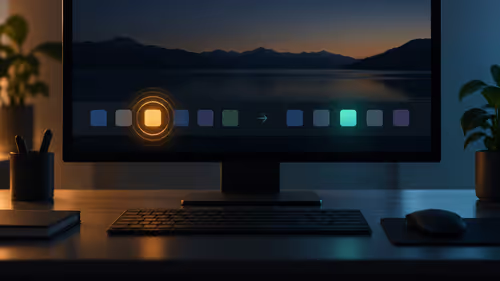
Tired of alt-tabbing out of a tense Apex Legends firefight just to mute Discord? Or trying to follow a build guide on a tiny corner of your screen? We’ve all been there. A single monitor just doesn't cut it anymore for serious gaming or multitasking. It's time to level up your entire battle station. An Arozzi dual monitor setup isn't just an upgrade; it’s a complete transformation of how you play, work, and create. 🚀
Why Go Dual? The Ultimate Upgrade for Your Gaming Station
Expanding to two screens is one of the most impactful upgrades you can make. Suddenly, you have the digital real estate to game on your main screen while keeping an eye on your stream chat, system temps, or a YouTube tutorial on the other. For content creators and students, it’s a massive productivity boost. Imagine editing a video on one monitor while browsing your source files on the second... no more constant window switching.
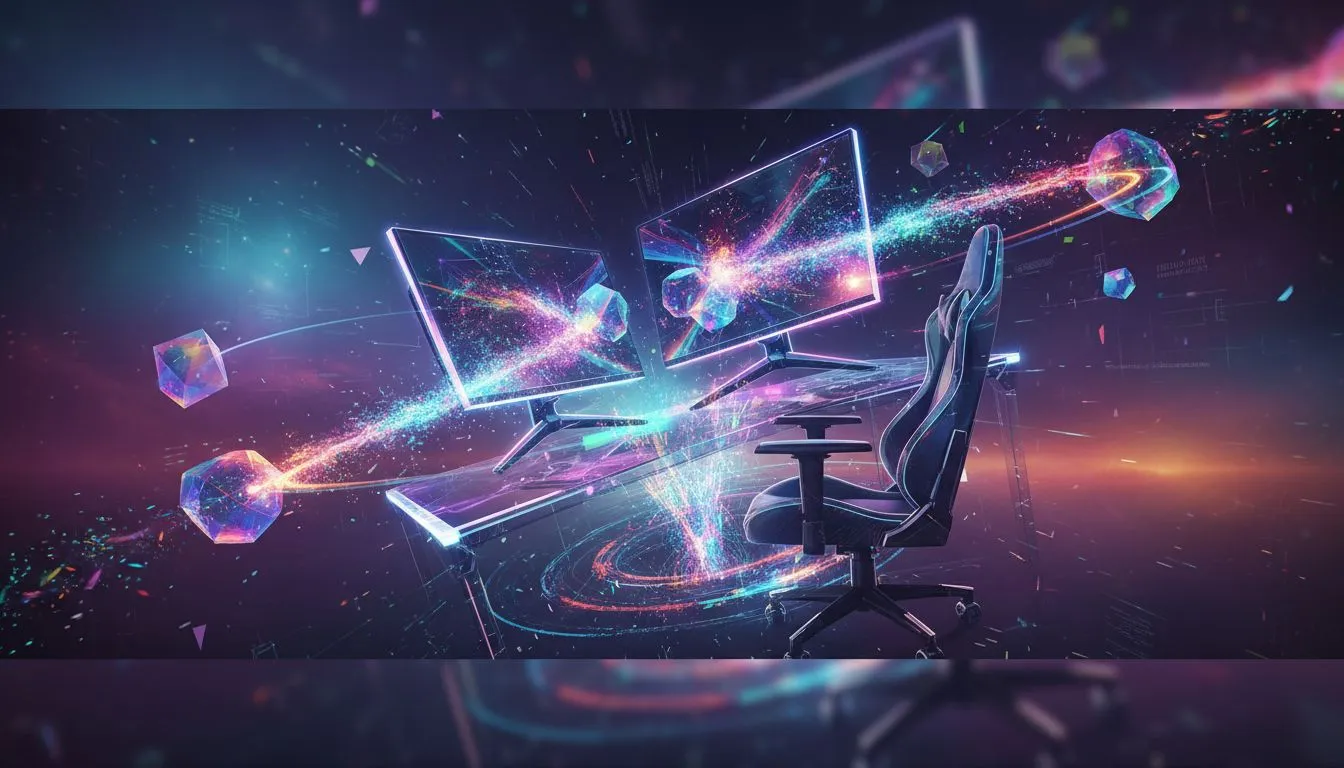
Building the ultimate gaming station starts with having the right vision, and a dual-screen layout is central to that. It creates an immersive cockpit that puts you in total control. The key is choosing the right PC monitors that fit your needs and budget.
Assembling Your Arozzi Dual Monitor Setup
Creating the perfect setup is about more than just plugging in a second screen. It’s about synergy between all your components, from the displays themselves to the desk they sit on.
Choosing the Perfect Pair of Screens
Your monitors are your windows to the digital world. For a dual monitor setup, you have two main approaches:
- Twin Screens: Use two identical monitors for a clean, symmetrical look and consistent colour and performance.
- Primary & Secondary: Use a high-refresh-rate gaming monitor as your main, and a secondary, perhaps 60Hz IPS monitor, for browsing and media.
Look for features like a high refresh rate (144Hz or more) and adaptive sync technology. Many modern monitors with AMD FreeSync offer buttery-smooth gameplay by eliminating screen tearing, which is crucial when you're pushing pixels across two displays.
Powering Your Pixels
Driving two monitors, especially at high resolutions and refresh rates, requires a bit of muscle. Your PC’s graphics card is doing the heavy lifting. While most modern GPUs can handle two screens for desktop use, you'll need a powerful graphics card from NVIDIA or AMD to ensure you can game on one and watch a 4K video on the other without your frame rate taking a nosedive.
The Arozzi Foundation: Desk & Chair
An Arozzi dual monitor setup is truly complete when it's supported by the right furniture. Arozzi desks are built to handle the weight and space requirements of multiple monitors, with smart cable management systems to keep your space looking clean. Pairing it with an ergonomic chair ensures you can stay comfortable during those marathon gaming sessions. Explore Arozzi's range of gaming desks and chairs to build a cohesive and comfortable command centre. ✨
Productivity Pro Tip ⚡
On Windows, use the built-in Snap Layouts feature (hover over the maximise button) to quickly arrange your apps. For even more control, Microsoft's free PowerToys app includes FancyZones, which lets you create custom, complex layouts perfect for managing Discord, OBS, and your game simultaneously on a dual monitor setup.
Is a Dual Monitor Setup Your Next Big Win?
If you stream, create content, or simply want a more immersive and productive gaming experience, the answer is a resounding yes. The ability to multitask without compromise is invaluable. An Arozzi dual monitor setup provides the screen space you need, backed by the ergonomic support to help you perform at your best, whether you're climbing the ranks in Valorant or finalising a work project. It's an investment in your passion and your productivity.
Ready to Build Your Dream Setup?
A dual monitor setup is the cornerstone of a modern gaming station. From the desk to the displays, we've got everything you need. Explore our full range of Arozzi gaming setups and start building the ultimate command centre today.