


Chasing 144fps in Atomic Heart on an RTX 4070 Super at 1440p is realistic, but only with DLSS doing some lifting. The card is fast, yet Atomic Heart's volumetrics and shadows are heavy enough that native 1440p sits in the 85 to 95fps range.
Quick Answer
To hit 144fps in Atomic Heart at 1440p on an RTX 4070 Super, run the High preset with DLSS set to Balanced and Shadow Quality at High. That combination lands a 140 to 150fps average; native 1440p without DLSS tops out around 90fps, so DLSS is non-negotiable for the 144 target.
The 144fps Settings Recipe
Begin at High, then set DLSS Balanced (the 144fps enabler), Shadow Quality High, Volumetric Lighting Medium-to-High, and Reflections High. Keep Texture Quality on Ultra; the 4070 Super's 12GB VRAM has the room and textures barely cost frames. Cap the game at 144fps in the Nvidia app to stop frame-time spikes, and enable Reflex to keep input latency low for a fast-paced shooter.
Matching The Rest Of Your Rig
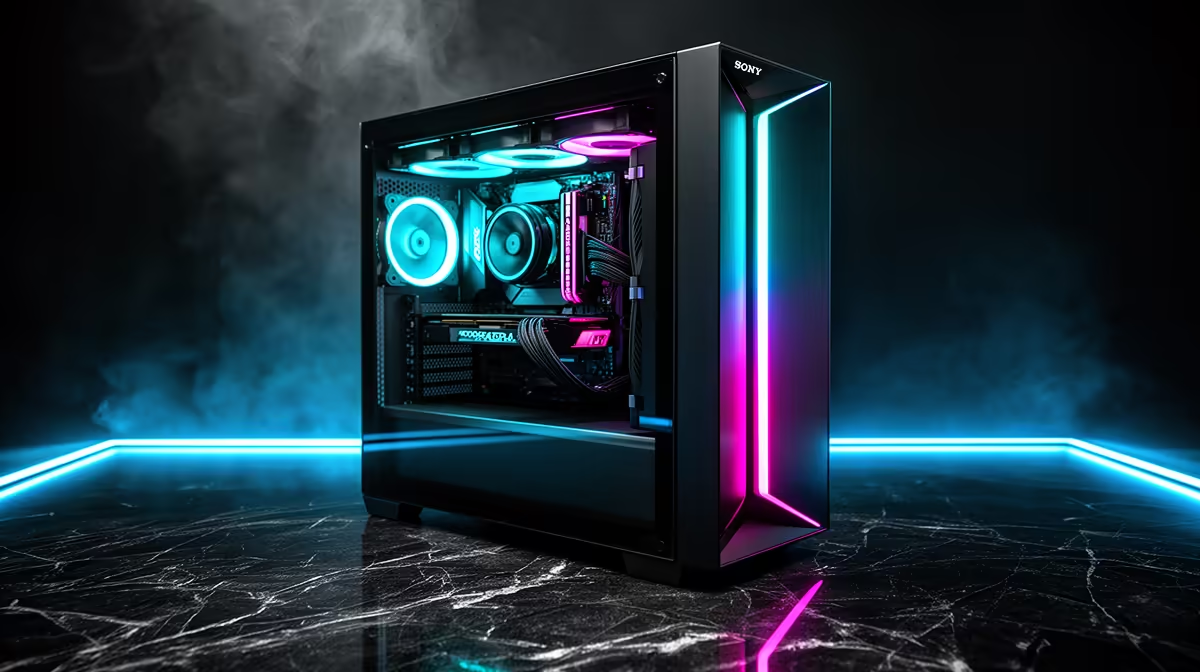
A 144fps target needs a CPU that can feed it: a Ryzen 7 7700X or Core i5-14600K paired with 32GB DDR5-6000 keeps 1% lows healthy. The RTX 4070 Super sits in Evetech's upper-mid GPU tier; budget around a 750W 80+ Gold PSU for the 220W board power plus headroom. A 144Hz or 165Hz 1440p panel (roughly R5,000 and up locally) completes the loop.
FAQ
Can the RTX 4070 Super hit 144fps in Atomic Heart at 1440p?
Yes, with DLSS Balanced and shadows on High you average 140 to 150fps. Native, expect closer to 90fps, so DLSS is required for the 144 target.
Does DLSS Balanced hurt image quality in Atomic Heart at 1440p?
Minimally. At 1440p, Balanced still upscales from a high internal resolution, so the image stays clean while delivering the frames a 144Hz panel wants.
What CPU should pair with a 4070 Super for 144fps gaming?
A Ryzen 7 7700X or Core i5-14600K is the sweet spot. Either has the single-thread speed to keep 1% lows above 100fps so the experience feels as smooth as the average suggests.
Match your RTX 4070 Super with a 165Hz 1440p panel from Evetech, set Atomic Heart to DLSS Balanced and cap at 144fps in the Nvidia app for a locked, low-latency feel.











