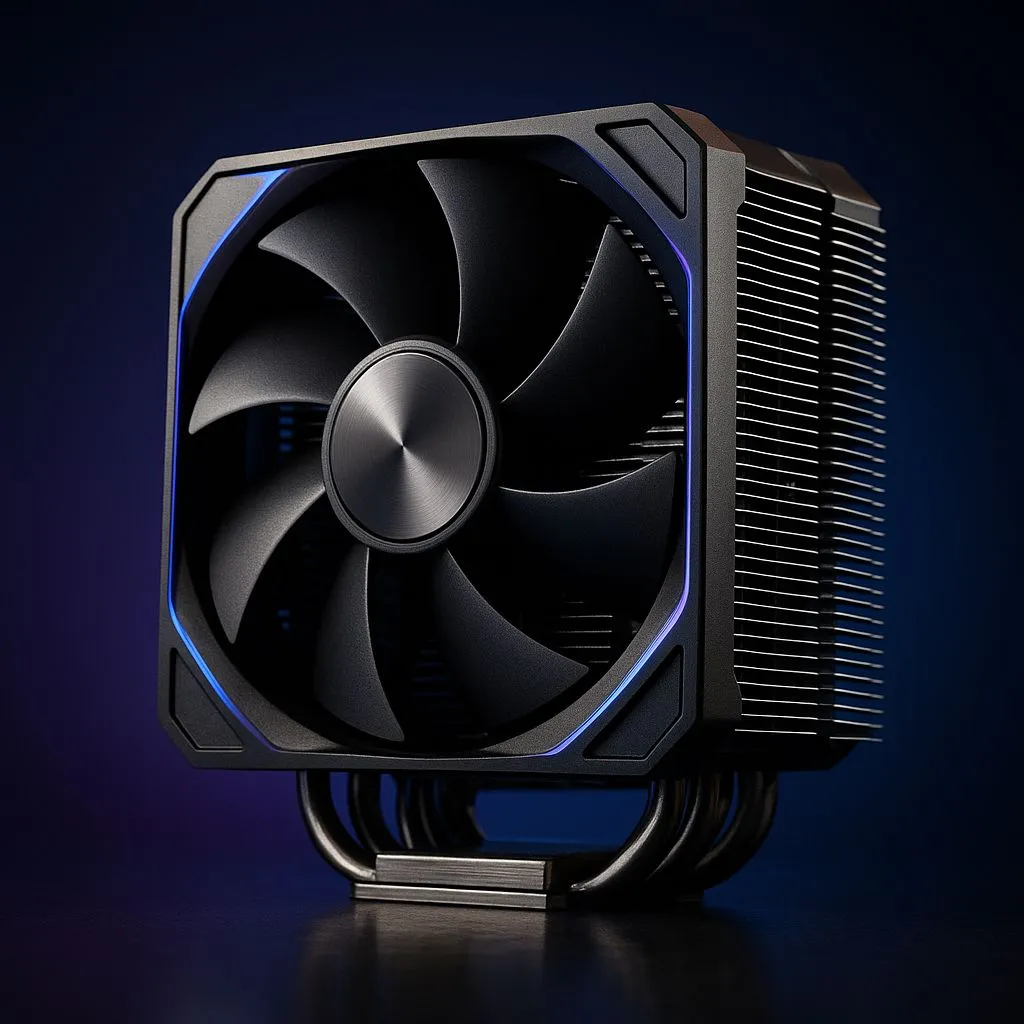
Getting ready for the NVIDIA RTX 5070? We are too! This beast is set to redefine 1440p gaming in South Africa. But before you plan that upgrade, let's talk about heat. A powerful new GPU means your whole system runs hotter, and your CPU will feel the burn. Choosing the best cooler for your RTX 5070 build isn't just a good idea... it's essential to unlock its full potential without your PC sounding like a jet engine. 🚀
Why Your CPU Cooler is Crucial for an RTX 5070 Build
You might be thinking, "This is a guide for a GPU, why focus on the CPU cooler?" It's a great question. While the RTX 5070 will have its own cooling solution, it dumps a significant amount of hot air directly into your PC case. This raises the ambient temperature, making it much harder for your CPU cooler to do its job effectively.
If your CPU gets too hot, it will thermal throttle—automatically reducing its speed to prevent damage. The result? Stuttering, frame drops, and a CPU that bottlenecks your brand-new graphics card. Finding the best cooler for your RTX 5070 build ensures your processor keeps up, giving you the smooth, high-frame-rate experience you paid for.
Air Cooling vs. Liquid Cooling: The Big Decision
When it comes to cooling your CPU, you have two main choices. There's no single "right" answer; it all depends on your budget, case, and performance goals.
The Case for Air Cooling
Modern air coolers are engineering marvels. They use a combination of heat pipes and a large fin stack to draw heat away from the CPU, which is then dissipated by fans.
- Pros: Extremely reliable (fewer moving parts), easier to install, and often more affordable.
- Cons: Can be very bulky, potentially interfering with tall RAM sticks or case side panels. Top-tier performance might lag slightly behind large AIOs.
For a balanced RTX 5070 build with a mid-range CPU like a future Core i5 or Ryzen 5, a high-performance air cooler is a fantastic, no-fuss option.
The Allure of Liquid Cooling (AIO)
All-in-One (AIO) liquid coolers use a closed loop with a pump, radiator, and tubes to move heat away from the CPU and exhaust it directly from the case.
- Pros: Generally superior cooling performance, especially for high-end CPUs. They also offer a cleaner, more modern aesthetic inside your build.
- Cons: More complex, with more potential points of failure (though modern AIOs are very reliable). Can be more expensive.
If you plan on overclocking or pairing your 5070 with a top-tier CPU, exploring the world of sleek All-in-One (AIO) liquid coolers is the way to go for maximum performance. ✨
Check Your Clearance! 🔧
Before buying any cooler, especially a large air cooler or an AIO with a thick radiator, check your case specifications. You need to know the maximum CPU cooler height and radiator support (top, front, or side mount). There's nothing worse than getting your new gear only to find it doesn't fit!
Key Factors for Your 2025 Thermal Solution
Choosing the best cooler for an RTX 5070 build involves more than just picking a side in the air vs. liquid debate. Here are a few more things to consider as you prepare for next-gen gaming.
Radiator Size: Bigger is Often Better
For AIOs, the radiator size is king. While a 240mm AIO is a solid starting point, the increased heat load from a next-gen system makes a larger radiator a smart investment. We highly recommend considering beefy 360mm radiator models for high-end builds. The larger surface area allows for more efficient heat dissipation at lower fan speeds, meaning a cooler and quieter PC.
Trusted Brands and Build Quality
Your cooler is a critical component working tirelessly to protect your expensive CPU. It pays to invest in quality. Look for trusted brands like Corsair, which are known for their excellent performance, solid warranties, and great build quality here in South Africa.
Future-Proofing Your Build
While we don't know the exact specs of the CPUs that will launch alongside the RTX 50 series, we know they'll be powerful. Selecting a high-performance cooler now is a form of future-proofing. It ensures you have the thermal headroom to handle not just today's top processors, but tomorrow's as well. A great cooler can easily last you through multiple PC upgrade cycles.
Ultimately, the goal is to create a balanced system where no single component holds another back. By pairing your new GPU with a capable cooler, you're building a stable, high-performance machine ready for years of enjoyment. You can find the perfect CPU cooler for your needs right here on Evetech.
Ready to Tame the Heat?
Picking the perfect cooler ensures your new RTX 5070 build runs cool, quiet, and lightning-fast. Don't let thermal throttling steal your frames. Explore our massive range of CPU coolers and find the ideal thermal solution to conquer your next gaming adventure.