


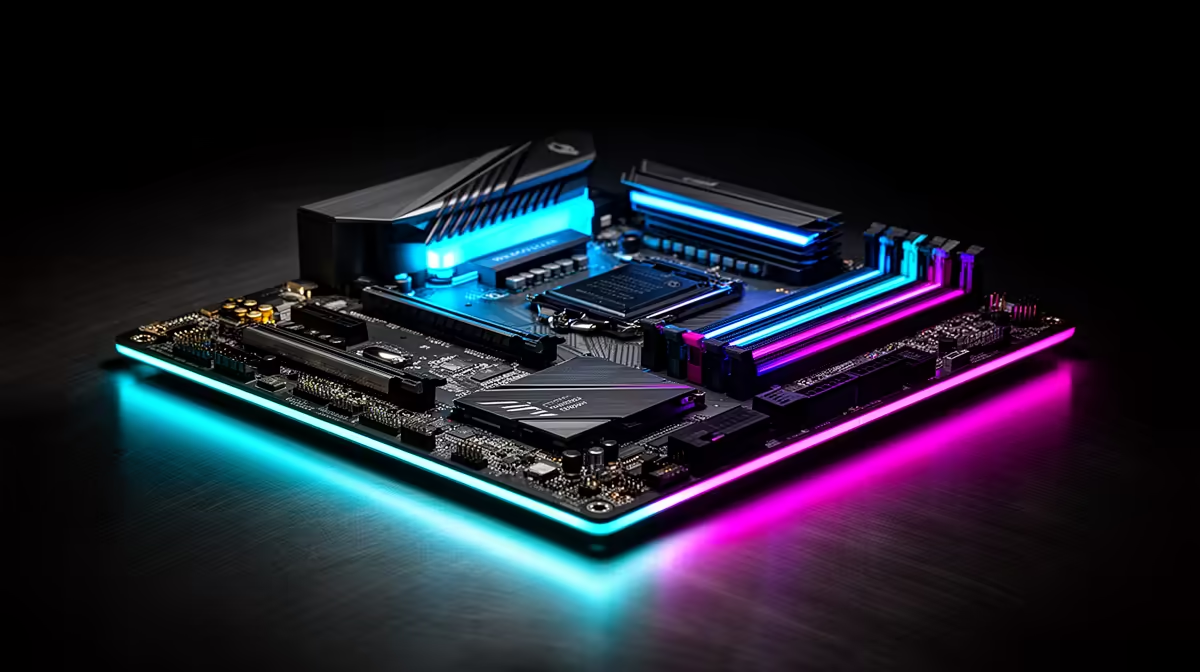
Choosing a new motherboard for your gaming PC in South Africa can feel overwhelming. It's the central hub connecting your prized CPU, GPU, and RAM, but with so many chipsets and specs, where do you even start? Get it wrong, and you could bottleneck your entire system. This guide cuts through the noise, explaining exactly what you need to know about finding the best motherboards for gaming and ensuring perfect RAM compatibility from the get-go. 🚀
Understanding the Motherboard's Role in Gaming Performance
Think of your motherboard as the command centre of your gaming rig. It doesn’t just hold your components; it dictates how well they communicate and perform together. A quality motherboard ensures stable power delivery to your CPU for consistent frame rates, provides high-speed pathways for your graphics card and SSD, and ultimately defines your PC's potential and future upgrade options.
The chipset is the board's brain, determining compatibility with specific CPU generations and unlocking features like overclocking. For instance, a high-end chipset will offer more PCIe lanes and faster connections, which is crucial for getting the most out of top-tier components. This foundation is key to building a balanced and powerful machine.
Cracking the Code: Motherboard and RAM Compatibility Explained
One of the biggest hurdles for PC builders is motherboard and RAM compatibility. It’s not just about plugging the sticks in. Your motherboard is designed for a specific generation of RAM—either DDR4 or DDR5. You can't mix them. Furthermore, the board has a maximum supported RAM speed, measured in megahertz (MHz).
To hit those advertised high speeds (like 6000MHz on a DDR5 kit), you'll need to enable a setting in your BIOS called XMP (for Intel) or EXPO (for AMD). But here's the catch: not every RAM kit is guaranteed to work with every motherboard, even if the specs match. This is where the QVL comes in.
Pro Tip: Always Check the QVL! ⚡
The Qualified Vendor List (QVL) is your best friend. Before buying RAM, visit your motherboard manufacturer's website and find the support page for your specific model. The QVL is a list of every single RAM kit they have tested and certified to work flawlessly. Checking this simple list can save you hours of troubleshooting headaches.
Ensuring this compatibility is vital whether you're building a high-end rig or browsing through more affordable Intel and AMD based motherboards; a stable system is a happy system.
Finding the Best Motherboards for Gaming: Intel vs. AMD
Your choice between an Intel or AMD processor will lock you into a specific ecosystem of motherboards. You can't put an AMD CPU in an Intel motherboard, or vice versa, because they use completely different socket types.
Team Blue: Intel Motherboards
Intel's mainstream gaming motherboards typically use Z-series chipsets (like Z790) for enthusiasts who want to overclock their K-series CPUs, and B-series chipsets (like B760) for excellent performance without the overclocking features. When building your next PC, exploring a solid range of Intel motherboards is the perfect starting point for any Team Blue build. 🔧
Team Red: AMD Motherboards
For AMD, the X-series chipsets (like X670E) are the top-tier option, offering maximum connectivity and overclocking support for Ryzen CPUs. The B-series (like B650) hits the sweet spot for most gamers, providing fantastic features and value. The platform's long-term socket support is also a huge plus for future upgrades. Check out the latest AMD motherboards to see the powerful options available for your Ryzen build.
Ultimately, the best gaming motherboards are the ones that fit your chosen CPU and budget perfectly, while offering the features you need for the future.
Ready to Build Your Ultimate Rig? Choosing the best motherboard for your gaming setup is the first step to victory. Armed with this knowledge, you're ready to pick the perfect foundation. Explore our huge range of motherboards and find the perfect board to power your next adventure.











