Quick Answer
Razer does not manufacture monitors under its own brand name in the traditional sense, meaning dedicated Razer-branded monitors under R3,000 are not a product category that exists in the SA market in 2026. However, Razer-compatible and gaming monitors at this price point offer excellent performance for Razer peripheral setups, and the R3,000 budget opens up a strong selection of 1080p and 1440p gaming displays.
The Reality of Razer Monitors in South Africa
Razer's product lineup in South Africa focuses on peripherals, laptops, and accessories rather than standalone desktop monitors. The Razer Raptor monitor line exists internationally but is positioned as a premium product well above the R3,000 mark when imported to South Africa. As of 2026, you will not find an official Razer-branded monitor under R3,000 at local retailers. This is an important clarification because the search intent behind this topic typically means one of two things: a buyer looking specifically for Razer-branded monitors, or a buyer who wants a gaming monitor under R3,000 that suits a Razer-themed setup.
If you are building a Razer Chroma ecosystem with Razer keyboard, mouse, and headset, the good news is that any monitor under R3,000 with strong gaming credentials will complement your setup. Razer Chroma does not extend to third-party monitors regardless of price, so the monitor brand is purely a visual and performance decision.
Best Gaming Monitors Under R3,000 for a Razer Setup
In the R2,500 to R3,000 price band in South Africa in 2026, the strongest performers are 24-inch to 27-inch 1080p panels with 144Hz to 165Hz refresh rates. At this resolution and refresh rate, you get genuinely competitive gaming performance at a price that leaves budget for your peripherals. IPS panels in this range offer better colour accuracy and viewing angles than TN panels, which have largely disappeared from new stock at this price point. VA panels appear occasionally and offer excellent contrast for dark-room gaming.
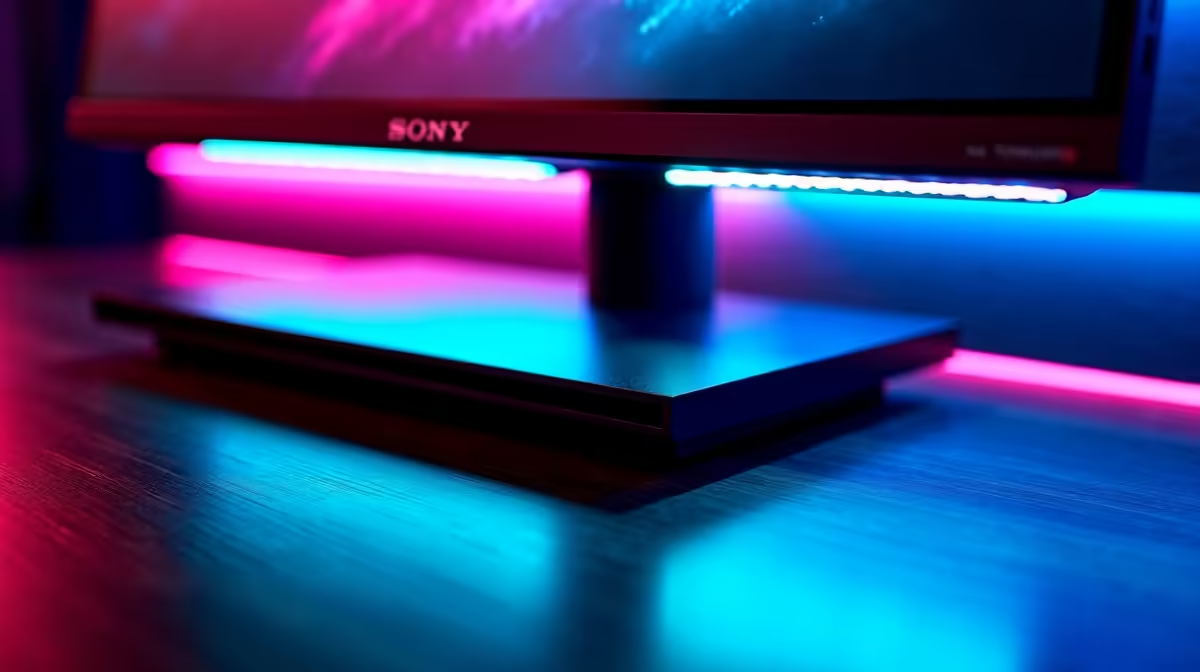
For a Razer-adjacent build, a monitor with a dark bezel design and slim profile complements Razer's black-and-green aesthetic. Some monitors in this price range include RGB lighting on the rear, which adds ambient lighting that pairs nicely with Razer Chroma on your desk. Key specs to target: 144Hz minimum, 1ms to 4ms response time, HDMI 2.0 and DisplayPort 1.4 connectivity, and VESA mounting support for future desk arm use.
Why R3,000 Is a Strong Gaming Monitor Budget in SA
R3,000 in the 2026 South African monitor market sits in a productive zone where meaningful gaming features are accessible without paying the premium for ultrawide, 4K, or high-refresh 1440p displays. Buyers at UCT, Stellenbosch, or Wits who are building a study-and-game monitor setup will find this budget covers a display that is competitive in both productivity colour accuracy and gaming responsiveness. If you game and study on the same display, prioritize panel type (IPS for colour work) and refresh rate (144Hz for gaming) over purely gaming-focused features like G-Sync certification, which adds cost without proportional benefit at this price.
Frequently Asked Questions
Does Razer make a monitor available in South Africa under R3,000?
No, Razer's monitor lineup (the Raptor series) is priced above R3,000 in the South African market due to import costs. The R3,000 budget is better spent on gaming-focused monitors from display-specialist brands available locally.
What refresh rate should I look for in a gaming monitor under R3,000 in SA?
Target at least 144Hz. At the R2,500 to R3,000 price point, 144Hz and 165Hz monitors are standard. 240Hz panels at this resolution do exist but typically require stretching your budget slightly.
Is a 27-inch or 24-inch monitor better for gaming at this price in South Africa?
For 1080p gaming, 24 inches is the sweet spot because pixel density remains high enough for a sharp image. At 27 inches with 1080p, the image looks softer. If your budget can reach R3,000 comfortably, a 27-inch 1440p monitor is worth prioritizing over a 27-inch 1080p model for better visual clarity.
Can I use a gaming monitor with a Razer Blade laptop?
Absolutely. A 144Hz or 165Hz external monitor paired with a Razer Blade via HDMI or USB-C DisplayPort gives you a significantly larger and faster display than the built-in laptop panel for gaming and productivity.