


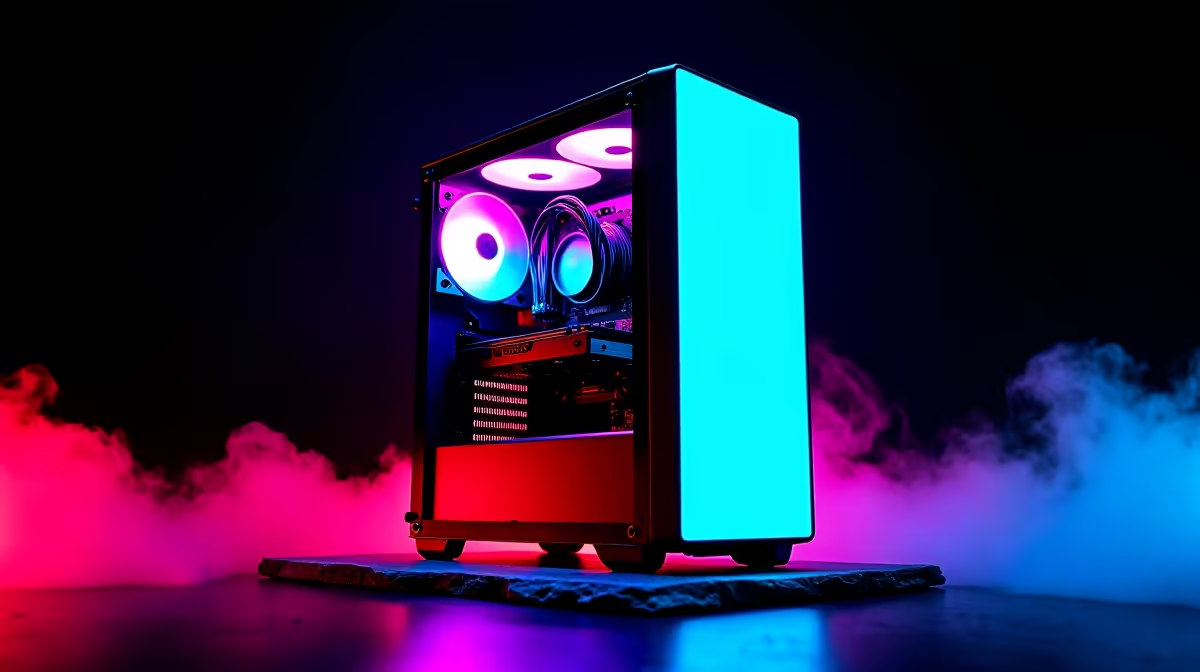
Think a killer PC setup with epic RGB lighting is out of your budget? Think again. In South Africa, creating a rig that looks as good as it performs doesn't have to drain your wallet. This guide is your key to unlocking a stunning, affordable lighting setup. We'll show you how to plan a budget RGB PC build that will be the envy of your squad, proving that style and savings can go hand-in-hand. 🚀
Planning Your Affordable RGB PC Build
Before you even think about colours, let's talk core components. A successful budget RGB PC build starts with a smart foundation. You need a solid CPU and GPU combo that smashes your favourite games, but you don't need the absolute top-tier parts to get there. The real magic is allocating your budget wisely. For instance, many fantastic PCs under R20,000 provide an incredible performance base, leaving you with extra cash to spend on the aesthetics.
Choosing Your Bling: Where to Get the Best RGB for Your Buck
This is where the fun begins. Getting that high-end look on a budget is all about making smart choices. An RGB build on a budget doesn't mean compromising… it means being clever with your component selection.
RGB Fans & Coolers
This is your biggest bang-for-buck upgrade. A pack of three addressable RGB (aRGB) fans can completely transform a plain case into a light show. They not only look cool but also improve your PC's airflow. An RGB air cooler for your CPU is another high-impact, low-cost addition that adds a vibrant focal point.
RAM with a Glow-Up
Gone are the days when RGB RAM was a luxury. Today, you can often find RGB memory kits for just a few hundred Rand more than their plain counterparts. It’s a simple way to fill your case with synchronised colour without adding any extra cables.
LED Strips: The Secret Weapon ✨
For the ultimate customisation, nothing beats a good old LED strip. These are incredibly cheap and versatile. Most are magnetic or have an adhesive backing, letting you place them anywhere inside your case to eliminate dark spots and create a professional, ambient glow. Many of our budget gaming PCs have plenty of space for these easy upgrades.
Sync It Up! 💡
Most motherboards from ASUS, MSI, Gigabyte, and ASRock come with their own RGB software (like Aura Sync or Mystic Light). Before buying, check if your RGB components are compatible with your motherboard's software. This lets you control all your lighting from one place, creating synchronised effects instead of a chaotic rainbow mess!
The Right Case for Your Budget RGB Masterpiece
What's the point of all that glorious lighting if you can't see it? A case with a tempered glass or clear acrylic side panel is non-negotiable for any RGB build. Look for modern chassis designs that prioritise airflow and have built-in cable management channels. Some budget-friendly cases even come bundled with RGB fans, which can save you a significant amount. When browsing the best gaming PC deals, always check the case specs—it's a key part of the value.
Assembly Tips and Future-Proofing Your Glow
Once you have your parts, a clean assembly is crucial. Take your time with cable management. Use the routing channels and tie-down points in your case to hide cables behind the motherboard tray. This simple, free step makes your RGB components the true stars of the show. Your affordable lighting guide wouldn't be complete without a look to the future. Start with fans and a strip, and maybe add that RGB RAM or an AIO cooler down the line. Even high-end PCs above R20,000 are often built with this same modular approach in mind. Don't feel like building it yourself? Our pre-built PC deals offer professionally assembled and cable-managed systems, ready to glow right out of the box. 🔧
Ready to Build Your Illuminated Rig? A stunning RGB PC is more affordable than you think. With smart component choices and a little planning, you can build a machine that turns heads without breaking the bank. Explore our massive range of gaming PCs and find the perfect foundation for your budget RGB build today.











