


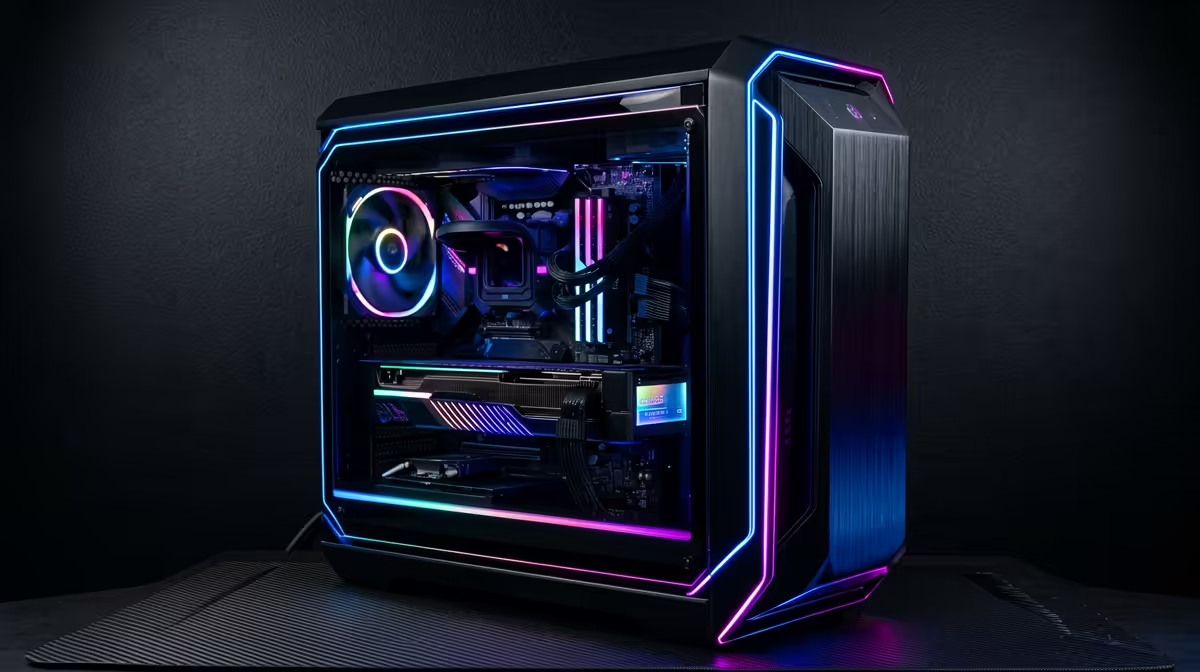
Build a 1440p Gaming PC with the RX 9070 XT on a Budget: The South African “Make It Count” Plan 🇿🇦✨
South African gamers don’t have time for waste… and neither do your FPS targets. If you want sharp 1440p visuals without lighting your wallet on fire, the RX 9070 XT is a smart place to start. The trick is building around it: right CPU, right RAM, right storage, and a power supply that won’t complain under load. Let’s build a 1440p gaming PC that actually fits real budgets in SA… and feels fast the moment you hit Apply.
In this Build Lab guide, I’ll walk you through a proven parts approach, what to prioritise, and how to avoid the common “cheap build” mistakes.
Build a 1440p Gaming PC with the RX 9070 XT on a Budget: Start With the Right Parts Priorities 🔧
Before you choose anything, decide what “budget” means for you. In SA, that usually comes down to staying sensible on CPU, storage, and motherboard while still giving your GPU a stable home.
Here’s the priority order for a 1440p build:
- GPU first (RX 9070 XT)
- CPU that won’t bottleneck your GPU
- 16GB RAM minimum, 32GB if you stream or play newer heavy games
- Fast SSD (at least 1TB recommended)
- A reputable PSU with enough wattage headroom
- Cooling and airflow that keep boost clocks steady
Why this order? At 1440p, the GPU does more of the heavy lifting. So if you overspend on CPU and skimp on SSD or power stability, you’ll feel it in real game load times and frame consistency.
The “1440p sweet spot” mindset
1440p is where you get a clear visual upgrade over 1080p… but you still have more performance headroom than 4K. That means your RX 9070 XT should shine, as long as the rest of the system is balanced.
Build a 1440p Gaming PC with the RX 9070 XT on a Budget: Pick the GPU and Shop Radeon Smart 🎮
When you’re building around an AMD card, start with Radeon-focused inventory. Evetech makes it easy to browse current Radeon options in one place, so you can compare pricing and variants quickly.
- If you’re specifically looking at Radeon GPU options, check the Radeon cards here: Radeon Graphics Cards at Evetech
And if you want to compare across Radeon selections in the same category structure, you can browse the broader list too: Shop graphics cards on Evetech
Need a specific brand like MSI? Use the filter and match what you prefer for cooler style and warranty support: MSI graphics cards on Evetech
Finally, if you’re also comparing AMD vs Nvidia pricing in your local market, here’s the GeForce category for cross-checking deals: GeForce Graphics Cards at Evetech
Build a 1440p Gaming PC with the RX 9070 XT on a Budget: CPU, RAM, and Motherboard That Don’t Fight You ⚡
A “budget” 1440p build should keep your CPU strong enough for modern games. You want smooth frametimes, not just average FPS.
CPU: avoid the mismatch
If you pair a mid-range GPU with an older or very low-end CPU, you can see stutters during busy scenes or heavy AI moments. Aim for a current-gen or near-current mid-range CPU that supports your planned RAM speed and has enough cores for modern titles.
RAM: 16GB works… but 32GB feels safer
- 16GB: still workable for many games, especially if you close background apps.
- 32GB: better if you multitask, run Discord + browser tabs, or play newer titles that like extra memory.
Motherboard: prioritise stability and upgrade paths
Choose a motherboard that:
- supports your CPU properly,
- gives you the storage slots you need,
- and provides reliable power delivery for stable boost behaviour.
If you’re using an M.2 NVMe SSD, confirm how many M.2 slots your board has and whether any share lanes with other components.
Build a 1440p Gaming PC with the RX 9070 XT on a Budget: Storage and PSU Choices That Save You Later 🚀
Storage: go NVMe and don’t overthink it
A fast NVMe SSD makes everything feel faster: boot time, shader caching, level loading, and general responsiveness. If your budget allows, aim for at least 1TB. You can add a second SSD later if you install lots of games.
PSU: don’t cheap out on the part that powers everything
Your PSU impacts stability. A good unit also reduces the chance of random shutdowns when the GPU spikes power. Match wattage to the build and keep headroom for future upgrades.
If you’re unsure, it’s worth using Evetech’s product guidance and asking for a recommendation based on your exact parts list.
Build a 1440p Gaming PC with the RX 9070 XT on a Budget: Cooling, Case Airflow, and Setup Tweaks ✨
Cooling is what keeps performance consistent. Even a “good enough” cooler can fall short if airflow is weak.
- Front intake + rear exhaust is a reliable baseline.
- Make sure cables don’t block intake airflow.
- If you can, aim for balanced fan curves so temperatures don’t spike during long sessions.
Small tweak, big difference: in-game settings and monitors
At 1440p, your goal is smooth play, not perfect graphics. If you want stability:
- start with high/medium mix,
- turn on any game stability option available,
- and set a sensible target refresh rate (then match your settings to it).
Productivity Pro Tip ⚡
On Windows, use the PowerToys FancyZones utility to create custom snap layouts for your windows. It's a lifesaver for managing multiple apps on an ultrawide monitor, letting you organise your timeline, preview window, and asset folders perfectly for video editing.
Micro-story: the “I fixed my stutter” moment
A lot of SA builders notice that after upgrading the GPU, the build still feels “off” in certain games. Often, it’s one of these:
- too little RAM,
- an SSD that’s almost full,
- thermals that cause boost to dip,
- or background apps stealing resources. Fix those, and the new GPU feels like it should have from day one.
Build a 1440p Gaming PC with the RX 9070 XT on a Budget: Final Checklist Before You Buy 🔍
Before you hit checkout, confirm these:
- GPU fits your target 1440p performance (and your case clearance)
- CPU and RAM are balanced (no massive mismatch)
- NVMe storage is included (1TB minimum is a good baseline)
- PSU has adequate headroom and is from a reputable brand
- Cooling and airflow match your case layout
If you want, share your budget and the games you play. A build that’s “budget” for one person can be too tight for another.
Ready to Find Your Perfect Match?
Ready to Find Your Perfect Match? The Mac vs Windows debate is complex, but for maximum power, choice, and value in South Africa, Windows is hard to beat. Explore our massive range of laptop specials and find the perfect machine to conquer your world.











