


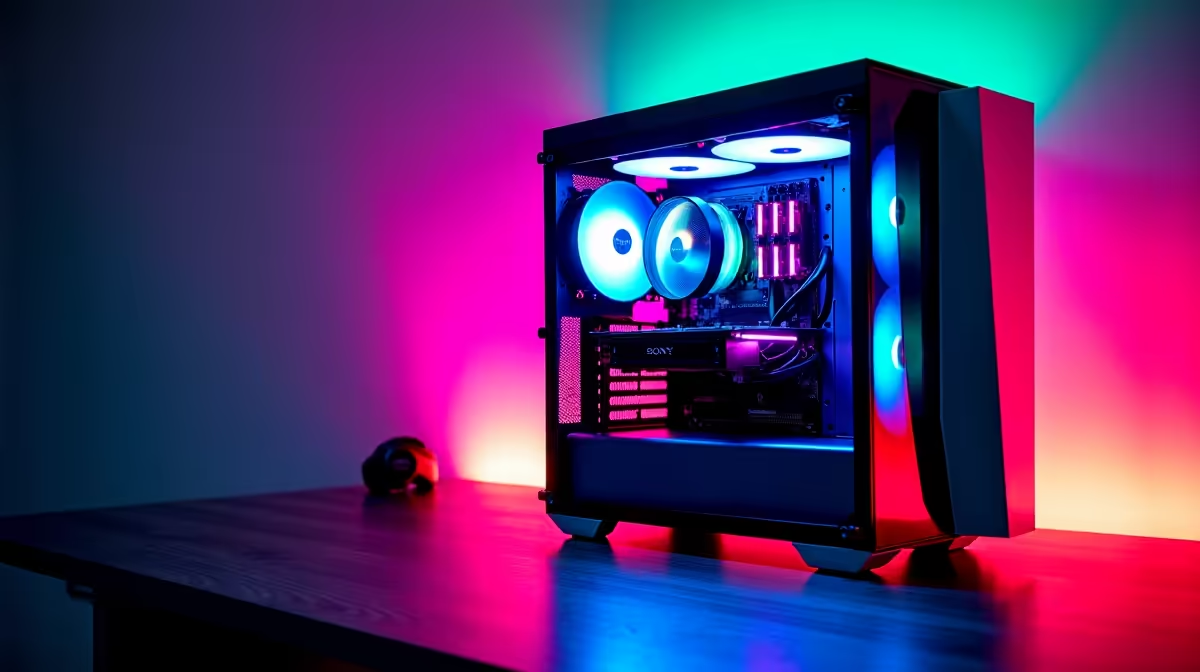
Dreaming of buttery-smooth frame rates but your bank account is giving you the side-eye? We get it. Building a budget gaming PC in South Africa can feel like a daunting quest, but it's far from impossible. You don't need to drop R40k to get a rig that delivers a fantastic 1080p experience in your favourite games. This guide is your ultimate loot drop of tips and tricks for a powerful yet affordable build. 🔧
Your First Quest: Setting a Realistic Budget
Before you even think about components, you need a number. What's your total budget? In the world of PC gaming, every rand counts. A solid entry-point to build a budget gaming PC that can handle titles like Valorant, Fortnite, and Apex Legends comfortably sits in the R12,000 to R18,000 range. This bracket allows for a balanced system without major compromises.
For a clearer picture of what your money can get you pre-assembled, check out these excellent gaming PCs under R20k. This gives you a brilliant baseline for performance expectations and component choices for your own build.
The Core Four: Where to Invest Your ZAR
Not all components are created equal. When you're on a tight budget, you need to be strategic. Focus your cash on the parts that have the biggest impact on gaming performance.
1. The GPU: Your Ticket to High FPS 🚀
The Graphics Processing Unit (GPU) is the single most important part of any gaming PC. This is where the magic happens, rendering the beautiful worlds you explore. For a budget build, aim for a card that excels at 1080p resolution. Think NVIDIA's RTX 3050/4060 series or AMD's RX 6600/7600 series. These cards offer an incredible price-to-performance ratio. Stretching your budget slightly into the territory of PCs above R20k often means securing a more powerful GPU, which is the quickest way to boost your in-game settings from 'High' to 'Ultra'.
2. The CPU: The Brains of the Operation
Your Central Processing Unit (CPU) is the second most critical component. While the GPU handles the visuals, the CPU manages game logic, physics, and everything else. You don't need a top-of-the-line processor for a great gaming experience. An Intel Core i3/i5 or an AMD Ryzen 3/5 from a recent generation is more than enough to prevent bottlenecks and keep your games running smoothly.
Compatibility Check! ⚡
Always ensure your chosen CPU and motherboard are compatible. Check the 'socket type' (e.g., AM5 for modern AMD, LGA 1700 for modern Intel) on both product pages. A mismatched pair simply won't work. PCPartPicker is a great free tool to automatically check compatibility for your entire build.
3. RAM: Fast, Not Just Big
For modern gaming, 16GB of DDR4 or DDR5 RAM is the sweet spot. It provides enough headroom for games, Discord, and a few browser tabs without any slowdown. Pay attention to speed (measured in MHz)... faster RAM can give you a small but noticeable performance boost, especially with AMD Ryzen CPUs.
4. Storage: The Need for Speed
Say goodbye to long loading screens! A Solid State Drive (SSD) is non-negotiable in 2024. A 500GB or 1TB NVMe M.2 SSD will give you lightning-fast boot times and dramatically reduce game load times. It's one of the most significant quality-of-life upgrades you can make. If you need more space for a huge game library, you can always add a cheaper, larger hard drive later.
The Big Decision: To Build or To Buy?
The classic dilemma! Building a PC yourself is an incredibly rewarding experience that teaches you a ton about your hardware. It also gives you total control over every single component. However, it can be stressful, and troubleshooting issues can be tough for a first-timer.
Sometimes, the smarter move is to go for a pre-built machine. You get a professionally assembled, tested system with a full warranty. Often, due to bulk part purchasing, you can find amazing pre-built PC deals that are surprisingly competitive with a DIY build, saving you time and a potential headache.
Ultimately, the choice depends on your confidence and available time. Whether you choose to assemble it yourself or buy a ready-to-go rig, the end goal is the same: getting the best possible gaming experience for your money. You can browse some of the best gaming PC deals in South Africa to weigh your options.
No matter which path you take, planning is key. Research your parts, watch some build guides, and don't be afraid to ask for help. Soon enough, you'll be booting up your very own rig, ready to conquer the leaderboards. ✨
Ready to Start Your Build? Whether you're hunting for individual components or prefer a professionally assembled rig, we've got you covered. Explore our massive range of PC components and find the perfect parts for your gaming adventure.











