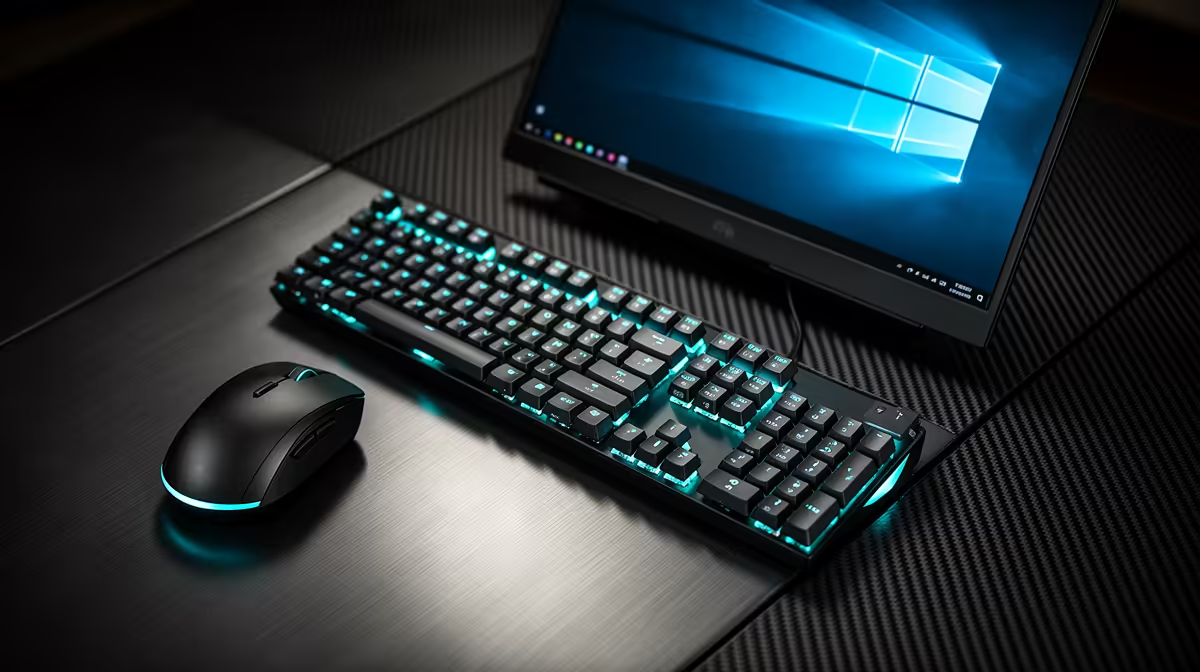
A casual gamer should approach a clean Windows install as a controlled repair or reset, not a guaranteed performance upgrade. It can remove accumulated software conflicts, but it also erases applications and may expose missing drivers, licences or saved games if preparation is weak.
Build a recovery list first
Record the Windows edition and activation status, motherboard or laptop model, network adapter and storage layout. Back up personal files and export any game saves that do not synchronise. Download essential network and chipset drivers from official manufacturer pages before changing the system.
The WD Blue SN5000 2TB SSD at R1,684 is a verified storage reference, but buying a drive is optional when the existing one is healthy and large enough. The Minisforum UM750L at R4,600 is a confirmed complete mini PC reference, not an installation service. Verify current compatibility, licence terms, firmware guidance and warranty conditions for the actual machine.
Create installation media through the official Microsoft route, disconnect unnecessary drives and photograph important settings. After setup, install updates and trusted drivers before games. Restore a small sample, then scan the remainder before copying it back.
Proceed only after backups pass a restore test. If crashes point to failing memory, overheating or storage errors, diagnose that hardware instead of repeatedly reinstalling the operating system.
Refreshing a gaming PC? > Compare Evetech SSDs and systems after completing the recovery checklist.