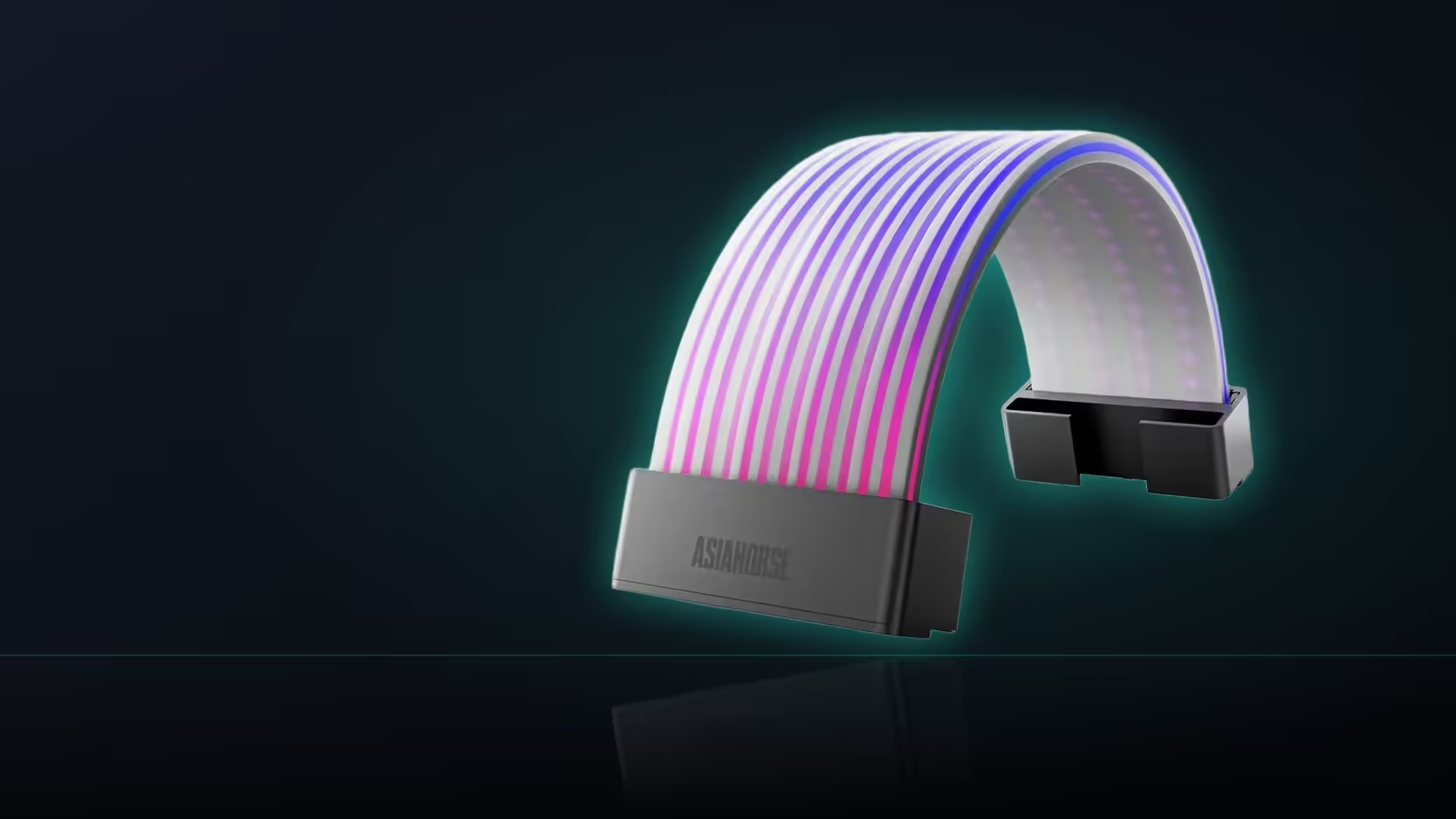
Length gets checked. Width often doesn't - and it's exactly the kind of oversight that turns a shell fitting the cable perfectly into a shell that won't actually close because something beside it is in the way. AsiaHorse's Aurora ARGB cover kit's board cover, being the wider of its two shells, is the one most likely to run into this problem.
Quick Answer
Check the space either side of the 24-pin run before fitting the Aurora kit's board cover, not just the length of cable available. Being the wider of the two shells, it's the one most likely to meet a drive cage, a shroud edge, or a board heatsink along that width. Clearance is a genuinely separate check from length - measuring only how far the cable runs, without checking what sits beside it, can leave a shell that fits the cable but not the case.
📏 How the board shell compares to the graphics shell
It's the wider of the pair in the R699 kit, a difference that makes it the shell most likely to encounter a neighbouring part along its width rather than along its length. The graphics cover, being narrower, faces a different set of constraints entirely.
🚧 What usually sits close to the board power run
A drive cage tends to sit on one side, the power supply shroud often runs directly below, and board heatsinks can crowd in from the other side depending on the motherboard's own layout. Any one of these can be close enough to the 24-pin run that the board cover's extra width becomes a real fitment issue rather than a theoretical one.
📐 How the clearance check should actually be done
Measure across the run at the intended fitting position, accounting for the shell's own width plus a small margin - checking that this space is genuinely free on that section of the run, not assumed to be clear because the cable itself has room to sit there.
Does the shell need working space to clip on, too?
Yes - beyond simply fitting once closed, there needs to be enough room for hands to actually close the clip mechanism in the first place, which is a slightly larger requirement than the shell's resting footprint alone.
🔄 What if clearance turns out tight at one end of the run?
Moving the shell's position along the cable is the usual solution, provided the new spot still falls within whatever the case window actually shows - shifting it purely to solve a clearance problem, without checking visibility again, risks trading one issue for another.
🧩 Is the graphics shell easier to fit in this respect?
Generally, since it's the narrower of the two - though it runs close to the graphics card's own backplate on many layouts, which can be just as tight a clearance question even if the shell itself is slimmer.
🪟 Should the side panel be refitted to double-check?
Briefly refitting it confirms nothing is pressing against the shell once everything's back together - worth doing before treating the fit as genuinely finished, since a shell that clears everything with the panel off can still be pinched once it's closed up. A panel that closes with slight resistance near the board area is worth investigating before assuming it's simply a snug case design.
Evetech's cable management accessories are useful for working around whatever clearance the board shell leaves. Similar width constraints on other lit accessories can be seen in the site's case lighting range.
Frequently Asked Questions
How wide is the 24-pin shell compared with the graphics cover?
It's the wider of the two shells in the kit, making it the one most likely to meet a neighbouring part along the cable run.
What typically sits close enough to matter?
A drive cage on one side and the power supply shroud below, with board heatsinks sometimes close on the other side too.
How should the clearance actually be measured?
Across the run at the intended position, checking the shell's own width plus a small margin against whatever's genuinely free there.
Does the shell need clearance just to clip on, separately from resting space?
Yes - room is needed for hands to close the clip mechanism, which is slightly more than the shell's footprint once it's settled.
What's the usual fix if clearance is tight at one spot?
Moving the shell along the run, provided the new position still falls within the case window that's actually visible.
Is the graphics shell generally easier to fit width-wise?
Often, being the narrower shell - though it runs near the card's backplate on many layouts, which can be just as tight.
Is it worth refitting the side panel to check the fit?
Yes - briefly refitting it confirms nothing presses on the shell once everything's closed, which is worth doing before calling it final.
Checking clearance before fitting your board cover?
Look through Evetech's cable management and case lighting ranges to plan the layout properly.