


Clean Gaming Keyboard: Guide for Dusty & Humid Conditions
Clean gaming keyboard quickly and safely in dusty or humid conditions with step-by-step tips, tool checklist, and maintenance routines to prevent corrosion and switch failure. 🧼💨
Read moreClean gaming mouse tips for South Africa's dusty homes: step-by-step cleaning, safe tools, sensor care, lubrication, and prevention to keep peak performance. 🧼🖱️
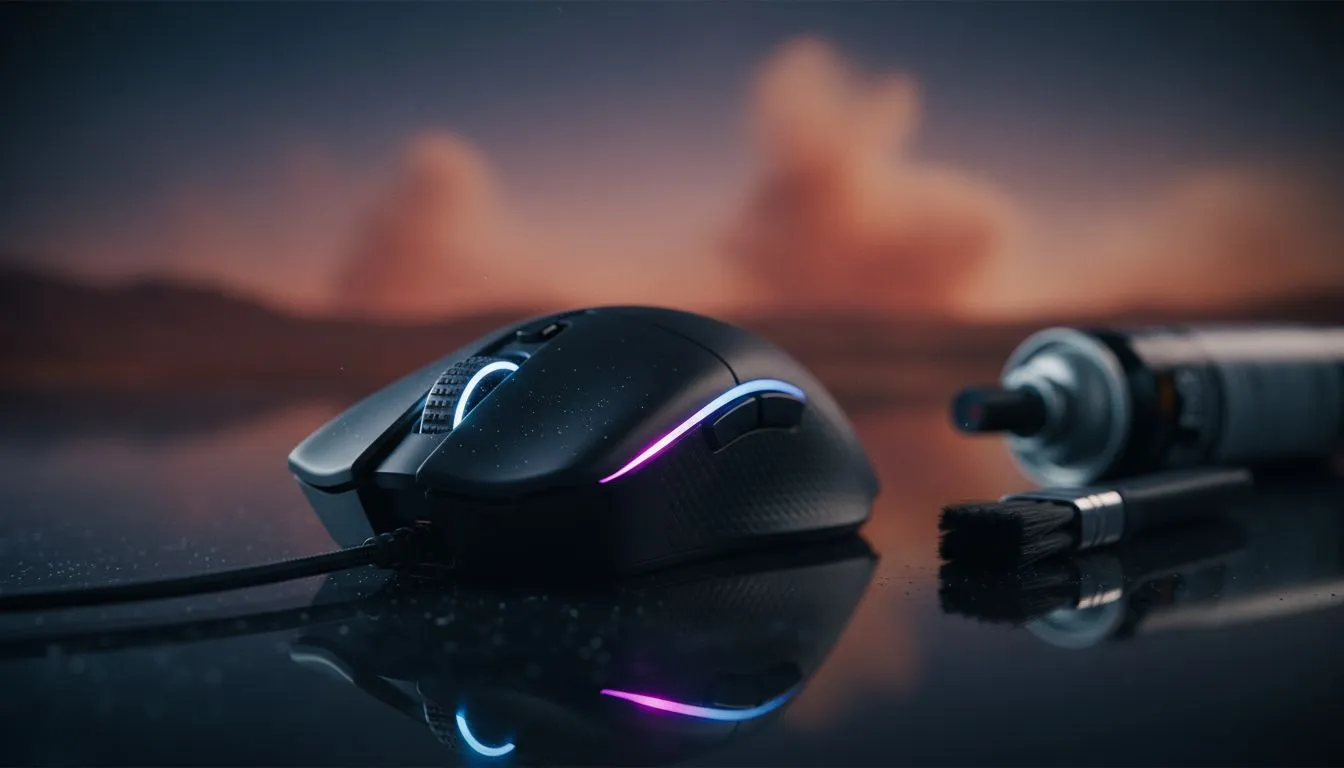
If you live in Johannesburg or the Karoo, you know the struggle. Dust is the silent killer of performance. Your click feels mushy and your sensor is skipping pixels during a clutch 1v1. Keeping a clean gaming mouse in South Africa's dusty homes isn't just about aesthetics... it is about survival. A build-up of grime can ruin your expensive gear faster than a load-shedding surge.
South Africa's climate is notoriously tough on electronics. Between the dry Highveld winters and coastal humidity, our peripherals face a constant barrage of particles. When dust enters the optical sensor housing, it causes "jitter"... that annoying moment your cursor jumps across the screen for no reason.
If you have invested in a high-performance gaming mouse, letting it get dirty is like putting budget tyres on a supercar. Skin oils mix with dust to create a sticky residue on the buttons, which eventually seeps into the mechanical switches. This leads to double-clicking issues or unresponsive inputs.
Cleaning your gear doesn't require a degree in engineering. You just need patience and the right tools. Start by unplugging your device. If you are using a wired mouse, check the cable for any frayed edges or dust trapped in the braiding.
Avoid using paper towels or tissues to clean your mouse sensor or feet. These materials are abrasive at a microscopic level and can leave behind lint that actually makes the tracking worse. Stick to high-quality microfibre cloths for a streak-free finish.
If you prefer the cord-free life, a wireless mouse requires extra attention around the charging port. Dust inside a USB-C or micro-USB port can prevent a solid connection, leading to slow charging or sync drops. A quick blast of air every week keeps the pins clear.
Don't forget the underside. The PTFE feet (or skates) are what allow for smooth movement. When these get scratched or surrounded by hair, friction increases. You can find replacement skates and other mouse accessories to restore that "out-of-the-box" glide without buying a whole new unit.
Sometimes, no amount of cleaning can save a mouse that has seen years of heavy use in a dusty environment. If the clicks feel "mushy" even after a deep clean, the internal springs might be fatigued.
Luckily, you don't have to spend a fortune to get back into the game. You can often find the best gaming mouse deals right here at Evetech, ensuring you get top-tier sensors that are better sealed against the elements. Modern mice often feature dust-proof switches rated for millions of clicks... a perfect choice for the South African gamer.
Ready to Upgrade Your Setup? Don't let a dusty sensor hold back your K/D ratio. Whether you need a lightweight wired beast or a top-tier wireless flagship, we have the gear to keep you winning. Explore our massive range of gaming mice and find the perfect tool to conquer the competition.
Clean high-use mice every 2–4 weeks; deep clean monthly. In very dusty rooms, wipe and sensor-check weekly to maintain performance.
Soft microfiber, compressed air, isopropyl alcohol 70%+, cotton swabs, toothpick, and replacement mouse feet are ideal for safe maintenance.
You can open many mice for a deep clean, but check warranty first. Use small screwdrivers, document cable routing, and avoid touching circuits.
Power off, use compressed air to remove dust, then lightly wipe with an alcohol-dampened swab. Avoid scraping or excess liquid near the sensor.
Use dust filters, keep doors closed, clean desks weekly, elevate gear, and run an air purifier. These steps reduce dust that forces you to clean mice.
Lightly lubricate PTFE feet edges and hinge areas with dedicated lubricant; avoid slicking switches. Proper care reduces friction without affecting clicks.
Local forums, Evetech guides, and community posts offer South Africa-specific tips on dust control, parts replacement, and affordable cleaning supplies.
Clean gaming keyboard quickly and safely in dusty or humid conditions with step-by-step tips, tool checklist, and maintenance routines to prevent corrosion and switch failure. 🧼💨
Read more
Best gaming keyboard features to prioritize when building a high-end setup: mechanical switches, low latency, hot-swap, RGB, macros, durability and ergonomics 🎮⌨️
Read more
Custom actuation point keyboard setup guide: learn to set per-key actuation on your analog gaming keyboard for faster, precise inputs and better control 🎮⚙️
Read more
Cable management for home entertainment helps you eliminate cable clutter quickly and safely. Learn routing, concealment, and product picks to tidy your setup fast 📺🔌
Read more
conference room setup Microsoft Teams Zoom: Upgrade AV, camera, mic, and network to ensure seamless meetings, clear audio, and crisp video 🎯🔧
Read more
• Audit setup • Link accounts • Configure ViewBoard • Test workflows Integrate Google Workspace with ViewSonic ViewBoard to enable secure SSO, calendar and Drive sync, and smooth collaborative whiteboarding 🔗📋
Read more
Discover webcams that automatically adjust light and color for crystal-clear video calls 🎥✨. Boost your streaming quality today!
Read more
Discover webcams that blend into your workflow 🎯 Capture moments while you work, stream, or create. Upgrade your setup with smart, multitasking tech!
Read more
Dedicated media keys give streamers one-touch control to mute, switch scenes, clip highlights, and adjust audio — cutting task time and boosting consistency 🎛️⚡
Read more
PBT vs ABS keycaps: Clear, local guide for South African gamers—compare feel, sound, durability and where to buy. Find the best material for your budget and playstyle 🎮🇿🇦
Read more
- Multi-Function Digital Dial: define benefits - Show gamer setups and macros - Offer buying and setup tips Multi-Function Digital Dial puts programmable control at your fingertips for faster actions and smoother streaming. 🎮⚙️
Read more
- Explain benefits; - Show the science; - Compare options; - Recommend picks. Magnetic wrist rest for gaming cuts wrist strain and boosts comfort during long sessions 🕹️✨
Read more