


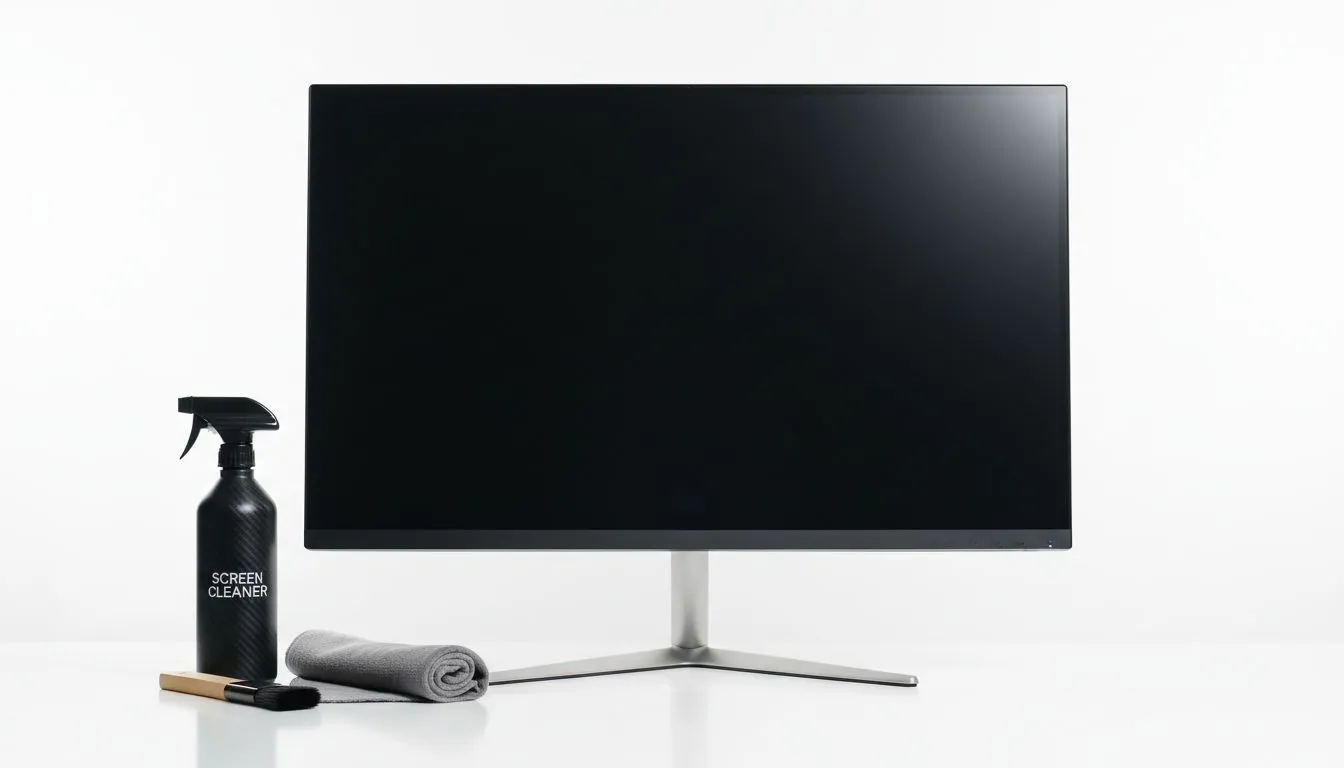
Why Your IPS Panel Needs a Gentle Touch
You’ve just dropped several thousand Rand on a stunning new display. But after a few weeks of intense gaming sessions and late-night snacks, that pristine screen is looking a bit dusty. Learning how to maintain a clean IPS monitor is vital to protecting your investment. You don't want to ruin those vibrant colours with harsh chemicals or abrasive cloths that leave permanent scratches. 🔧
Maintaining a clean IPS monitor isn't just about aesthetics... it is about preserving the life of your hardware. Whether you are rocking one of the latest IPS monitors or an older display, the cleaning method remains largely the same. IPS technology is praised for its colour accuracy and wide viewing angles, but those benefits quickly vanish behind a layer of fingerprints and South African dust.
The Golden Rules of Monitor Maintenance
The most important rule is to never use window cleaner or any product containing ammonia or alcohol. These chemicals can strip the anti-glare coating off your screen, leaving it cloudy and ruined. Instead, always reach for a high-quality microfiber cloth.
If you prefer the traditional look of flat monitors, you have a straightforward surface to wipe. However, those with immersive curved monitors need to be extra careful with pressure. Applying too much force on a curved panel can cause delamination or backlight bleed... a nightmare for any gamer who saved up their hard-earned Rands for a premium setup. ⚡
Pro Cleaning Tip ⚡
Always turn your monitor off and let it cool down before cleaning. A warm screen can cause cleaning liquid to streak or evaporate too quickly, leaving behind unsightly residue. Use a 'dry-first' approach by dusting with a dry microfiber cloth before introducing any moisture.
Keeping Your Gaming Visuals Crystal Clear
When looking at our full range of PC monitors, you will notice various sync technologies designed for smoothness. Whether your screen uses AMD FreeSync for fluid frames or NVIDIA G-Sync for tear-free gaming, the physical surface needs protection. Even general Adaptive Sync displays feature specialised coatings that help with clarity.
To remove stubborn smudges, lightly dampen your cloth with distilled water. Never spray water directly onto the panel. If moisture seeps into the bezel, it could short out the internal electronics. Wipe in a circular motion or a consistent side-to-side pattern without pressing down hard. Once the smudge is gone, use a dry section of the cloth to buff away any remaining moisture. ✨
Proper maintenance ensures your battle station stays looking brand new. By following these simple steps, you ensure that every pixel remains sharp and every colour remains vivid for years to come. 🚀
Ready to Upgrade Your Visual Experience? A clean screen is great, but a high-performance panel is even better. Whether you are looking for ultra-fast refresh rates or stunning 4K clarity, we have the best deals in South Africa. Explore our massive range of monitor specials and find the perfect display to conquer your gaming world.











