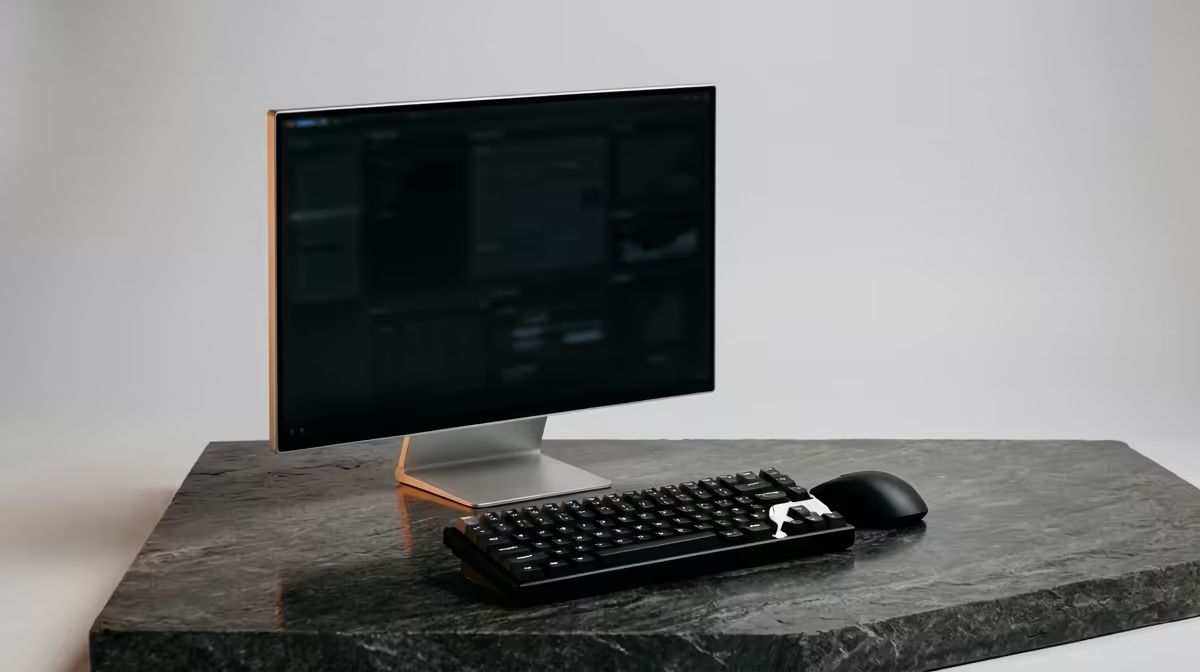
Dell SE2726H 27in FHD 144Hz at R1,797 is the best first pick for South African home-office users who want a fresh Windows setup to feel smoother across two screens. A clean install can be worth it when the PC has years of driver clutter, display profile conflicts, old startup apps, or scaling issues, but the biggest everyday gain still comes from pairing Windows with a practical second monitor.
Clean install first, screen upgrade second
The Dell SE2726H 27in FHD 144Hz at R1,797 makes sense when one screen carries the main document, spreadsheet, or browser tab while the second stays open for email, Teams, research, or dashboards. The 27in size gives more breathing room than a compact display, and the 144Hz spec helps cursor movement and window dragging feel more responsive after Windows has been rebuilt cleanly.
The Dell SE2426H 23.8in FHD at R1,532 is the more space-conscious option for a tight desk. Its 23.8in FHD panel is useful when the priority is a neat secondary screen for reference material, inboxes, notes, or admin tools without making the desk feel crowded.
South African Home-Office Desk Setup
For a value-focused local setup, the Dahua LM27 100Hz at R1,500 is a strong second-screen choice. The 27in size gives enough room for side-by-side windows, while the 100Hz spec is a sensible step above a basic office feel for scrolling long pages, comparing documents, and moving between apps.
The MSI PRO MP275W at R1,850 is the cleaner-looking pick when the desk needs to feel more polished for client calls or shared work. It gives you a named productivity display option without chasing unnecessary extras, especially after Windows has been reset and display settings are configured from scratch.
Ready to choose the right monitor?
For clean windows install dual monitor, put Dell SE2726H 27in FHD 144Hz at R1,797 first and judge the setup around its listed spec.