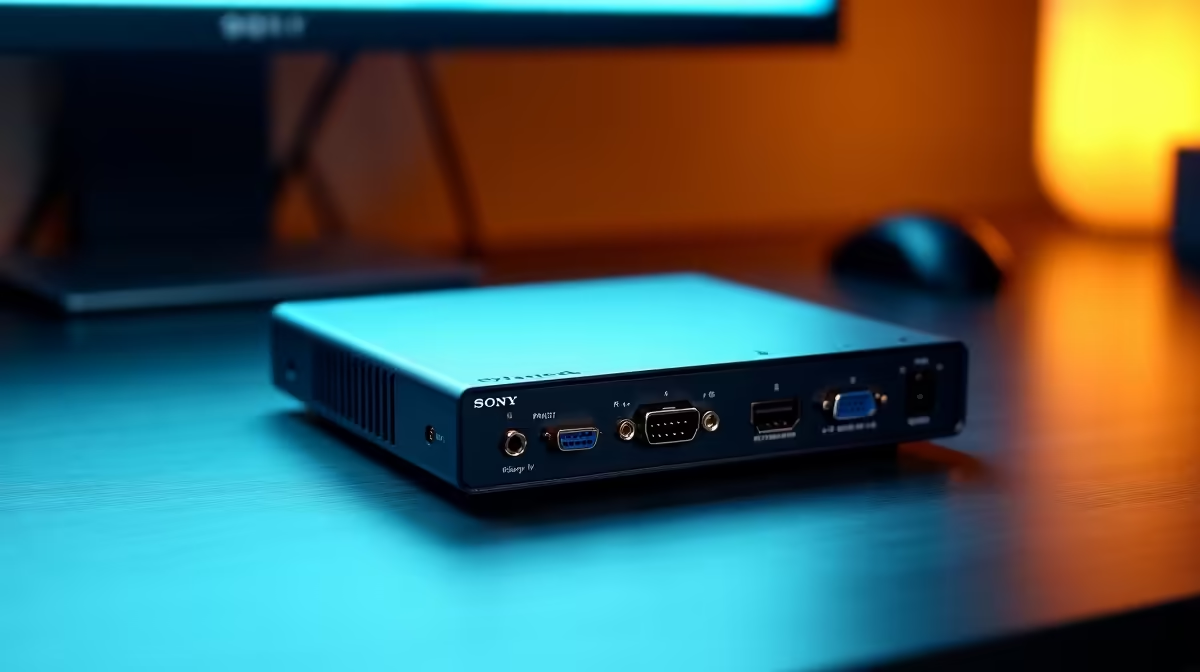
KVM problems usually come from unsupported display modes, weak USB handshakes or the wrong cables. No verified KVM appears in the factpacks. The Thunderbolt TB4-01 at R2,600 is a confirmed multi-device desk dock, but it does not switch two computers.
Isolate one connection at a time
The TB4-01 dock at R2,600 expands a compatible Thunderbolt host. It cannot replace a KVM that shares one keyboard, mouse and display between computers.
The GIZZU HDMI 2.0 five-metre cable at R47 gives a verified display cable for supported resolutions. A long or damaged cable can cause blank screens and intermittent sync.
The Logitech G305 wireless mouse at R525 can bypass a troublesome shared USB mouse path during diagnosis, though each computer still needs a receiver connection.
Work through the fault methodically
Connect one computer and one display, lower the refresh rate, then add USB devices. Update firmware where the KVM maker provides it and use the specified power adapter.
If keyboard shortcuts fail, check whether the selected USB port supports hotkeys or only basic pass-through.
Untangling a shared desk? > Tell Evetech the computers, displays, ports and target refresh rates.