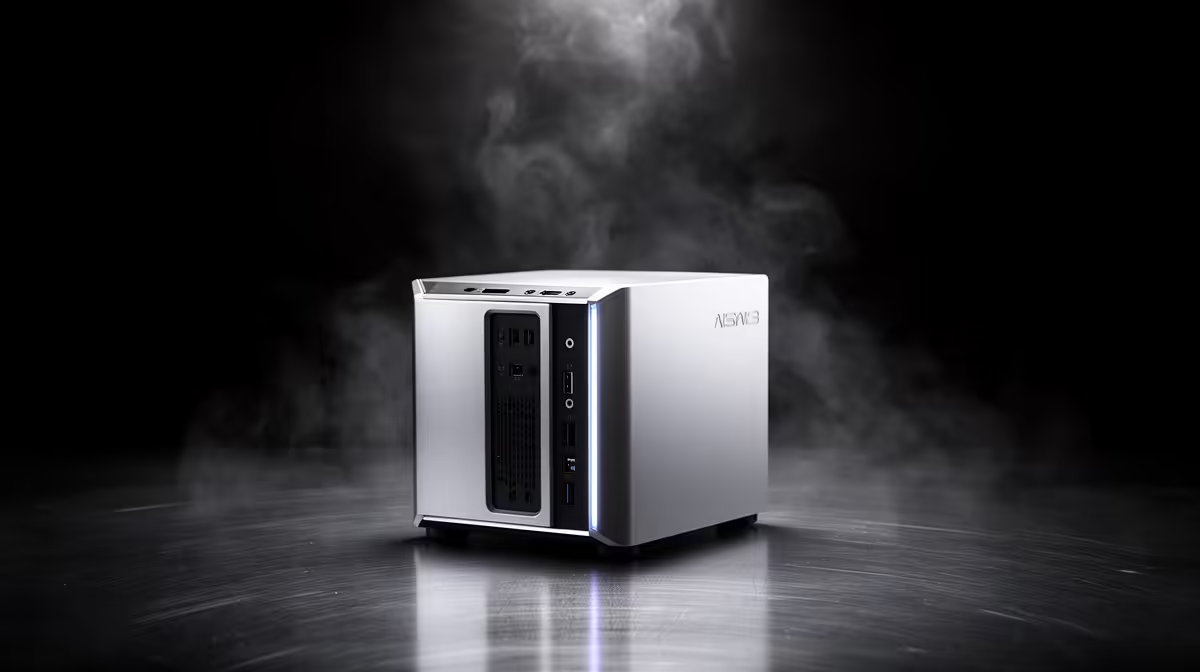
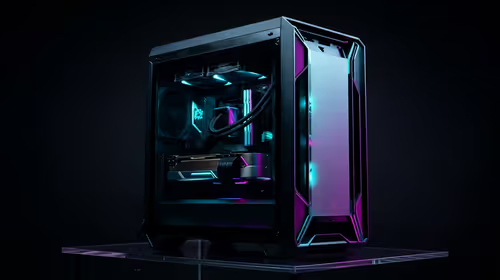
The UM750L 16GB/1TB at R4,600 suits SA buyers who want a compact mini pc with enough memory and storage for everyday office work, browsing, media, and light home admin without filling the desk. Most problems buyers hit are not mysterious hardware failures. They are usually spec mismatch, poor placement, cable clutter, or buying too little storage for the job.
Fix the usual Ryzen mini PC pain points
If the issue is slow multitasking, start with memory. The Minisforum NAB6 Lite i5 8GB/512GB at R4,150 is fine for simple admin, browser tabs, and a neat reception counter, but heavier daily use feels better on the UM750L 16GB/1TB at R4,600 because the 16GB memory gives Windows and apps more breathing room.
Storage complaints are just as common. A NINKEAR M7 16GB/512GB at R4,650 can suit a student desk or small-business counter where files are mostly cloud-based, while the NINKEAR M8 16GB/1TB at R8,350 makes more sense when local project folders, downloads, and media files build up quickly.
Small-business counter setup checks
On a counter or reception desk, the fault is often airflow and cable routing rather than the processor. Keep the vents clear, avoid stacking paperwork around the chassis, and use the GEEKOM A8 Max 32GB/1TB at R12,900 when several browser windows, spreadsheets, messaging apps, and customer tools need to stay open together.
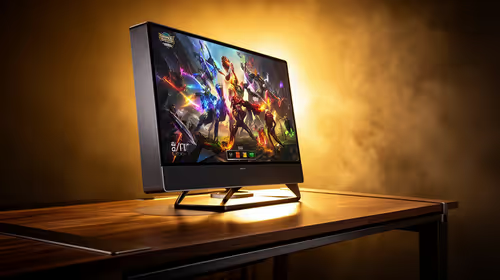
The HP AIO 22 at R10,036 solves screen clutter differently by combining the display and PC into one desk unit, but it locks the screen choice into the machine. A NINKEAR L12 PRO i9 at R8,150 keeps the compute box separate, which is cleaner when the desk already has a preferred display height or wall-mounted screen.
Ready to choose the right mini pc?
Let the common ryzen problems brief start with Minisforum NAB6 Lite i5 8GB/512GB at R4,150, then confirm its listed spec fits the room or workload.