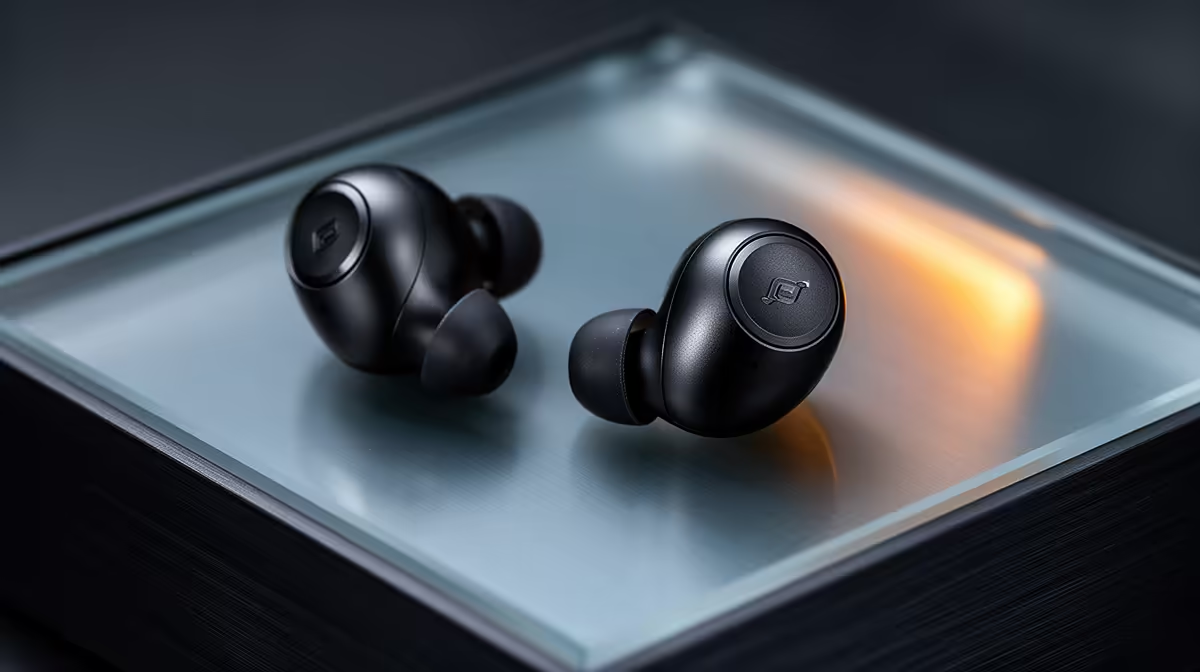
Common true-wireless earbuds problems include one side failing to connect, charging contacts not making clean contact, audio delay, weak microphone pickup and a fit that breaks the seal. Start with the phone, app and charging case before assuming the earbuds are permanently faulty.
Reset the connection methodically
The factpacks contain no priced earbud model for a direct recommendation. Check current Evetech availability for phone compatibility, codec support, controls, microphone features, charging method, replacement tips, app support and warranty. Follow the exact reset sequence for the chosen model rather than a generic button pattern.
Charge the case and both earbuds fully, then clean dry charging contacts with the method allowed by the manufacturer. Remove the saved Bluetooth entry, reset the pair and reconnect from close range. Test each side, microphone and controls separately. If video sound lags, compare another app and device because Bluetooth latency can vary across the playback chain.
Try every supplied tip size for a secure, comfortable seal, and keep listening volume moderate. Update firmware only through the supported app and do not interrupt the process. If one side still loses power or connection after a full reset and device comparison, document the fault and use warranty support. A repeatable test is more useful than repeatedly pairing at random.
Troubleshooting wireless audio? > Ask Evetech to compare current earbuds, headsets and support options.