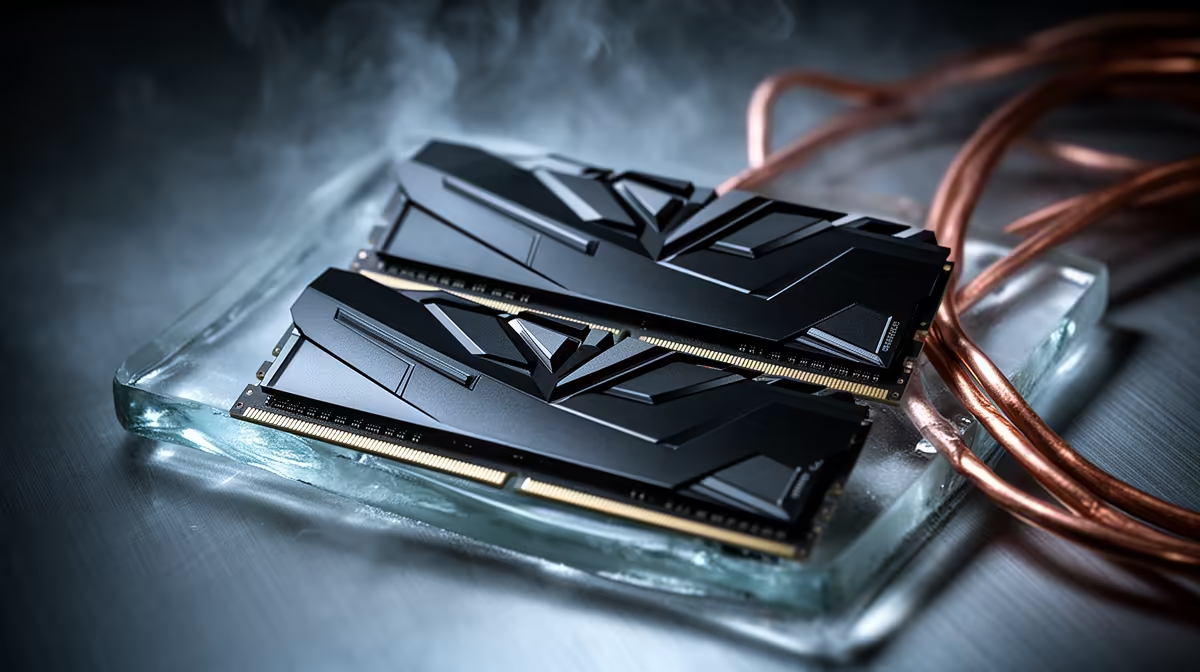
Two empty RAM slots look like an invitation. With DDR5, filling them can turn a stable 6000MT/s profile into a morning spent watching failed boots. Adding two more DDR5 sticks increases the electrical load on the CPU memory controller, and four modules may need a lower speed than the first pair.
Quick Answer
Check the motherboard manual and memory support list for four-DIMM operation before buying. Match the existing kit as closely as possible, update to a suitable BIOS, load stock memory speed after installation and test before re-enabling XMP or EXPO. The ASUS B650E MAX Gaming WiFi board was R3,499 at Evetech in July 2026; its four physical slots do not promise every two-DIMM overclock with all four filled.
📖 Read the four-DIMM line in the manual
Motherboard headline speeds often describe one or two modules in a preferred layout. Find the table for one DIMM per channel and two DIMMs per channel. Your CPU generation, module rank and capacity can change the supported target.
Open the board's memory support list and filter for four-socket validation where the site provides it. A kit appearing in the list for two modules does not prove that two retail kits will work together as four.
Check the CPU specification too. The memory controller lives in the processor, and its official four-DIMM speed may sit below the marketing speed on the kit. Board firmware can improve training, but it cannot promise that every CPU sample will hold an aggressive profile with four modules. Set your expectation from the full platform, not the biggest number printed on one box.
Evetech's DDR5 memory category shows module count and capacity in the product names, which helps you compare a 2x32GB replacement with a second 2x16GB kit.
🧾 Identify the kit already in the PC
Photograph the label on each installed module. Record the exact part number, rated voltage, speed and timings. Check the current BIOS memory page and save the working profile.
Even an identical retail code can arrive with a later chip revision. Buying the same model improves the odds, but the four sticks were not tested as one kit. If you need 64GB for work, a packaged 2x32GB set may hold a higher speed with less effort.
🧰 Install at stock speed first
Switch off the PC, unplug it and discharge the system. Seat the two new modules in the empty slots until the latches close. Clear CMOS if the board struggles to train the new layout, then enter BIOS and confirm all capacity appears at the base memory speed.
Let the first DDR5 training cycle finish. The board may restart several times. Cutting power during training can send you back to the beginning and makes a normal delay look like a fault.
Once BIOS opens, check all four slot entries and the total capacity. If one module is missing, switch off and reseat it before changing any speed. A loose stick and an unstable profile need different fixes, and the slot map can tell you which problem to handle first.
🧪 Raise speed one stage at a time
Run a memory test at stock. Enable XMP or EXPO only after that passes. If the rated profile fails, select a lower memory multiplier while keeping documented voltage settings. A stable 5600MT/s four-stick setup serves you better than a 6000MT/s screenshot followed by game crashes.
Test with a bootable memory tool, a Windows memory load and your largest project or game. Zero errors is the target. Save the final BIOS profile and note the working speed for the next firmware update.
Check Evetech's memory best-sellers if a larger matched kit makes more sense. Compare the cost with the hours you are prepared to spend tuning four modules.
Frequently Asked Questions
Does adding two DDR5 sticks always lower RAM speed?
No, but four modules place more load on the memory controller and can reduce the stable ceiling.
Where do you check the speed limit for four DDR5 sticks?
Use the motherboard manual, its memory support list and the CPU maker's memory specification for your generation.
Should you buy an identical kit when adding sticks?
Yes, matching the part number and revision improves compatibility. It still does not equal one factory-matched four-module kit.
Does XMP or EXPO work automatically with four sticks?
It may train and pass, or it may need a lower speed. Test the profile before trusting it.
Is one larger matched kit better than adding two sticks?
A 2x32GB kit often gives the memory controller an easier load than four 16GB modules and removes cross-kit variation.
Does a four-stick upgrade require a BIOS update?
Not in every case. Read the release notes and update when the firmware includes relevant memory compatibility work.
Expanding a DDR5 PC beyond its first kit?
Compare two-module and four-module capacity options at Evetech, then check your exact board and CPU before filling the empty slots.