A student PC needs enough memory for coursework before gaming extras absorb the budget. Budget PC specs during the memory crisis should protect usable capacity, storage and upgrade options around the software your course requires.
Quick Answer
A South African student PC should start with the software required by the course, then balance RAM, CPU, storage, display and support inside the confirmed budget. For many current Windows workloads, 16GB RAM and a 512GB SSD form a practical baseline; engineering, creation, virtual machines or local data work may need 32GB and more storage. Do not assume an NSFAS allowance covers a particular PC or component. Check the current institution and NSFAS rules in writing.
Begin with the course software list
Ask the faculty for current application names, versions and system requirements. A business student using browser, Office and calls has another need from an engineering student running CAD, simulation or virtual machines.
Record Windows, macOS or Linux support. Some specialist applications and exam tools need one platform. Do not buy on gaming performance before confirming compatibility.
Add remote-learning needs: webcam, microphone, Wi-Fi, battery runtime and a display comfortable for documents.
Confirm the budget source
NSFAS policies, eligible allowances and institution procurement processes can change. Use current official NSFAS and institution guidance for the funded year.
Do not rely on a social post, last year's amount or another student's purchase. Ask whether equipment is purchased through an institution route, reimbursed or excluded.
Keep the written response and deadline. When rules are unclear, contact the institution financial-aid office or NSFAS through current official channels.
This article cannot promise eligibility, payment timing or approval for one machine.
Give RAM a workload target
8GB can run light work with little headroom. 16GB suits many browser, document, coding and light-gaming sessions. 32GB becomes useful for large creative files, data analysis, CAD, simulation and several virtual machines.
Measure the current workload when possible. Task Manager's Available and committed memory plus paging show whether capacity is a limit.
Check whether laptop RAM is soldered or socketed. A fixed 8GB model can become the expensive choice when the course grows.
Choose CPU from the longest task
Office and browser work need sound single-thread response and efficiency. Compiling, rendering and simulation can use more cores for longer.
Use the application's recommended CPU and independent benchmarks. A Core i7 or Ryzen 7 family name spans generations and power classes.
For laptops, sustained performance depends on cooling and power mode. A thin model can finish short work fast and slow during a long render.
Storage needs working room and backup
Use an SSD for Windows and applications. A 512GB drive can suit coursework and light games when large media stays elsewhere. Video, design assets and several modern games can fill it fast.
Check installed sizes, project growth and free space needed for updates. An open M.2 slot or replaceable drive improves the later path.
Back up assignments in an independent location and test restore. A second partition on the same SSD is not protection against drive failure.
Integrated graphics can cover light play
An integrated GPU can handle desktop work, media and selected esports or older games at sensible settings. Its performance depends on memory bandwidth, power and the exact processor.
A discrete GPU is justified by course software, 3D work or gaming target. It adds price, heat and battery cost.
Do not cut required RAM or a reliable SSD to buy a GPU that spends most of the semester idle.
Display and keyboard matter every day
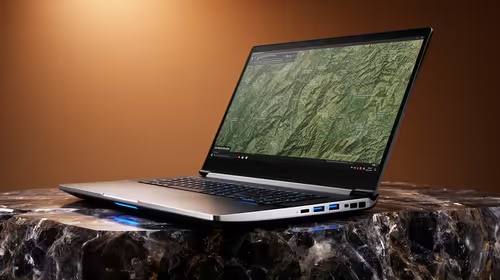
Check resolution, brightness, panel type, text clarity and size. A 1080p-class display provides a useful baseline at common laptop sizes, while exact colour work needs gamut and calibration evidence.
Test keyboard layout, touchpad and webcam. Add the weight of charger and bag to the commute.
For a desktop, include monitor, keyboard, mouse, webcam, headset and backup power needs in the total. A tower price alone is not a student setup.
Network needs the actual residence
Ask the residence or home network which Wi-Fi bands and authentication it uses. Ethernet can improve a fixed desk when the room provides a port.
Check webcam and microphone in Teams, Zoom or the institution's platform before classes start. Keep headset volume safe.
Offline access matters during an outage. Download course files and confirm application licence behaviour while connected.
Pre-built and parts serve different students
A pre-built desktop provides one assembled support path and can be ready for class sooner. A parts build gives component choice and needs assembly, operating-system and fault-isolation skill.
Compare exact PSU, motherboard, memory modules and storage, not just CPU plus GPU. Ask for the final invoice and warranty terms.
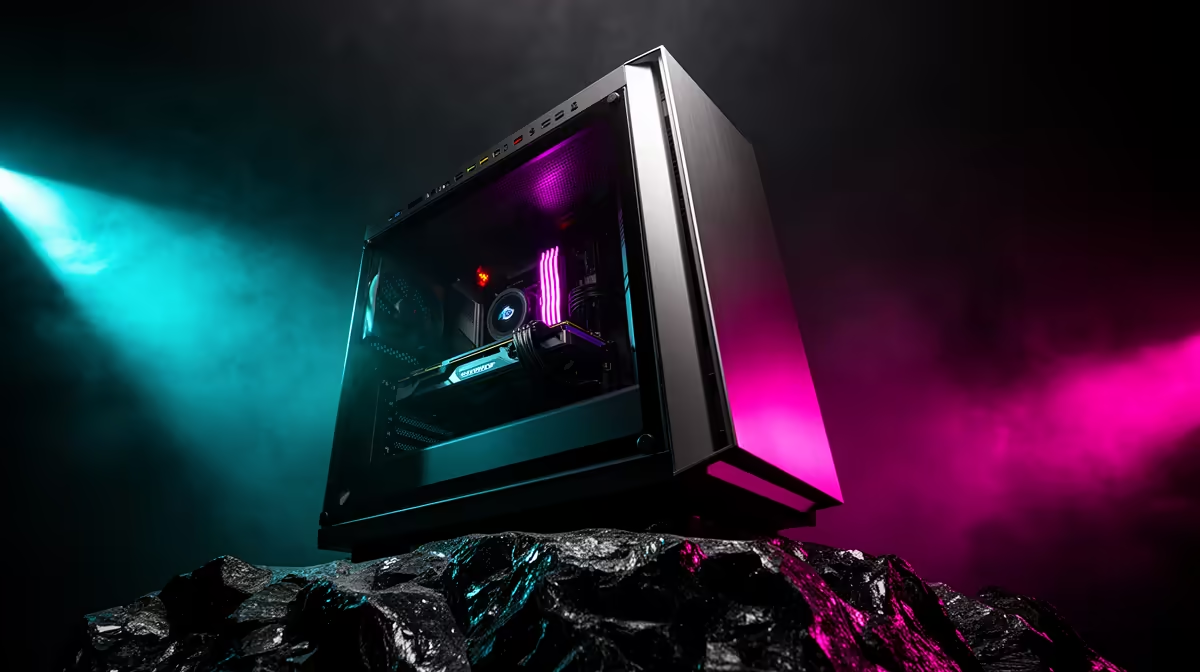
Use the gaming PC deals to build one complete student configuration. The PC best-seller page gives you a second live system for a cost and support comparison.
Make the machine last the course
Choose accessible memory and storage where possible. Keep vents clear, use a protective bag and record serial numbers.
Create recovery media and save encryption recovery keys through the approved route. Keep Windows, drivers and course applications on stable supported versions.
Review the specification against the next year's modules, not an imagined ten-year future. A balanced four-year plan is better than overspending on one headline part.
Use a two-list decision
List must-have course requirements and nice-to-have gaming features. Fund every must-have first.
Then compare the complete price, written support, delivery date and upgrade path. Do not make a legal or funding assumption to close a budget gap.
When the official allowance does not cover the target, ask the institution about available labs, loan devices or other current support programmes. Eligibility and availability must come from that authority.
FAQ
What is the minimum student PC specification?
It depends on course software. For many Windows roles, 16GB RAM and a 512GB SSD are a practical baseline, with heavier courses needing more.
Does NSFAS cover a PC?
Do not assume it. Check current official NSFAS and institution rules for the funded year and your programme.
Should a student cut GPU budget for RAM?
Yes when course and multitasking capacity would otherwise page, and the discrete GPU is only a nice-to-have. Required 3D software can reverse that choice.
Get the course software list and written funding rules, then build around required RAM, SSD, platform and support before gaming extras.