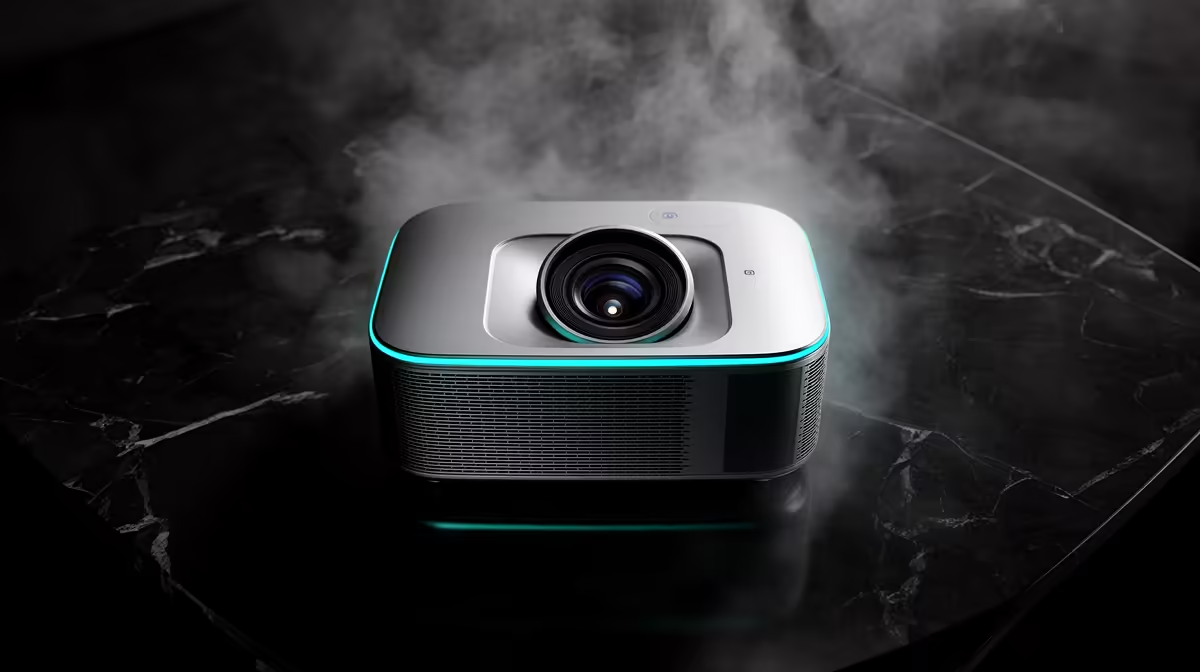
Most short-throw projector problems trace to incorrect placement, an uneven wall, excessive room light, a weak video link or unsuitable picture settings. Begin with the physical geometry before applying heavy digital correction. Moving the projector a few centimetres can solve distortion that menu adjustments only disguise.
Reset the image path methodically
No short-throw model price is confirmed in the supplied factpacks. Check the manual for throw ratio, supported image size, native resolution, input formats, focus method, ventilation clearances and warranty. Mark the screen centre and make the projector level and square to the surface. Use keystone correction only after alignment.
For blur, focus at operating temperature and inspect all four corners; an uneven surface can make one area impossible to sharpen. For flicker or black screens, test a short known-good cable and another input. For a washed-out picture, reduce ambient light and select a suitable picture mode. For delayed controls, disable unnecessary processing and test the documented gaming mode.
Clean only the accessible filter or lens areas described by the manufacturer, with the unit cool and unplugged. Do not block vents inside a cabinet. Record error lights and fan behaviour before restarting repeatedly. Persistent colour patches, grinding noise, burning smells or internal optical faults need qualified service rather than opening the chassis at home.
Troubleshooting a compact projector setup? > Ask Evetech to compare throw distance, cable and service options for the room.