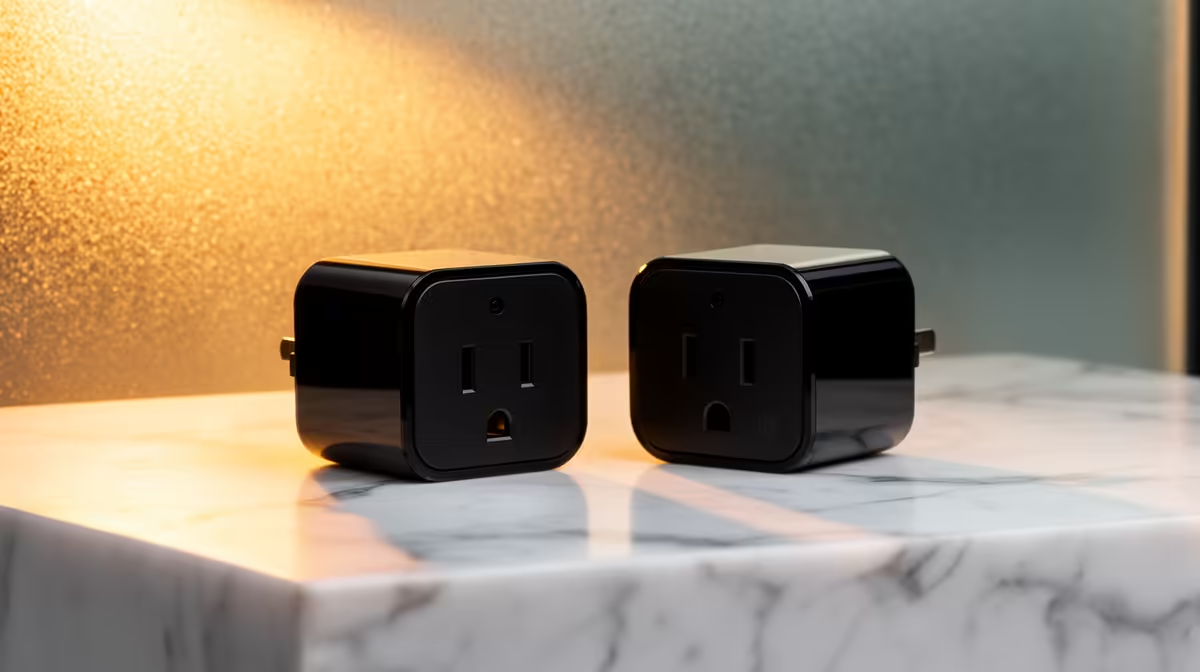
Common smart plug set problems include failed pairing, schedules that drift, plugs showing offline, blocked neighbouring sockets and appliances that do not restart safely. Troubleshooting should isolate Wi-Fi, account, firmware, electrical load and the connected appliance instead of resetting everything together.
Test one plug and one low-risk device
Confirm socket condition, certified load and app compatibility, then pair a single unit near the router. Test local switching, schedules and internet interruption. Move it to the intended room only after the basic path works, noting signal and physical clearance.
No smart plug has verified pricing in the supplied facts. The Cudy M3000 mesh three-pack at R1,502 is a separate networking reference and does not guarantee plug compatibility. Check exact socket format, certified rating, local control, app permissions, firmware, router-band requirements, service support and warranty.
Never daisy-chain plugs, use damaged outlets or automate equipment whose unattended restart creates danger. Protect the account, retain manual control and obtain qualified electrical help for heat, burning smells or repeated trips. Record working settings before a reset.
Replace a plug only when the fault follows that unit after controlled testing. Improve Wi-Fi or appliance behaviour separately when those are the real causes. Check router isolation or client separation when plugs join the same wireless network as study and business devices.
Fixing smart-plug reliability? > Compare Evetech networking after isolating the failing layer.