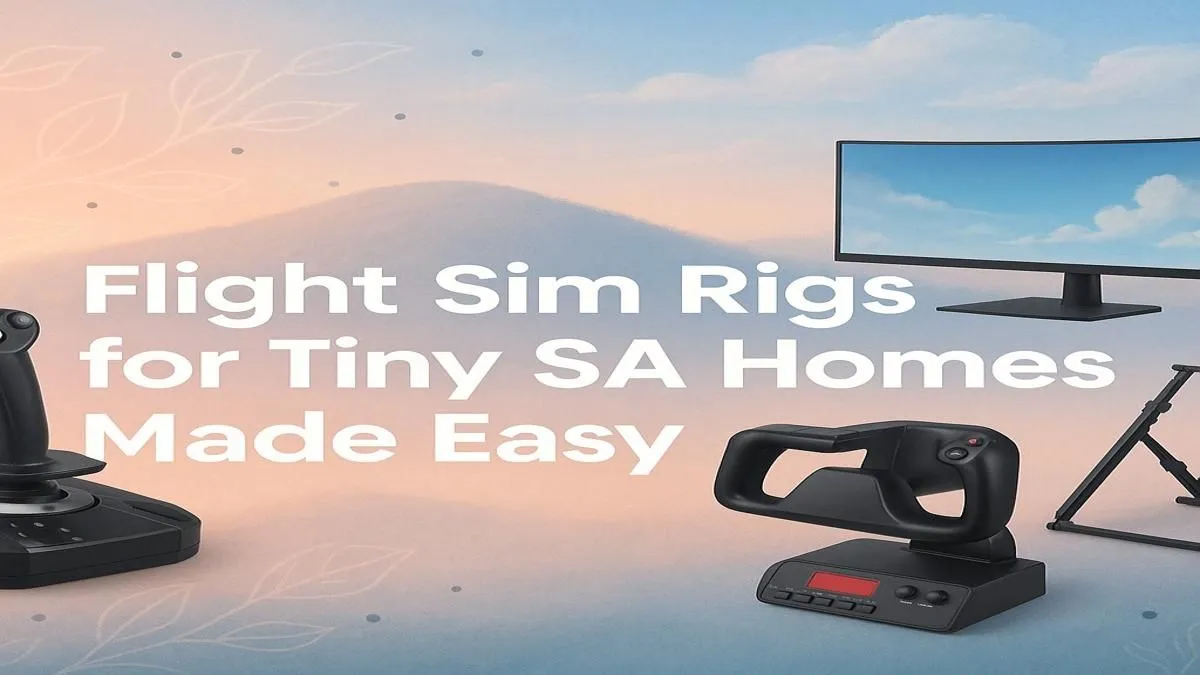
Dreaming of soaring over Cape Town's iconic Table Mountain but stuck with a living space that’s more micro-apartment than aircraft hangar? You're not alone. Many South African gamers believe a full-blown flight simulator is a luxury reserved for those with a spare room. The good news? Building a powerful and immersive compact flight sim setup in SA is easier and more affordable than you think. Let's get your wings without clipping your space. ✈️
The Core: A Space-Saving PC
Your journey begins with the heart of any simulator: the PC. Forget massive, intimidating towers. Modern gaming PCs pack incredible power into surprisingly small chassis. A compact build not only saves precious floor or desk space but also looks sleek and clean. For a rig that can handle the gorgeous scenery of Microsoft Flight Simulator without turning your room into a sauna, look for pre-configured options. These are optimised for performance and thermal efficiency, saving you the headache of component Tetris.
A well-balanced machine is crucial for a smooth experience. You can find excellent Microsoft Flight Simulator gaming PCs that deliver high frame rates without demanding a massive footprint.
Your Cockpit Window: The Monitor
For a truly compact flight sim setup, ditch the idea of a three-monitor behemoth. A single, high-quality display is your best friend. An ultrawide or super ultrawide monitor offers an incredible field of view, wrapping the virtual cockpit around you for unparalleled immersion. This approach saves an enormous amount of desk real estate and simplifies your cabling.
A curved monitor enhances this effect, pulling you deeper into the action. By using one stand instead of three, you reclaim your desk for other essentials... like a well-deserved cup of coffee during a long-haul flight. There's a huge variety of PC monitors available, so finding the perfect size and resolution for your space is simple.
Pro Tip for Desk Space 🔧
A VESA monitor arm is a game-changer for any compact flight sim setup. It lifts your screen off the desk, freeing up valuable surface area underneath for your yoke or throttle quadrant. When you're not flying, you can simply push the monitor back, instantly converting your flight deck back into a workspace.
Flight Controls: Immersive and Storable
This is where the magic happens. A proper yoke, throttle, and rudder pedals transform the experience from a game into a simulation. Worried about clutter? Most modern flight controls are designed with small spaces in mind.
Look for systems with robust desk clamps. A quality yoke and throttle quadrant from a brand like Thrustmaster can be securely attached for your flight and easily removed and stored in a cupboard afterwards. This modular approach is the key to a versatile setup that doesn't permanently take over your desk. For tiny homes, a good HOTAS (Hands-On Throttle-And-Stick) is another excellent, easy-to-store option. ✨
The Captain's Seat: The Multi-Purpose Throne
A dedicated sim rig with a racing seat is the dream, but it's just not practical for most. The solution? A high-quality, ergonomic gaming chair. It provides the comfort and support needed for hours in the virtual cockpit but also serves perfectly as your daily office chair.
It’s the ultimate two-for-one for a space-conscious simmer. Investing in one of the many excellent gaming chairs in South Africa ensures you maintain good posture whether you're landing a Boeing 747 or just answering emails. Choose one with adjustable armrests to ensure they don't interfere with your yoke movements.
Building your compact flight sim setup SA-style is all about smart choices. You don't need a dedicated room—just the right gear to create a flexible, immersive, and powerful little cockpit. Happy flying! 🚀
Ready to Take Flight?
Don't let a small space ground your ambitions. With the right gear, you can build an immersive and compact flight sim setup right here in South Africa. Explore our range of flight sim essentials and start building your dream cockpit today.