


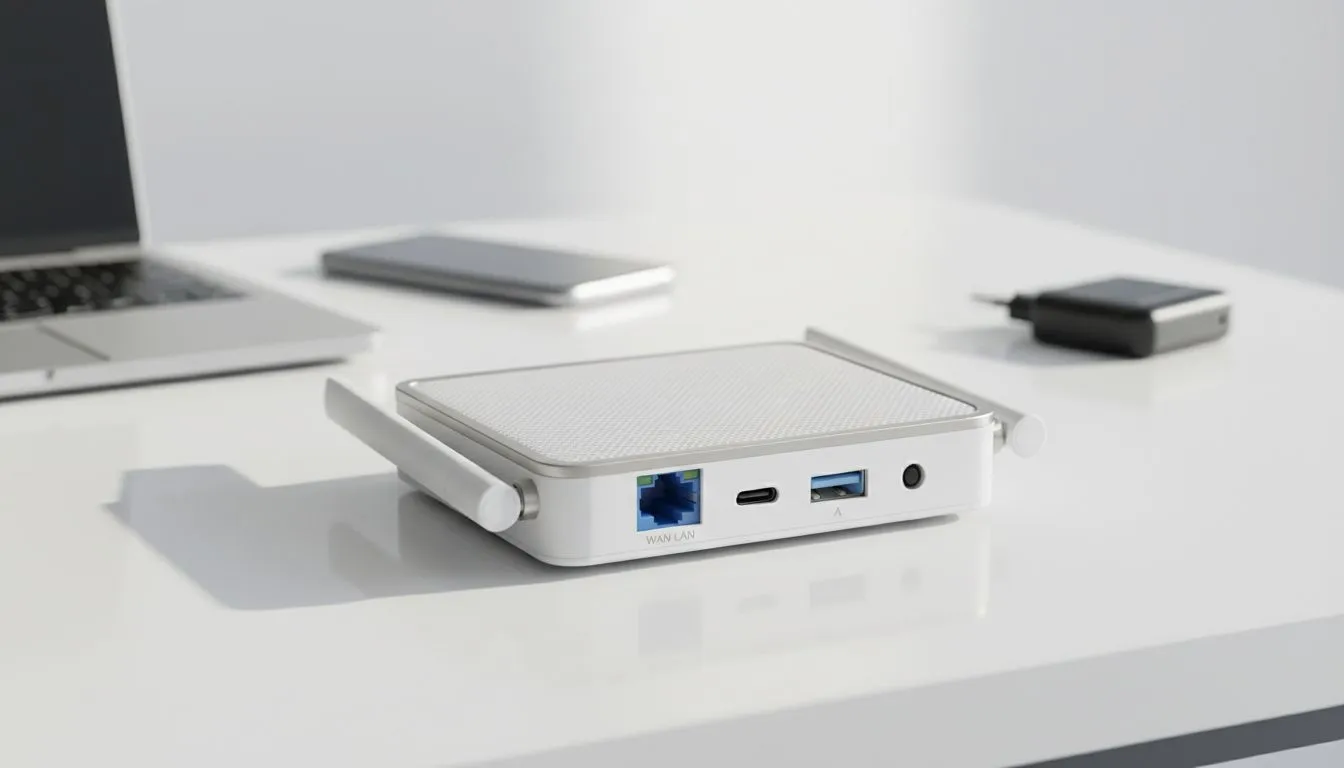
Ever checked into a hotel only to find the Wi-Fi is patchy at best? You see that single Ethernet port near the desk... it is a lifeline. Learning how to convert hotel wired internet to Wi-Fi for all devices allows you to create your own private, secure bubble. No more paying per device or struggling with weak signals. It is the best way to keep your gear connected across South Africa. ⚡
Why You Need a Personal Travel Router
Most hotels limit how many devices you can connect. Some even charge extra for every additional smartphone or tablet. By using a compact travel router, you bypass these restrictions entirely. You connect the hotel's cable to your router... and your router shares that connection with everything else.
This method also adds a layer of security. Public hotel networks are often unsecured. Your personal router acts as a firewall between your private data and the rest of the hotel guests. To get started, you should browse the latest TP-Link wireless routers to find a model that fits your travel bag.
How to Convert Hotel Wired Internet to Wi-Fi for All Devices
The process is simpler than you might think. First, locate the Ethernet port in your room. Plug one end of your network cable into the wall and the other into the WAN port of your router. Once powered on, you can log into the router's interface via your phone to configure the settings.
Many modern routers feature a "Hotspot Mode" or "AP Mode". This is specifically designed to standardise the connection for multiple users. If you are looking for a versatile option that also supports SIM cards for remote areas, the Cudy LT700 4G router is an excellent choice for South African travellers.
MAC Address Cloning Tip ⚡
Some hotels require you to sign in via a browser on a single device before the internet works. If your router isn't getting a signal, look for the 'MAC Clone' setting in your router's menu. This makes the hotel network think your router is actually the laptop you just used to sign in. It is a lifesaver for tricky captive portals!
Stay Connected Anywhere in South Africa
Sometimes the hotel's wired infrastructure is just as bad as their wireless signal. In these cases, relying on a mobile data failover is a smart move. High-quality networking gear from Cudy South Africa provides the flexibility you need. You can switch between the hotel's wired line and a 4G connection seamlessly.
This setup ensures your gaming sessions or Zoom calls never drop. Whether you are in a boutique guest house or a large city hotel... you control your own bandwidth. Investing in your own portable network gear pays for itself by avoiding expensive "premium Wi-Fi" surcharges. 🚀
Ready to Boost Your Mobile Connectivity? Don't let poor hotel internet ruin your trip or your K/D ratio. From high-speed travel routers to powerful LTE backups, we have the gear to keep you online. Explore our full range of networking solutions and stay connected wherever you go.











