


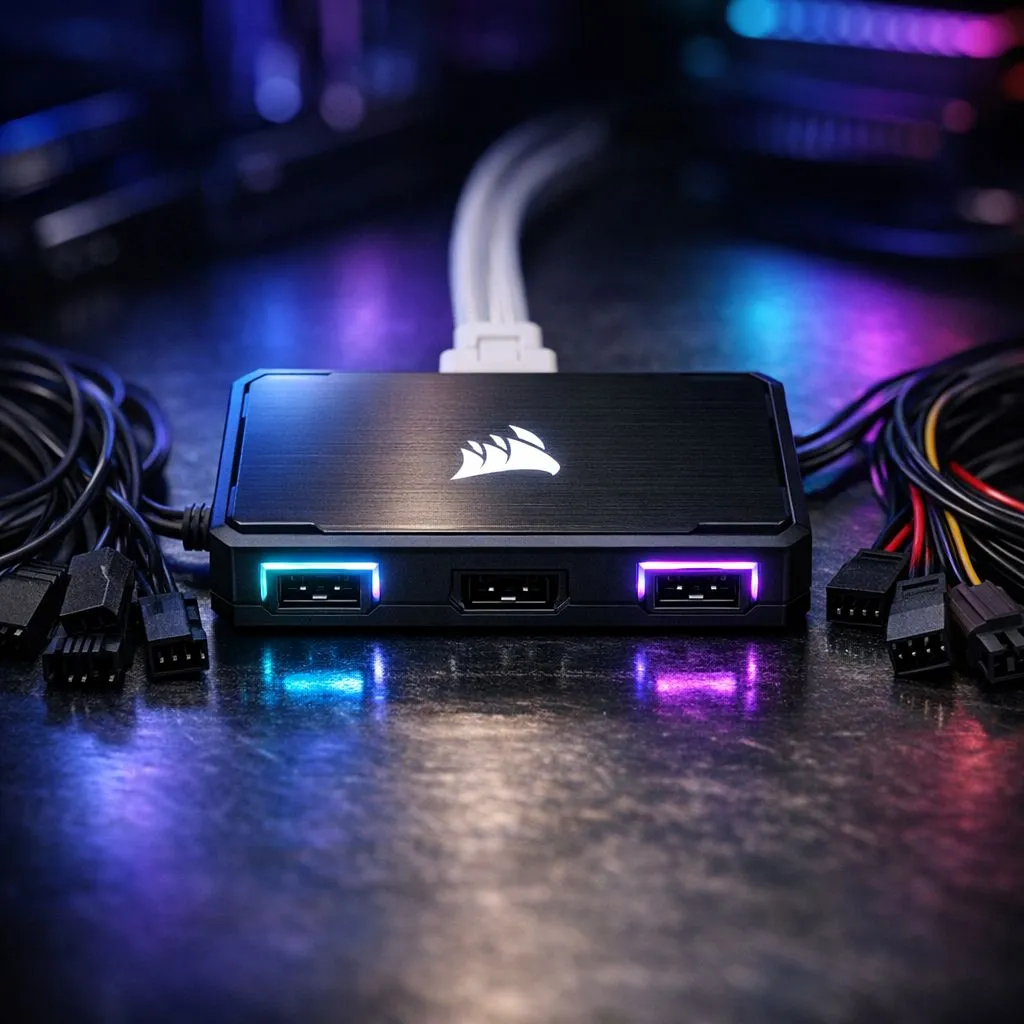
Corsair iCUE LINK vs Traditional Fan Headers: Why this matters to South African builders 🔧
If you’re building a rig for mining, esports, or streaming in Mzansi, choosing between Corsair iCUE LINK vs Traditional Fan Headers can change noise, control, and cable chaos. This quick read shows what actually shifts when you swap PWM headers for Corsair’s hub-led approach — and which option gives you cleaner cable runs and smarter lighting.
Corsair iCUE LINK vs Traditional Fan Headers: How they work
Corsair iCUE LINK centralises control through hubs and proprietary connections, while traditional fan headers use motherboard PWM/RGB headers. For fans and RGB in one place, Corsair’s system simplifies software syncing, but it ties you into Corsair-compatible devices. If you want a wide brand choice, Evetech’s general case fan range shows many options for standard headers: https://www.evetech.co.za/PC-Components/case-fans-97.aspx. ⚡
Corsair iCUE LINK vs Traditional Fan Headers: Brand and compatibility notes
Corsair’s ecosystem is strong for seamless iCUE synchronisation; if you prefer alternatives like Deepcool, that choice favours standard PWM or addressable RGB headers. Check Deepcool-compatible fans and comparison options at this Evetech Deepcool listing: https://www.evetech.co.za/PC-Components/case-fans-97.aspx?brands=Deepcool. Also see Corsair-specific fans here for direct iCUE LINK compatibility: https://www.evetech.co.za/PC-Components/case-fans-97.aspx?brands=CORSAIR.
Corsair iCUE LINK vs Traditional Fan Headers: Performance, noise and airflow
In real builds, PWM control via traditional fan headers gives granular RPM curves tied to CPU temperature. iCUE LINK often offers pre-set profiles and smooth lighting transitions. For raw airflow choices, compare sizes — 120mm fans trade static pressure for RPM, while 140mm fans usually move more air quieter at lower RPMs. Browse 120mm options: https://www.evetech.co.za/PC-Components/case-fans-97.aspx?attributes-size=120mm and 140mm options: https://www.evetech.co.za/PC-Components/case-fans-97.aspx?attributes-size=140mm. 🚀
Installation Tip 🔧
When using Corsair iCUE LINK, plan your hub placement before routing cables. A front-panel or PSU shroud location minimises visible wires and keeps RGB and power leads tidy. If you prefer motherboard control, map each header and label cables while building.
Corsair iCUE LINK vs Traditional Fan Headers: Lighting and aesthetics
If lighting matters, iCUE LINK delivers tight synchrony across Corsair devices. But you can still get excellent non-proprietary RGB or no-light options. For RGB-heavy builds, browse Evetech’s RGB fan selection: https://www.evetech.co.za/PC-Components/case-fans-97.aspx?attributes-lightingeffects=RGB. If you want stealthy, silent builds, consider the non-lit alternatives here: https://www.evetech.co.za/PC-Components/case-fans-97.aspx?attributes-lightingeffects=None. ✨
Corsair iCUE LINK vs Traditional Fan Headers: Which to pick in South Africa
Quick rule: pick Corsair iCUE LINK if you want easy, unified lighting and you use multiple Corsair components. Choose traditional fan headers for broader brand choice and motherboard-centred thermal control. Both routes can yield quiet, cool systems — it’s about ecosystem preference and cable management. Prices for comparable Corsair kits on Evetech typically range depending on fan count and hub kits; compare models before buying to match your budget in ZAR.
Quick build checklist before checkout
- Confirm your motherboard has enough PWM headers if not using a hub.
- Check the case for hub mounting space and cable channels.
- Decide on fan size: 120mm for compact builds, 140mm for quieter airflow.
- If you want brand consistency, factor in iCUE LINK compatibility.
Ready to Find Your Perfect Match? The Mac vs Windows debate is complex, but for maximum power, choice, and value in South Africa, Windows is hard to beat. Explore our massive range of laptop specials and find the perfect machine to conquer your world.











