Building your first PC in South Africa is an epic journey. You’ve picked your CPU, your GPU is on the way... but wait. Have you considered your CPU cooler and case? Getting this combo wrong is a classic rookie mistake that can halt your build in its tracks. It's a critical decision for your first PC build. Let's make sure your powerful new processor stays frosty and your assembly goes smoothly from the start. 🔧
Why Your CPU Cooler & Case Compatibility Matters
Think of your PC case as the house and the CPU cooler as the massive new fridge you just bought. If you don't measure the doorway first, you're going to have a bad time. The relationship between your CPU cooler and case is exactly the same. A mismatch can mean the side panel won't close, airflow is choked, or you simply can't install your components.
Getting this right ensures your PC not only runs cool and quiet but also looks clean and professional. A well-planned build avoids the frustration of having to return parts and start over. It all begins with understanding your two main options: air cooling and liquid cooling.
Air Coolers vs. Liquid Coolers: The Big Decision
Choosing the right type of cooler is the first step in ensuring a perfect CPU cooler case fit. Each has its pros and cons, and your choice will directly influence which PC cases you can consider.
The Case for Air Coolers
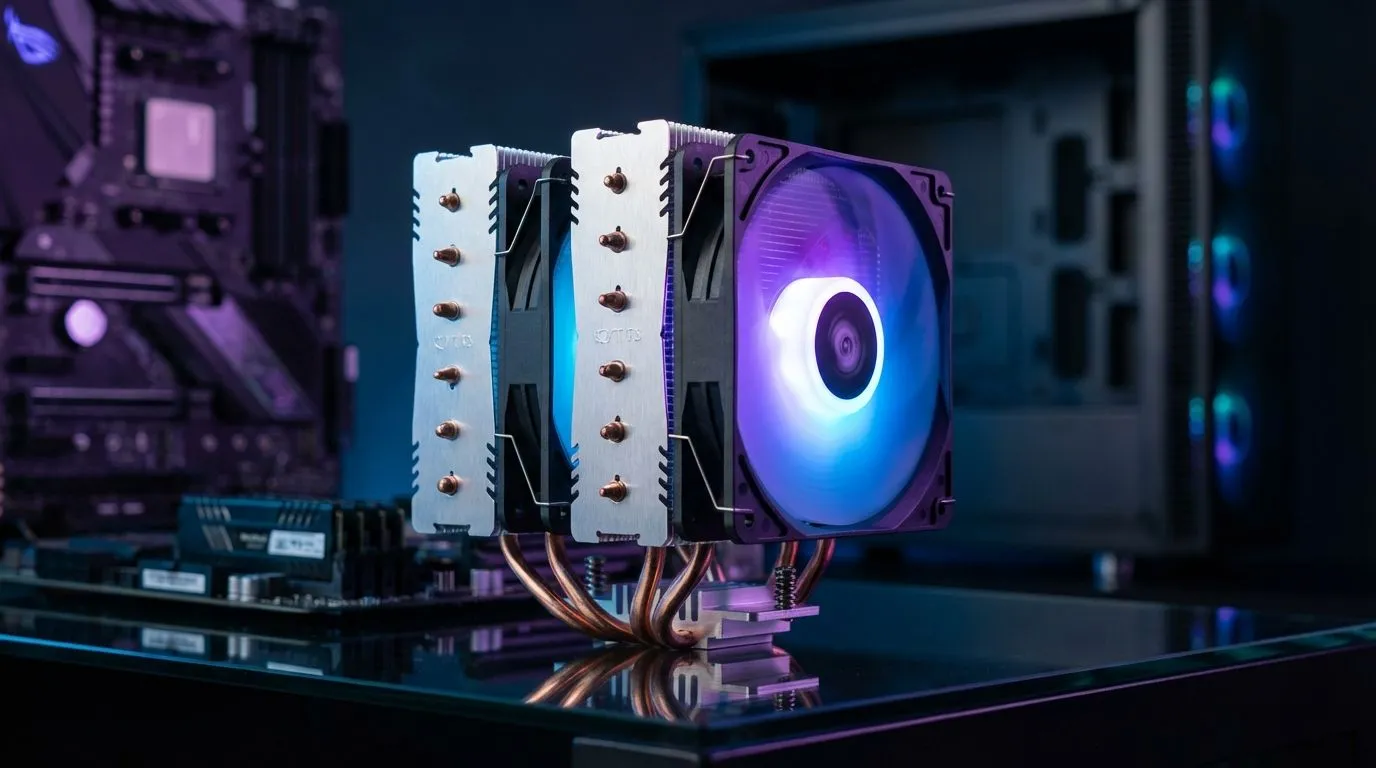
For many first-time builders, an air cooler is the perfect choice. They are reliable, often more affordable, and simpler to install. An air cooler works by drawing heat away from the CPU into a metal heatsink, where a fan then dissipates it. They are fantastic, no-fuss solutions that get the job done efficiently. If you're building a reliable gaming rig without getting into extreme overclocking, you'll find a massive selection of powerful and quiet Air Coolers that offer incredible value.
The Allure of Liquid Cooling (AIOs)
If you're chasing maximum performance, planning to overclock, or want that high-end "pro builder" aesthetic, an All-in-One (AIO) liquid cooler is the way to go. AIOs use a liquid-filled loop to transfer heat from the CPU to a radiator, where fans push the heat out of the case. They often provide superior cooling performance under heavy loads. ✨ For those wanting the best cooling possible, check out our fantastic range of Liquid Cooler (AIO) options.
Don't Forget RAM Clearance! 📏
Large air coolers can sometimes overhang the RAM slots on your motherboard. Before buying a massive tower cooler, check its specs and the height of your RAM sticks. Low-profile RAM is often a safe bet for builds using chunky air coolers to avoid any nasty surprises.
Key Measurements for a Perfect Fit
Before you click "add to cart" on any CPU cooler or case, you need to become a detective and check a few key specifications. These numbers are non-negotiable.
CPU Cooler Height Clearance (for Air Coolers)
This is the most important spec for air coolers. Every PC case lists a "Maximum CPU Cooler Height" in millimetres. This tells you the tallest air cooler that can fit before it hits the side panel. Always ensure your chosen cooler's height is less than the case's maximum clearance. It's a simple check that saves a massive headache.
Radiator Support (for AIOs)
For liquid coolers, you need to check radiator compatibility. Radiators come in standard sizes based on the fans they use (e.g., 120mm, 240mm, 360mm). Your case's spec sheet will tell you which sizes it supports and where you can mount them (top, front, or rear). For instance, a powerful 360mm Radiator AIO will need a case that explicitly supports that size, usually in the front or top panel.
Top Brands & Making Your Final Choice
Here in South Africa, gamers have access to some of the best cooling brands in the world. Brands like CORSAIR are legendary for their high-performance AIOs with brilliant RGB lighting, while others specialise in whisper-quiet air coolers.
Ultimately, the best CPU cooler for your case is the one that fits your budget, performance needs, and—most importantly—your case's dimensions. By checking the specs before you buy, you set yourself up for a successful and stress-free first PC build. 🚀
No matter your budget or build, Evetech has the perfect CPU coolers to keep your rig frosty and running at its peak.
Ready to Build a Cool & Quiet Rig?
Choosing the right CPU cooler and case is the secret to a stable, high-performance PC. Don't leave it to chance. Explore our massive range of CPU coolers and find the perfect parts to bring your dream machine to life in South Africa.