


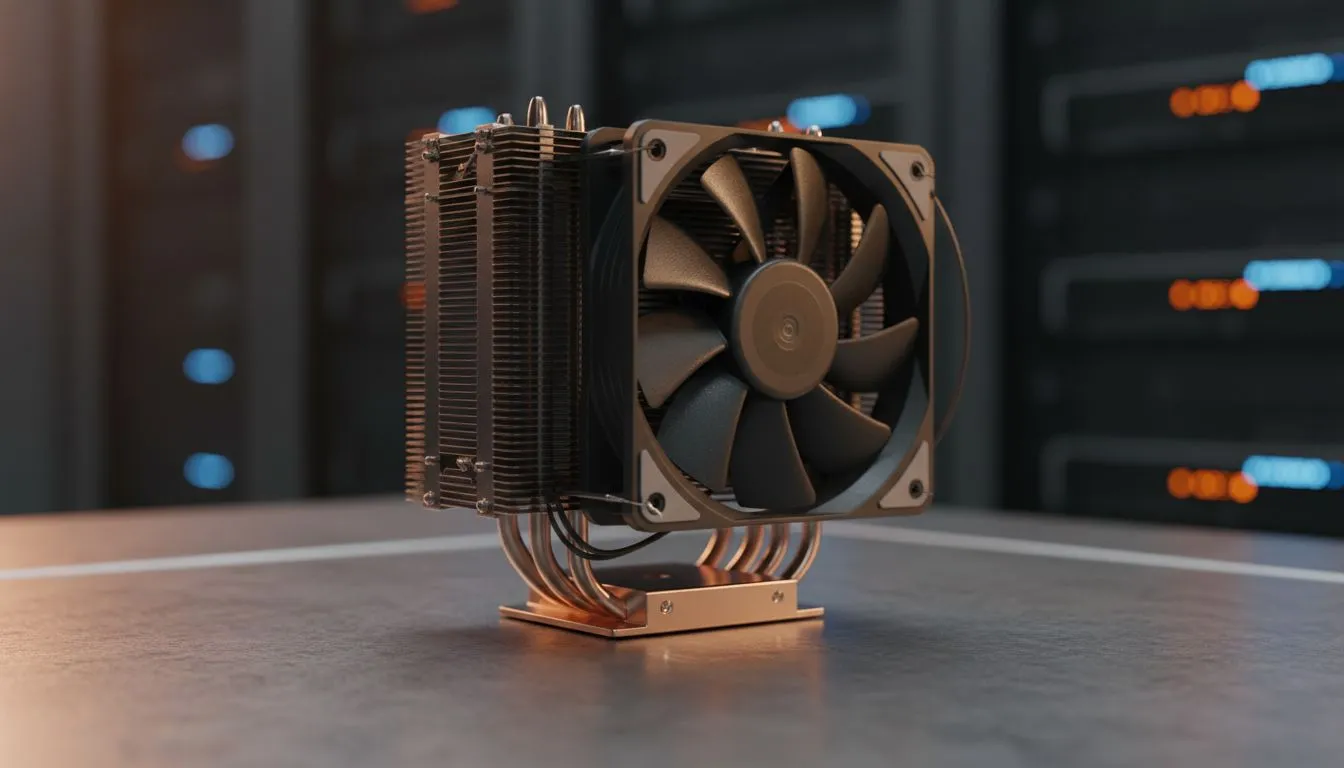
You’ve just unboxed that beastly new CPU... the heart of your new rig. The excitement is real. But then, disaster strikes. You grab your shiny new cooler, line it up with the motherboard, and... it doesn't fit. Suddenly, your epic build session grinds to a halt. Ensuring your CPU cooler compatibility with your motherboard's socket from the start is the one step you can’t afford to skip. Let’s make sure it never happens to you.
Why CPU Cooler Compatibility is Non-Negotiable
Think of a CPU cooler as the most important bodyguard for your processor. Without the right fit, it can't do its job. The result? Thermal throttling, where your CPU intentionally slows down to prevent overheating. This means lower frame rates in games and sluggish performance in creative apps… exactly what you didn't want.
Proper CPU cooler compatibility ensures three key things:
- Physical Fit: The mounting bracket aligns perfectly with the holes on your motherboard.
- Optimal Contact: The cooler's base plate sits flush against the CPU's heat spreader for maximum heat transfer.
- Secure Mounting: The cooler is held firmly in place, preventing damage from vibration or movement.
Getting this right is the first step to a stable, high-performance PC. Before you dive into the aesthetics of RGB or the silence of Noctua, you have to nail the basics of matching your cooler to your CPU socket. The crucial first step in any build is choosing the right cooling solution from a wide variety of CPU coolers here.
Understanding CPU Sockets: The Intel vs. AMD Showdown ⚙️
The "socket" is the physical interface on the motherboard where your CPU clicks into place. Intel and AMD use different socket designs, and these designs change every few generations. This is the root of most compatibility issues.
Team Blue: A Quick Guide to Intel Sockets
Intel uses a Land Grid Array (LGA) socket, where the pins are on the motherboard and the CPU has flat contact pads. The name tells you a lot, for example, LGA 1700 has 1700 pins.
- LGA 1700: The current king for Intel's 12th, 13th, and 14th Gen Core processors. It has a rectangular shape, different from the square sockets of the past. Many older coolers need a specific LGA 1700 upgrade kit to fit.
- LGA 1200: Home to Intel's 10th and 11th Gen CPUs. It shares mounting dimensions with older sockets like the LGA 115x series, so many coolers are cross-compatible.
Team Red: Decoding AMD Sockets
AMD typically uses a Pin Grid Array (PGA), where the pins are on the CPU itself. However, their mounting systems have also evolved.
- AM5: The latest platform for Ryzen 7000 series and newer CPUs. The great news is that AM5 maintains the same cooler mounting dimensions as AM4, so most air coolers designed for AM4 will work perfectly!
- AM4: An incredibly long-lasting socket that supported Ryzen 1000 through 5000 series CPUs. It uses a classic clip-on mechanism or a four-screw backplate system.
Check the Spec Sheet! 🔧
Before you even add a cooler to your cart, find its official product page. Look for the 'Socket Compatibility' list. It will explicitly name every Intel and AMD socket it supports, like 'LGA 1700' or 'AM5'. This simple check takes 30 seconds and can save you hours of frustration and a return trip.
Your 3-Step Checklist for Perfect Cooler Compatibility ✅
Feeling confident? Good. Follow these three simple steps to guarantee you find the perfect match for your AMD or Intel socket.
- Identify Your Motherboard Socket: This is the most important piece of information. It will be listed on the motherboard's box, product page, and often printed right on the motherboard itself. Is it AM5? LGA 1700? Write it down.
- Verify Cooler Support: As our tip box says, check the cooler's spec sheet. Every product page on Evetech lists the supported sockets. Ensure your socket is on that list. For most builds, reliable 120mm air coolers provide more than enough cooling power for even high-end gaming CPUs.
- Check Physical Clearance: Socket compatibility is step one, but you also need to make sure the cooler physically fits in your case. Check the cooler's height (in mm) against your case's "Max CPU Cooler Height" spec. Also, consider RAM clearance—tall, flashy RAM sticks can sometimes get in the way of large air coolers. Brands like Deepcool often design their coolers with offset fins to improve memory compatibility, while newcomers like EINAREX are making waves with fantastic value-for-money options that fit in most builds.
By following this process, you can buy with total confidence, knowing your parts will work together seamlessly. Happy building! ❄️
Ready to Find Your Perfect Match? Don't let an incompatible part freeze your dream build. Getting the right CPU cooler compatibility is easy when you know what to look for. Now that you're armed with the knowledge, it's time to find the perfect cooling solution. Explore our full range of PC Components and keep your rig running cool and quiet.











