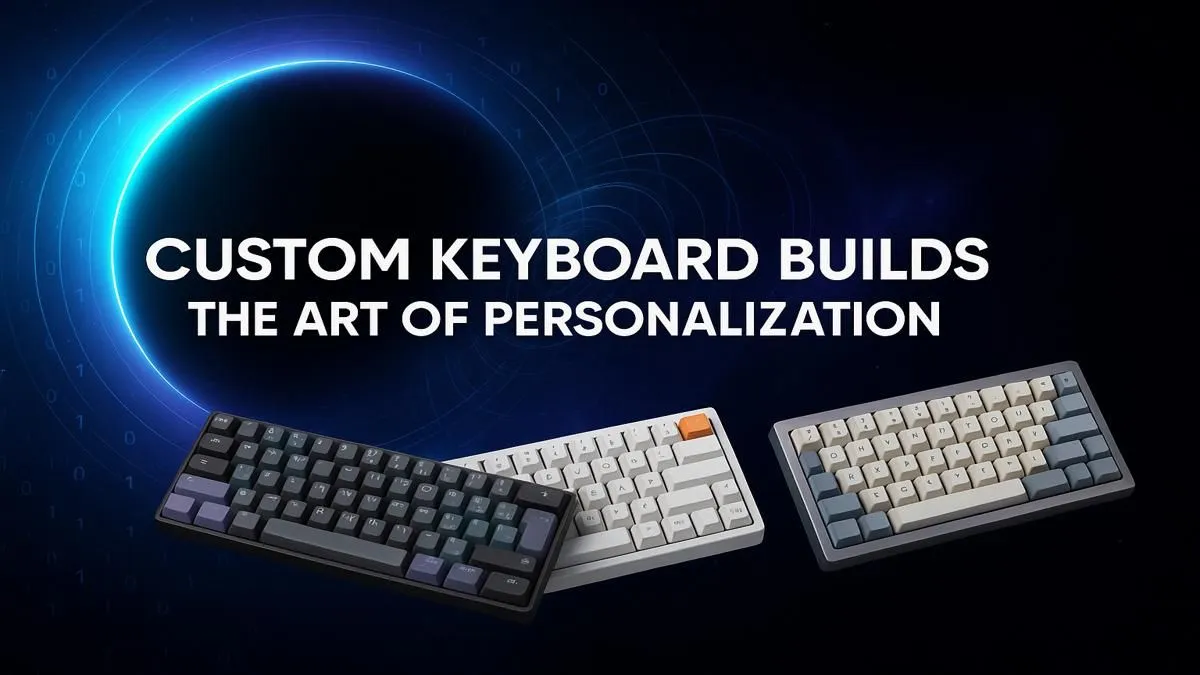
Tired of that mushy, generic keyboard that came with your PC? In South Africa, our gaming setups are a reflection of our passion, yet the keyboard is often an afterthought. A custom keyboard build is your ticket to a truly personal experience—a device that not only looks incredible on your desk but feels and sounds exactly how you want it to. It’s about more than just hardware; it’s about crafting the ultimate connection to your digital world. 🚀
Why Go Custom? The Benefits of Building Your Own Keyboard
Let's be honest, the standard keyboard you get in a bundle is designed to be… adequate. But gamers and creators demand more. The primary reason to start a custom keyboard build is the unparalleled typing and gaming feel. You get to choose every single component, from the satisfying "thock" of the spacebar to the precise actuation of your WASD keys.
This level of personalisation means your keyboard can be optimised for your specific needs, whether that's lightning-fast response times for competitive shooters or a comfortable, quiet experience for late-night coding sessions. It's a massive leap from the one-size-fits-all approach of many keyboard and mouse combos, offering a truly bespoke tool for work and play.
The Anatomy of a Custom Keyboard Build
Diving into your first build might seem daunting, but it's really just about understanding a few key parts. Think of it as building a high-performance PC, but for your fingertips. Each choice you make contributes to the final character of your keyboard.
The Foundation: Case, Plate, and PCB
The journey starts with the chassis. You'll need a case (the outer shell), a PCB (the circuit board that registers your keystrokes), and a plate (which holds the switches in place). Your first big decision is the size, or form factor:
- Full-Size (100%): The classic layout with a numpad. Great for productivity.
- Tenkeyless (TKL): A popular choice that ditches the numpad for more mouse room.
- Compact (60% or 65%): Ultra-minimalist, removing function keys and arrow keys for a tiny footprint.
You can find all these essential keyboard components right here in South Africa, making it easy to source everything you need for your project.
The Heartbeat: Mechanical Switches ⚡
This is where the magic happens. The switches define how each keypress feels and sounds. There are three main families:
- Linear: Smooth, consistent travel from top to bottom. Favoured by gamers for their speed and lack of a bump. (e.g., Cherry MX Red)
- Tactile: A noticeable "bump" in the middle of the keypress, providing feedback that you've activated the key. Excellent for typing and general use. (e.g., Cherry MX Brown)
- Clicky: A tactile bump accompanied by a sharp, audible "click." Incredibly satisfying, but maybe not for an open-plan office! (e.g., Cherry MX Blue)
Exploring the huge variety of mechanical keyboard switches is one of the most exciting parts of any custom keyboard build.
Switch Selection Tip 🔧
Feeling overwhelmed by switch choices? Start with a tactile switch like a Gateron Brown or Cherry MX Brown. They offer a great middle-ground experience that's fantastic for both typing and gaming. They provide satisfying feedback without the loud noise of a clicky switch, making them a perfect all-rounder for your first custom keyboard build.
The Style: Keycaps
Keycaps are the visual soul of your keyboard. This is your chance to inject colour and personality. They come in different materials, most commonly ABS (smooth and can develop a shine over time) and PBT (textured, more durable, and resistant to shine). You can find keyboard keycaps in countless colourways and profiles (the shape of the keycap) to perfectly match your setup's aesthetic.
Assembling Your Masterpiece (and Essential Extras)
Once you have your parts, the assembly is surprisingly straightforward—like a satisfying puzzle. You'll mount the switches to the PCB and plate, fit it into the case, and pop on your keycaps. The process itself is part of the reward! ✨
For the ultimate experience, don't forget ergonomics. A long gaming session can be tough on your wrists. Pairing your new custom keyboard with a quality wrist rest can make a world of difference, ensuring comfort and support.
Not a Builder? Find Your Perfect Pre-Built Keyboard
Look, a full custom keyboard build is a rewarding project, but it's not for everyone. Maybe you just want a top-tier experience straight out of the box. The good news is that the market for high-quality, pre-built mechanical keyboards has exploded. Brands like Razer, Corsair, and SteelSeries offer incredible features, robust build quality, and stunning RGB lighting.
If you want the performance without the project, you can explore some of the best gaming keyboard deals and get a premium feel instantly.