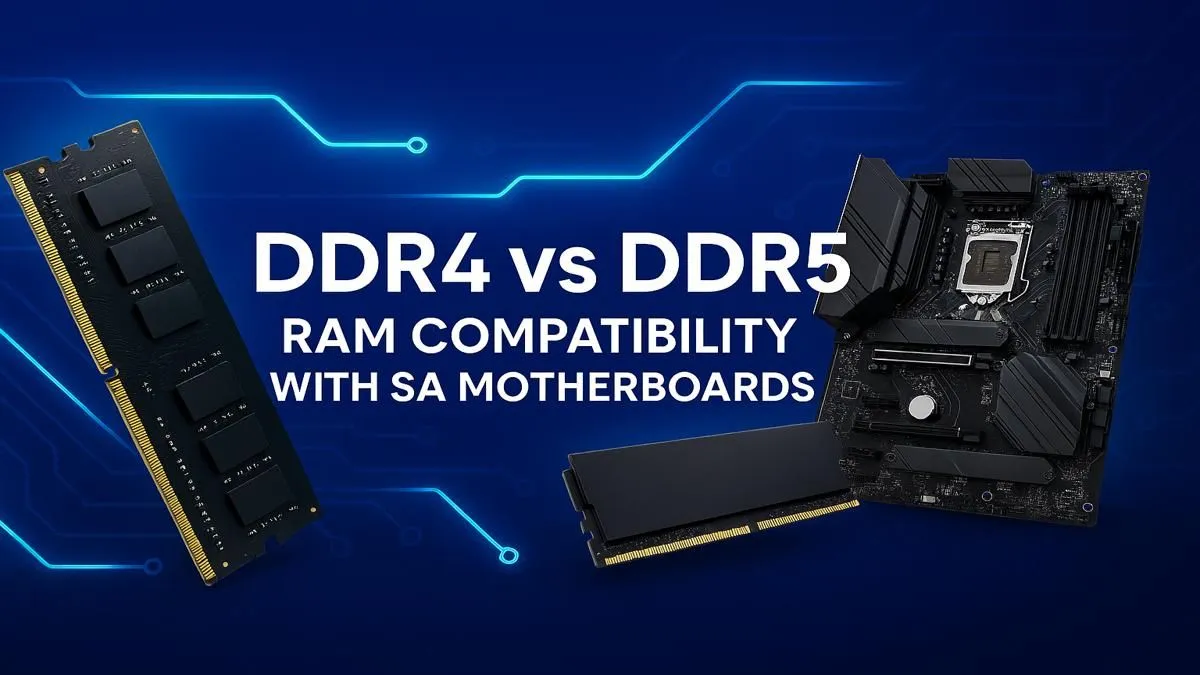
So, you’re planning a new PC build or a major upgrade here in South Africa. Awesome! You've picked your CPU, eyed a powerful graphics card, but now you're stuck on a critical choice: DDR4 or DDR5 RAM? This decision directly impacts your motherboard choice, performance, and budget. Getting the DDR5 motherboard compatibility wrong can stop your build dead in its tracks. Let's clear up the confusion and help you make the right call.
The Straight Answer on DDR5 Motherboard Compatibility
Let's get this out of the way first: No, you cannot use DDR5 RAM in a DDR4 motherboard, or vice versa. They are physically and electrically incompatible.
It’s not a software thing; it's hardware. Each RAM generation has a small notch in a different place on the contact pins. This is a deliberate design choice to prevent you from installing the wrong memory type and potentially damaging your components. Think of it as a key that only fits one specific lock. Your motherboard is the lock, and the RAM is the key. 🔧
A motherboard is built to support either DDR4 or DDR5—never both. When you're shopping, the product specifications will clearly state which type it supports.
Check Before You Checkout 🛒
Before adding any motherboard to your cart, triple-check its specifications page on Evetech. Look for the "Memory Type" or "Memory Standard" line item. This will explicitly say "DDR5" or "DDR4". This simple five-second check can save you a massive headache and return shipping costs.
DDR4 vs DDR5: What's the Real Difference for Gamers?
Okay, so they aren't interchangeable. But what performance difference are we actually talking about? The DDR4 vs DDR5 debate comes down to a few key areas.
Speed & Bandwidth 🚀
This is the headline feature. DDR4 speeds typically top out around 3600MHz to 4000MHz for most stable builds. DDR5, on the other hand, starts at 4800MHz and can easily reach 6000MHz and beyond. This massive increase in bandwidth means your CPU can access data much faster, which is especially useful for demanding applications and high-framerate gaming. More data lanes mean less bottlenecking, letting your processor stretch its legs.
Power & Efficiency ⚡
DDR5 operates at a lower voltage (1.1V) compared to DDR4 (1.2V). While it might not slash your electricity bill, it contributes to a cooler and more efficient system overall. A key difference is that DDR5 modules have on-board Power Management Integrated Circuits (PMICs), giving the RAM stick itself finer control over its power regulation. This leads to better stability, especially when you're pushing those high overclock speeds.
Price & Availability in SA
Here’s the big one for us in South Africa. For a long time, DDR5 carried a hefty price premium. That gap is closing fast. While a high-performance DDR4 memory kit still offers incredible value for money, especially for budget-conscious builds, DDR5 is becoming much more competitive.
So, who should buy what?
- Stick with DDR4 if: You're on a tight budget, or you're upgrading a PC on an older platform like AMD's AM4. DDR4 is a mature, stable, and cost-effective technology that still delivers fantastic gaming performance.
- Jump to DDR5 if: You're building a brand-new PC with the latest Intel or AMD AM5 platform. If future-proofing is your goal and you want the absolute maximum performance for content creation or competitive gaming, investing in a kit of modern DDR5 memory is the logical choice.
The Evolution of Memory
Thinking about DDR5 motherboard compatibility reminds us how quickly technology moves. It wasn't long ago that systems were built around DDR3 gaming RAM, which feels ancient by today's standards. Each generation brings a significant leap, unlocking new potential for our processors and games. Choosing DDR5 isn't just about today's performance; it's about building a foundation that will last you for years to come.
Ready to Find Your Perfect Match?
Whether you're team DDR4 for value or team DDR5 for cutting-edge speed, the right motherboard and RAM combo is waiting. Explore our massive range of PC components and build the rig you've been dreaming of.