Two four-pin headers sitting a few centimetres apart on a motherboard can look like the same thing to anyone who has not built a PC before, and yet they do completely unrelated jobs. A PWM fan header spins and monitors a fan; a four-pin RGB lighting header powers a non-addressable strip. Reading the label beside each one settles the question before a cable ever gets plugged in.
Quick Answer
The fan header supplies power to a fan and reads its speed signal back to the board; the RGB lighting header supplies 12V to non-addressable lighting devices, with no speed information involved at all. Board manufacturers print labels beside each header on nearly every current motherboard, and checking that label first is faster than working out afterward why a fan is behaving strangely. AsiaHorse's fans in this range - priced from R199 to R599 - connect their speed control through PWM fan headers specifically, never RGB lighting ones.
🔎 Two headers, two very different jobs
A four-pin PWM fan header carries a ground, a constant voltage, a tachometer signal reporting speed back to the board, and a PWM control signal that lets the board vary speed smoothly. A four-pin RGB lighting header, by contrast, carries a constant 12V supply and grounds for red, green, and blue channels, with no speed feedback whatsoever because it was never designed to control a motor. Connecting a fan to the wrong header type generally will not work at all, thanks to keying, but the confusion still wastes time that a quick label check would have avoided.
Why they can look alike at a glance
The overall shape and pin spacing of the two connectors are similar enough to cause hesitation, though the shroud around each header and its printed silkscreen label usually settle it immediately once you look properly rather than guess.
🔧 Where this AsiaHorse range fits in
The fans in this range use standard four-pin PWM fan headers for speed control, keeping their ARGB lighting on entirely separate 5V three-pin connections - never sharing a header type between the two functions. A hub such as the ASH-S1 groups fan ports and lighting ports into clearly separate labelled banks, which removes the ambiguity a crowded motherboard sometimes creates.
🔗 Daisy-chaining does not change which header is which
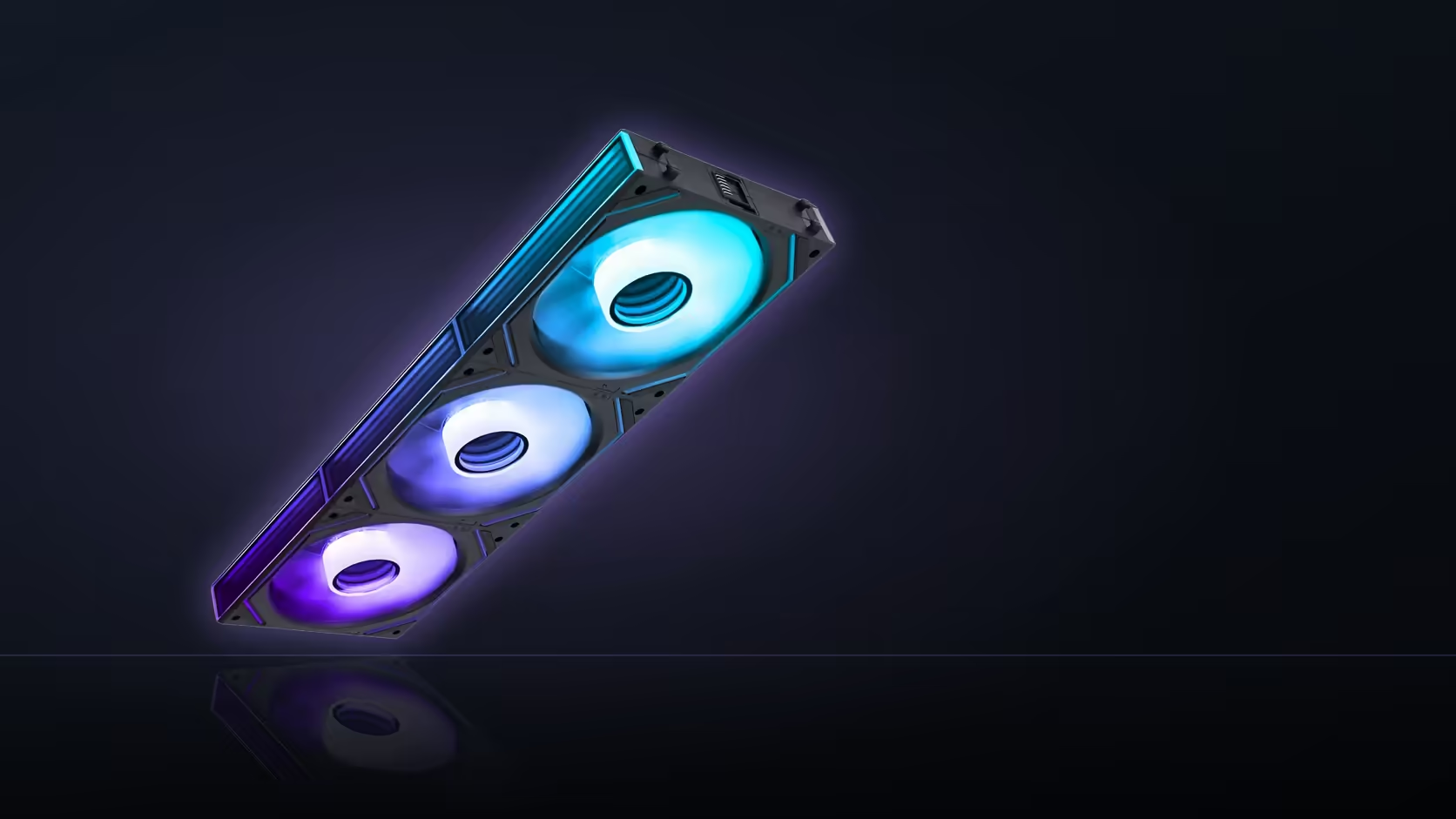
Fitting more than one fan makes the header question feel more complicated than it is, but chaining does not merge the two signal types together at any point. The AsiaHorse Nyota A12 and Nyota Pro fans, both sold as 3-packs, link their linked 4-pin PWM and ARGB connectors so a trio can run from a single motherboard connection at each end - but that single connection is still two separate cables travelling side by side, one carrying speed control back to a PWM fan header, the other carrying lighting data to a 5V three-pin ARGB header. Nothing about daisy-chaining three fans instead of wiring three separately changes which physical header type either signal needs to land on.
The Nyota Ultra follows the same pattern on a single fan rather than a pack, chaining across a 550mm run so several units can share one lighting header without a hub in between - useful in a case with only one accessible ARGB header, but again with the PWM side kept on its own entirely separate connector the whole way along. Checking the header label still matters just as much with a chained run as it does with one fan wired on its own; chaining reduces the number of physical connections back to the board, not the number of signal types those connections carry.
The motherboard manual is worth a look too - it shows the full header layout in one diagram, which is considerably faster than tracing wires with a torch under a case's front panel. Cable management for either connection type is covered in the cable solutions range.
Frequently Asked Questions
What does each header actually do?
The fan header supplies power and reads a speed signal from a fan. The lighting header supplies 12V power to non-addressable RGB devices, with no speed involved.
How can the two be told apart reliably?
By the board's printed labels next to each header, which name them explicitly on almost every current motherboard.
Do the two connectors look similar?
Similar enough to hesitate over at a glance, though the pin spacing and the shroud around each header usually differ once examined closely.
What happens if one gets connected to the wrong header?
Keying generally prevents a physical mismatch, which is exactly why the board labels exist - the shapes alone are not always obvious in a dim case.
Which header type do the fans in this range use?
Four-pin PWM fan headers for speed control, with lighting kept entirely separate on 5V three-pin addressable connections.
Is the motherboard manual worth checking?
Yes - it shows the complete header layout clearly, which beats tracing cables by hand inside a finished build.
Does a hub simplify this?
It can. The ASH-S1 keeps fan ports and lighting ports in clearly separate labelled banks rather than mixing them.
Wiring up a new set of fans and lighting?
Have a look through the case accessories category for hubs, and the cable solutions range for keeping every run tidy.