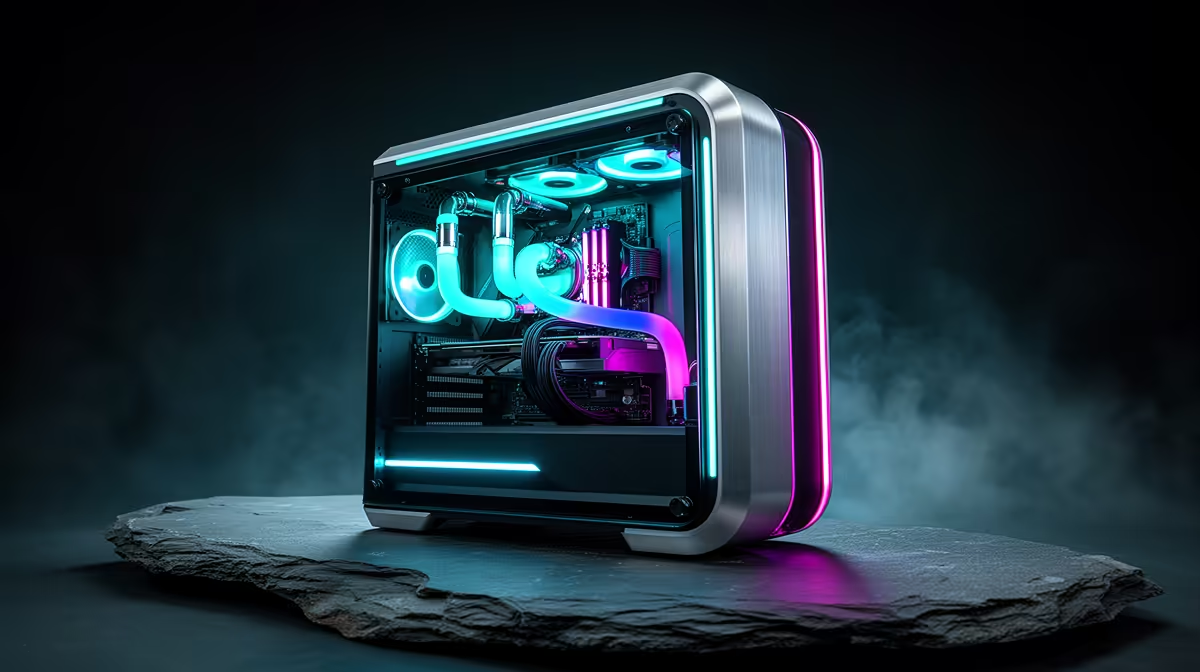
DOOM Eternal does not need the most expensive PC on the shelf - it needs a balanced one.
Quick Answer
Yes - DOOM Eternal runs beautifully on a R40,000 build using RTX 4070 Ti Super and Ryzen 7 7800X3D. Mid-range cards hit 144fps or more at 1440p with ease, so you can aim for high frame rates rather than just scraping past minimum specs.
Upgrade room later
Buy a 850W PSU and a roomy case now so the next GPU drops in without a rebuild. DOOM Eternal rarely needs more than 32GB DDR5, so RAM is the cheapest later top-up if you multitask.
What the game actually asks for
DOOM Eternal's id Tech 7 engine is famously well-optimised and Vulkan-fast. At R40,000 you can comfortably run 1440p ultra to entry 4K with 144fps+ at 1440p, while keeping 32GB DDR5 of headroom for background apps. Mid-range cards hit 144fps or more at 1440p with ease.
Where your rand goes
On a R40,000 build the sensible split is roughly half on the RTX 4070 Ti Super, a quarter on the Ryzen 7 7800X3D and the rest on 32GB DDR5, a 850W PSU and the case. Skip flashy extras until the core is locked.
SA verdict
If your R40,000 budget is fixed, lock the RTX 4070 Ti Super and Ryzen 7 7800X3D first, then spend whatever is left on storage and a better PSU. Mid-range cards hit 144fps or more at 1440p with ease at sensible settings, so resist overspending on a GPU the game cannot use. The build that runs DOOM Eternal well today and takes one GPU upgrade later is the one most SA gamers should pick.
FAQ
Can I stream DOOM Eternal while playing?
On this R40,000 build the Ryzen 7 7800X3D handles game capture, and 32GB DDR5 keeps the encoder and game from fighting over memory.
Will a R40,000 build max out DOOM Eternal?
At R40,000 a RTX 4070 Ti Super drives 1440p ultra to entry 4K with 144fps+ at 1440p. Mid-range cards hit 144fps or more at 1440p with ease.
How much RAM does DOOM Eternal need?
32GB DDR5 is plenty for DOOM Eternal; the listed memory in this build leaves room for Discord, a browser and game launchers without stutter.
Pro Tip
If two DOOM Eternal build options are close, choose the one with the stronger CPU or more RAM; the GPU is the easiest part to swap later.