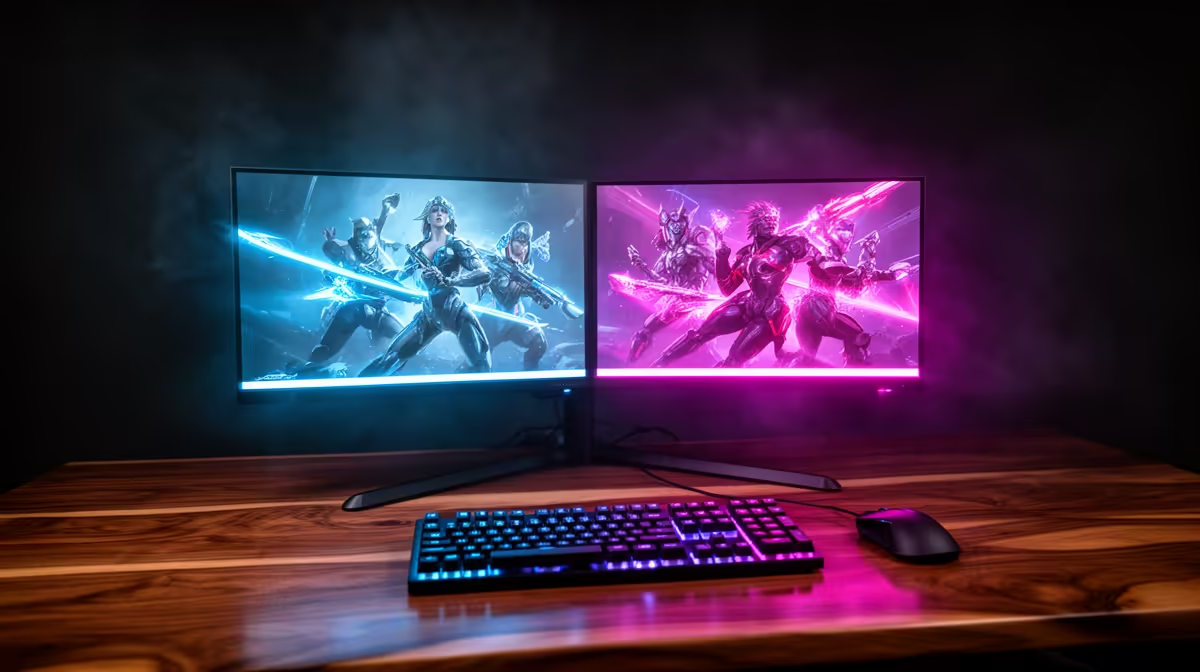
Dell SE2726H 27in FHD 144Hz at R1,797 suits a lounge entertainment setup where one screen handles streaming, console menus, or media controls while the second monitor stays ready for browsing, chats, or a playlist queue. A dual-screen setup is enough when the lounge TV unit has limited width, because two affordable FHD panels can feel more flexible than chasing one oversized display.
When Two Screens Make More Sense Than One
The Dell SE2726H 27in FHD 144Hz at R1,797 is the strongest first pick here because the 27in size gives the main viewing position more presence, while 144Hz keeps motion smoother for casual gaming and fast interface movement. Use it as the primary lounge screen, especially if the seating is close enough that FHD still looks comfortable.
The Dell SE2426H 23.8in FHD at R1,532 works well as the second display because it is smaller, cheaper, and still gives you a clean FHD workspace beside the main screen. That pairing keeps the setup practical for a media corner where one person is watching while another queues videos, checks fixtures, or manages a small PC.
Lounge TV Unit Reality In South Africa
A dual display layout only works if the furniture depth and viewing angle are sensible. The Dahua LM27 100Hz at R1,500 is a value-focused 27in FHD option for a side-by-side lounge desk or TV unit, while the MSI PRO MP275W at R1,850 gives another 27in FHD choice when you want a larger second panel without jumping into a different product category.
Ready to choose the right monitor?
Keep Dell SE2726H 27in FHD 144Hz at R1,797 on the list for dual monitor setup enough lounge; its listed spec is the detail to test against that brief.