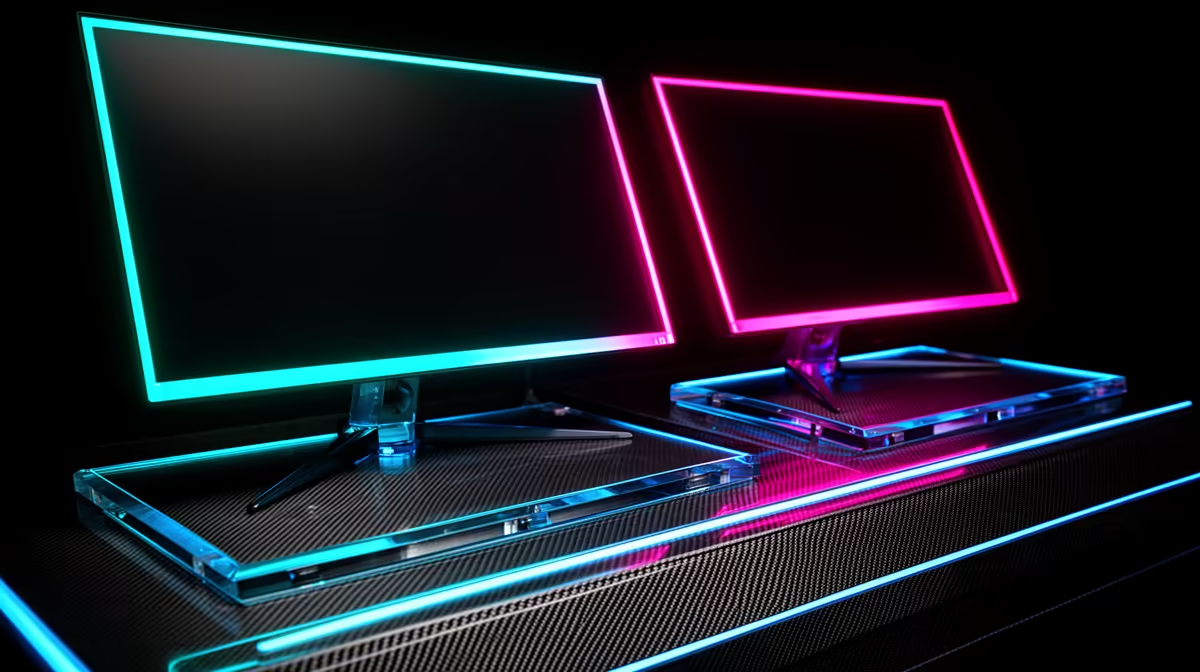
Dell SE2726H 27in FHD 144Hz at R1,797 suits an SA buyer who wants a smoother main screen for a tidy two-screen desk without pushing the budget too hard. A second monitor can make email, research, calls, spreadsheets, or a browser window feel less cramped, but the trick is choosing screens that match the desk depth, stand space, and daily workload.
What makes the two-screen setup practical?
The Dell SE2726H 27in FHD 144Hz at R1,797 is the stronger lead pick if one screen will carry the main task. The 27in size gives more visual room for a document, dashboard, or game window, while the 144Hz spec keeps cursor movement and scrolling feeling smoother than a basic office display.
For the second side screen, the Dell SE2426H 23.8in FHD at R1,532 makes sense where the desk must stay neat. Its 23.8in size is easier to fit beside a larger panel, and FHD is enough for chat, email, notes, reference pages, or a calendar that stays open all day.
Student desk with two clean screens
On a student desk, the Dahua LM27 100Hz at R1,500 is a value-friendly way to add a larger 27in FHD-style workspace without turning the setup into a cable mess. It works well as the reading or lecture screen beside a main display, especially where the desk also has to hold books, a laptop, and a keyboard.
The MSI PRO MP275W at R1,850 is another tidy option when the desk setup needs to look more polished for a study corner or home office. Pairing it with the Dell SE2426H 23.8in FHD at R1,532 gives one wider-feeling work area and one compact reference screen.
Ready to choose the right monitor?
Use Dell SE2726H 27in FHD 144Hz at R1,797 as the monitor shortlist benchmark, then check whether its listed spec matches the space, workload, and upgrade path.