Quick Answer
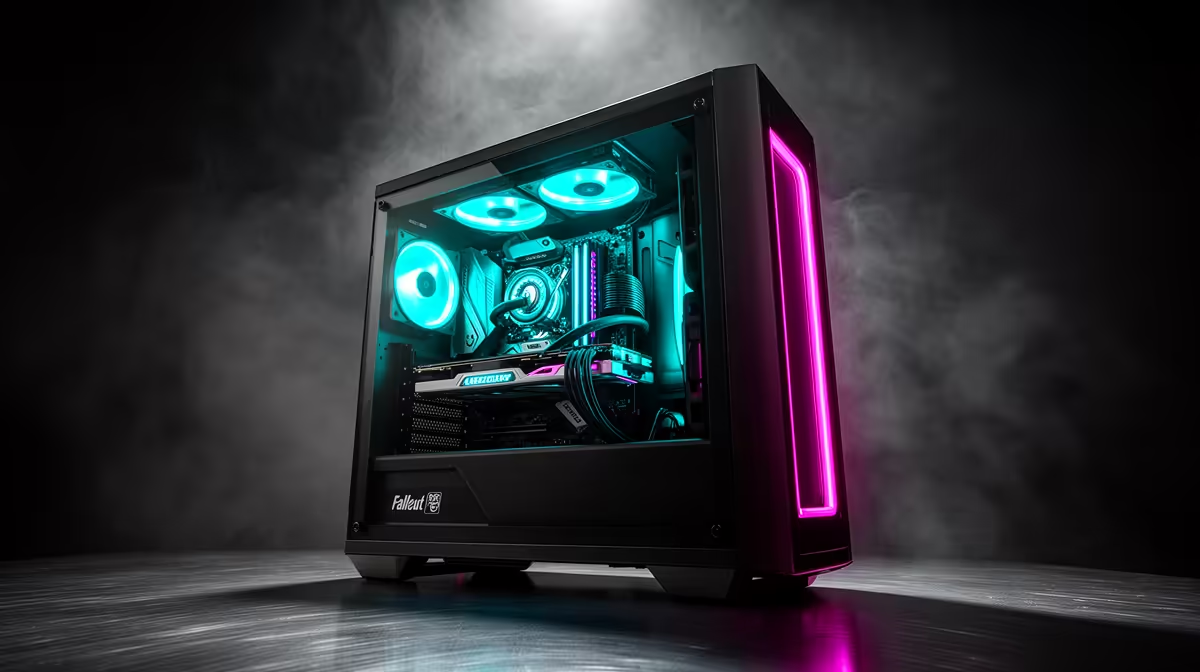
A R10,000 PC runs Fallout 4 maxed at 1080p above 60fps and handles a moderate mod load. A Ryzen 5 5600 with an RX 6600 or GTX 1660-class GPU, 16GB DDR4 and a 500GB-1TB NVMe is ideal - Fallout 4 is CPU-sensitive in dense areas like downtown Boston, so the CPU choice matters more than chasing a big GPU.
Fallout 4 Is CPU-Bound In The City
Fallout 4's engine struggles in downtown Boston, where dense geometry and NPCs hammer a single CPU thread. That is why a Ryzen 5 5600 is the right anchor at R10,000 - it keeps frame rates above 60fps in the worst city scenes where weaker chips drop into the 40s. An RX 6600 8GB then handles 1080p Ultra and basic texture mods comfortably.
Sensible R10,000 Parts
A practical split: Ryzen 5 5600 around R3,200, RX 6600 8GB around R4,000, 16GB DDR4-3200 around R1,000, B550 board, 500GB-1TB NVMe and a 500W PSU - confirm live pricing at Evetech. For Fallout 4, the 16GB RAM and 8GB VRAM cover the official high-resolution texture pack and a modest mod list without stutter.
Modding And Local Buying Notes
The official 4K texture pack and popular mods raise VRAM and RAM use, so the 8GB RX 6600 and 16GB system give useful headroom at this budget. A fast NVMe cuts the long load times Fallout 4 is known for. Confirm current stock before ordering; SA metro buyers can usually collect rather than wait on courier.
FAQ
Can a R10,000 PC run Fallout 4 maxed?
Yes. A Ryzen 5 5600 with an RX 6600 runs Fallout 4 at 1080p Ultra above 60fps, including the official high-resolution texture pack. Dense city areas are the toughest test, and the 5600 keeps them smooth.
Why is Fallout 4 demanding on the CPU?
Fallout 4's engine leans heavily on single-thread performance, especially in downtown Boston where lots of objects and NPCs render at once. A stronger CPU like the Ryzen 5 5600 prevents the frame drops weaker chips suffer in those scenes.
Is 16GB RAM enough for Fallout 4?
Yes for the base game and a moderate mod list. 16GB DDR4 handles Fallout 4 plus the official texture pack comfortably; only very large mod setups would push you toward 32GB.
4, install an NVMe SSD and cap your frame rate to your monitor's refresh - the engine misbehaves above 60fps on some panels, causing physics bugs and stutter.