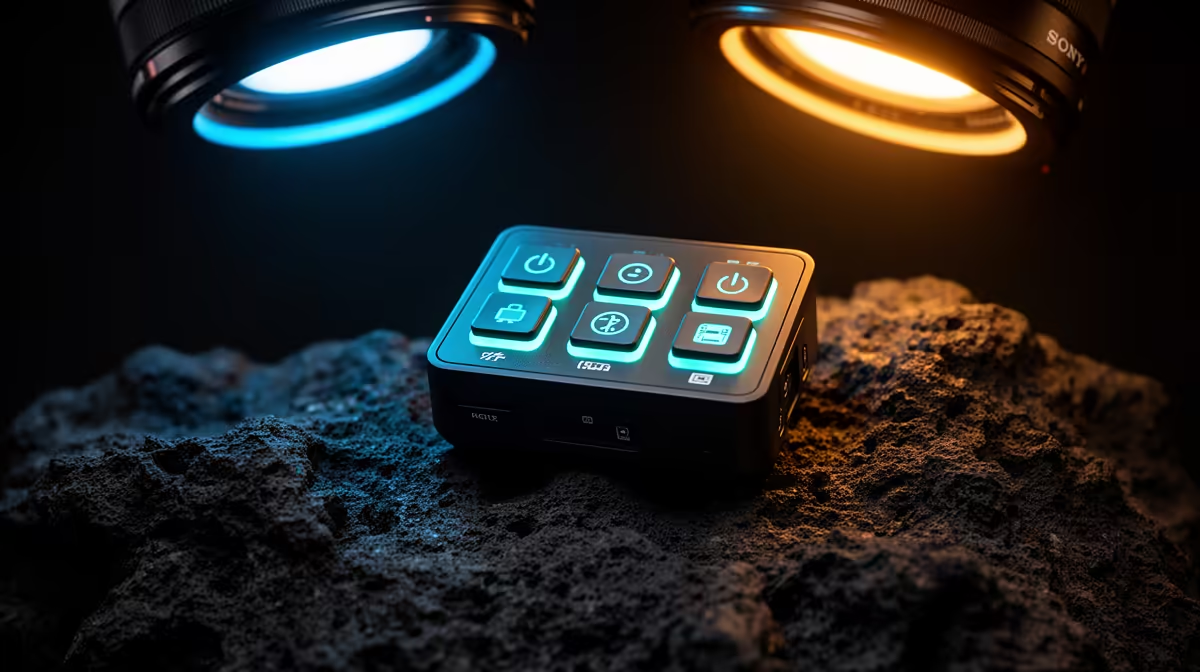
A fan controller is worth it for home security only when a desktop recorder or server has several fans that cannot be managed safely by the motherboard and measured heat threatens continuous operation. It has no role in ordinary cameras or network alerts.
Diagnose enclosure cooling under sustained camera load
Record fan connectors, current draw, header limits and airflow direction. Log CPU, drive and internal temperatures during the busiest camera period. Clean filters and correct blocked intakes before adding hardware. Verify that fan failure produces an alert or safe shutdown.
No fan controller with a current price is confirmed by the evidence provided. The Tapo C212 indoor Wi-Fi camera at R451 is a verified camera reference, not a cooling device or complete security system. The Seagate SkyHawk 2TB at R1,340 is a separate surveillance-drive reference. Confirm live recorder, case, header, fan and storage compatibility.
Do not overload headers or mix incompatible control and lighting connectors. Secure cables away from blades and repeat temperature tests after every curve change. Protect footage access with strong credentials and retain critical clips outside the monitoring computer.
Buy a controller only for a documented thermal or connection problem. A purpose-built supported recorder may be safer than modifying an unsuitable desktop for constant duty.
Record the original fan curve so a stable configuration can be restored after experiments.
Building a monitoring PC? > Compare Evetech components after measuring sustained load and airflow.