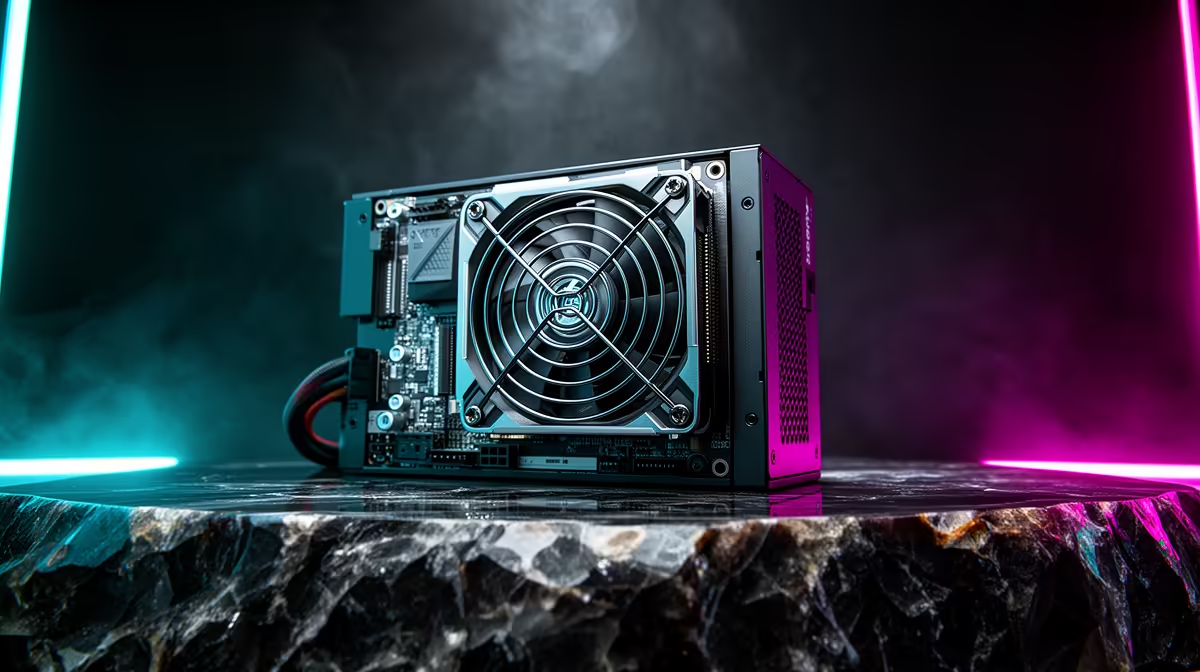
So, you’ve just dropped some serious ZAR on a beastly new graphics card and a top-tier CPU. Your rig should be unstoppable, right? But then it happens… a random blue screen in the middle of a clutch moment, a sudden shutdown, or frustrating stutters. Before you blame your new components, look at the unsung hero (or villain) of your build: the power supply. This gaming PC power supply guide is here to ensure your machine gets the clean, stable power it deserves. 🚀
Why Your Gaming PC Power Supply is More Than Just a Box
Think of your Power Supply Unit (PSU) as the heart of your PC. It takes the raw AC power from your wall socket (when Eskom allows it) and converts it into the precise DC voltages every single one of your precious components needs to function. Skimping on this critical part is a recipe for disaster.
A cheap, low-quality PSU can lead to:
- System Instability: Random crashes, freezes, and reboots, especially under load.
- Component Damage: Unstable power delivery can slowly degrade or instantly fry your motherboard, GPU, or storage drives.
- Poor Performance: Components may throttle themselves to draw less power if the supply is inconsistent, bottlenecking your entire system.
When you're pushing a demanding title like Microsoft Flight Simulator, every component is stressed to its max. Ensuring max stability with a reliable power supply for your gaming PC isn't a luxury… it's a necessity.
Decoding the Specs: Wattage, Efficiency, and Ratings
Navigating PSU specs can feel a bit technical, but understanding the basics is key. Let's break down the most important factors in this gaming PC power supply guide.
How Much Wattage Do You Really Need?
It's tempting to just buy the highest wattage PSU you can afford, but that's not always the smartest move. The key is to calculate the total power draw of your components—primarily your CPU and GPU—and add a healthy buffer. A rig built to handle the neon-drenched streets in Cyberpunk 2077 with ray tracing will demand significantly more juice than a more modest setup. Aim for about 20-30% more wattage than your system's peak estimated load. This headroom gives you room for future upgrades and ensures the PSU operates in its most efficient range.
PSU Pro Tip 🔧
Don't guess your wattage! Use an online PSU calculator from a reputable source like Cooler Master or be quiet!. Just plug in your components (CPU, GPU, RAM, etc.), and it will give you a recommended wattage. It’s a fantastic starting point for choosing the right gaming PC power supply.
Understanding 80 Plus Efficiency Ratings ⚡
That "80 Plus" sticker on a PSU is a certification for its energy efficiency. It means the PSU is guaranteed to be at least 80% efficient at various loads. The different metallic tiers (Bronze, Silver, Gold, Platinum, Titanium) represent even higher levels of efficiency.
Why does this matter in South Africa?
- Lower Electricity Bills: A more efficient PSU wastes less energy as heat, saving you money in the long run.
- Less Heat: A cooler-running PSU puts less thermal stress on your other components.
For most gamers, a quality 80 Plus Bronze or Gold certified unit offers the perfect balance of price and performance. It's the ideal foundation for a PC ready for anything, from a casual session of Fortnite to exploring the vast world of GTA V.
Modular vs. Non-Modular: Taming the Cable Octopus
The next choice you'll face is the type of cabling. This decision directly impacts the ease of your build and the final look of your PC.
- Non-Modular: All the cables are permanently attached to the PSU. It's the most budget-friendly option, but you'll have to find a place to hide all the unused cables, which can be tricky and restrict airflow.
- Semi-Modular: The essential motherboard and CPU cables are attached, while peripheral cables (for GPUs, drives, etc.) are detachable. This is a great middle-ground, offering easier cable management than non-modular units without the full price jump.
- Full-Modular: Every single cable is detachable. This provides the ultimate flexibility for cable management, resulting in an ultra-clean build with optimal airflow. It's the preferred choice for enthusiasts who want their rig, built for high-framerate action in Overwatch 2, to look as good as it performs.
Better cable management isn't just about aesthetics; improved airflow keeps your components cooler during those intense final-circle moments in Call of Duty: Warzone 2.0.
Final Checks Before You Buy ✨
Before you add that PSU to your cart, run through this final checklist.
- Form Factor: Most PC cases use a standard ATX power supply, but if you're building in a compact case, you might need a smaller SFX or SFX-L unit. Always check your case compatibility!
- Brand Reputation: Not all PSUs are created equal, even with the same specs. Stick with trusted brands known for quality components and reliability, like Corsair, Seasonic, Cooler Master, and Antec.
- Warranty: A long warranty (7-10 years is common for high-end models) is a huge indicator of the manufacturer's confidence in their product. It’s peace of mind that your investment is protected.
A quality power supply is a long-term investment that can often outlast other components in your build, whether you're crafting worlds in Minecraft or fighting for a chicken dinner in PUBG. Don't let it be an afterthought.