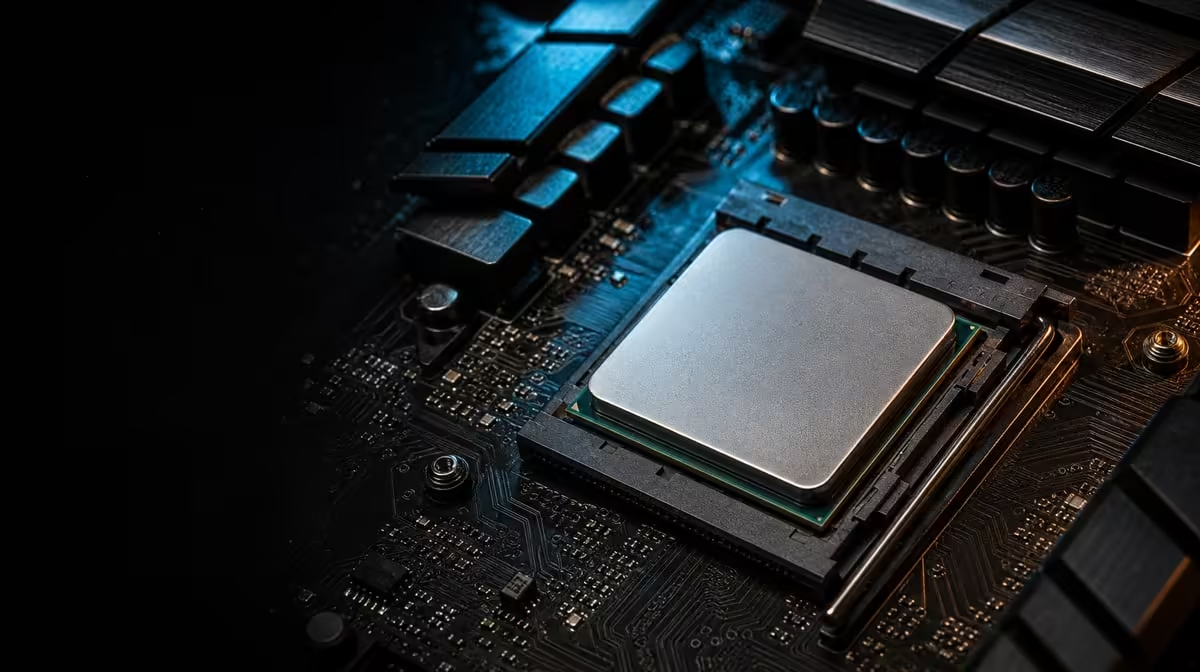
A large-cache processor works best when the system around it is stable enough to expose its strengths. Get better gaming from a large-cache AMD CPU by establishing good firmware, cooling, memory and graphics behaviour before changing performance settings. The R7,199 Ryzen 7 5800X3D contributes 100MB cache, but it cannot remove every limit elsewhere in the PC.
Quick Answer
Start from a supported BIOS, safe temperatures, a stable memory configuration and a capable discrete GPU. Test a repeatable game scene, identify whether the processor is the constraint and change only one setting at a time. The R7,199 5800X3D offers eight Zen 3 cores, 16 threads and 100MB cache, with no special game switch needed to activate that cache.
🧱 Establish a stable baseline
Confirm that the exact AM4 motherboard and BIOS support the processor. Use dependable settings, verify the full memory capacity and check fan or pump operation. A system that crashes, overheats or changes several variables between runs cannot produce trustworthy performance evidence.
The CPU is rated at 105W and comes without cooling. Choose an AM4-compatible solution that fits the case and has access to airflow. Evetech's CPU cooler collection can be assessed once height, radiator space and nearby clearances are known.
Create a baseline with the game version, scene, resolution, visual preset and background processes recorded. Run it more than once. Variation between repeated tests may reveal an unstable condition that should be fixed before comparing settings.
🎮 Find the constraint the game is hitting
The 100MB cache can help when a title repeatedly accesses data that stays close to the CPU cores. No game option is required to switch the cache on. Whether the advantage appears depends on the engine and on the work limiting frame production.
Reduce graphics pressure temporarily and repeat the same scene. If frame rate rises substantially, the GPU was carrying a meaningful part of the limit. If it barely changes while processor-sensitive work is evident, the CPU side deserves closer attention. Treat this as diagnosis rather than a command to play at lower quality.
The 5800X3D cannot create display output, so the discrete GPU remains essential. Its capability, power and driver condition can all affect the result. Evetech's AMD CPU choices help keep processor comparisons separate from graphics assumptions.
🎛️ Change one setting and measure again
Begin with documented game and system settings. Adjust one variable, repeat the route and record average FPS plus frame-time behaviour. Changing a graphics preset, memory configuration and background workload together may produce a different number, but it will not show which change caused it.
The CPU has a 3.5GHz base frequency and can boost to 4.5GHz under suitable conditions. Maximum boost is not a fixed target for every active core. Avoid tuning decisions based on a single peak; sustained stability and consistent frame delivery are more useful.
Higher resolution can shift more work to the GPU and make a processor improvement less visible. A frame cap can also hide extra headroom. Test the configuration the gamer intends to use, then use diagnostic settings only to understand the limit.
📊 Prefer repeatable smoothness over one peak
Average FPS can miss uneven delivery. Review frame-time consistency and low-percentile behaviour, especially in the scenes that previously felt slow. A stable result repeated several times is more valuable than one unusually high run.
The wider processor selection lets buyers compare the R7,199 model with other CPU options after the constraint is known. Include cooling and platform work in the cost of every route.
Save the final BIOS, game settings and baseline measurements. If a later patch or driver changes performance, this record helps establish what moved. Good optimisation is controlled, reversible and tied to the gaming experience, not an endless search for a larger monitoring number.
Background software deserves a deliberate check. Launchers, recording tools, browsers and updates can consume processor, memory or storage resources at different moments. Test with the normal software set as well as a clean comparison so the gamer understands both the ideal result and the everyday one.
Cooling behaviour should be recorded with the performance result. If the same game run becomes slower as the system heats up, inspect mounting, fan control and case airflow before applying more settings. A stable thermal baseline lets the eight-core processor sustain repeatable work without pretending one temperature suits every room and case.
Frequently Asked Questions
What foundation matters before gaming optimisation?
Use a supported BIOS, stable memory, suitable cooling and a working discrete GPU. Confirm safe temperatures and repeatable behaviour before changing settings.
How can a gamer tell whether the CPU is the current limit?
Repeat a representative scene and vary graphics pressure carefully. Processor-side limits become more likely when lowering GPU workload does not create the expected frame-rate headroom.
Does the 100MB cache need a special game setting?
No separate switch is needed. The processor uses its cache automatically, while the game engine determines how much benefit the data-reuse pattern creates.
Why should one setting be changed at a time?
It keeps cause and effect visible. If several variables move together, the builder cannot identify which one improved or destabilised the result.
Can a higher display resolution reduce visible CPU gains?
Yes. A heavier rendering load can shift the constraint to the GPU and hide CPU differences that appear in a less graphics-bound test.
What should be recorded during performance testing?
Note the game build, scene, resolution, visual settings, background conditions and repeated frame results. Include temperatures and any setting changed.
Why is stable performance preferable to a peak result?
A repeatable result describes the experience the PC can deliver consistently. One peak may reflect brief conditions that cannot be maintained through normal play.
Want to turn the 100MB cache into a result you can measure honestly?
Compare Evetech's AMD processors, secure suitable cooling and tune the R7,199 system one controlled change at a time.