So, you've saved up, scoured the web for deals, and your cart is full of shiny new components. The dream of building your own gaming rig is this close. But a nagging thought creeps in… what if the parts don't work together? For South African gamers, getting the budget PC build compatibility right is the difference between a glorious boot-up and a very expensive paperweight. Let's make sure you get it right the first time.
Why PC Build Compatibility Matters on a Budget
When every rand counts, a single mistake can be disastrous. Buying a CPU that doesn't fit your motherboard or RAM that isn't supported means more shipping costs, more waiting, and less money for the games you actually want to play. A proper budget PC build compatibility check isn't just a technical step; it's smart financial planning. It ensures your hard-earned cash translates directly into performance, which is exactly what you want from our expertly crafted budget gaming PCs.
The Core Four: Your Compatibility Checklist 🔧
Getting the core components to talk to each other is 90% of the battle. Let's break down the most common compatibility traps.
CPU and Motherboard: The Perfect Match
This is the most critical relationship in your build. The CPU (the brain) has to physically fit into the motherboard's socket. You can't put an AMD CPU in an Intel motherboard, and vice-versa.
- Socket: Check the socket type. For example, modern AMD Ryzen 7000 CPUs use the AM5 socket, while Intel's 12th/13th/14th Gen CPUs use the LGA 1700 socket. The motherboard and CPU socket must match.
- Chipset: The motherboard's chipset determines its features. A B650 chipset motherboard is a great partner for a Ryzen 5 7600X CPU, offering a solid balance of features and price, perfect for the kind of value you'll find in quality PCs under R20,000.
RAM and Motherboard: Speed and Slots
Your PC's memory (RAM) also needs to be compatible with your motherboard. The biggest hurdle right now is the DDR4 to DDR5 transition.
- DDR Generation: A motherboard will support either DDR4 or DDR5, never both. They have different physical notches and are not interchangeable. Check the motherboard's specifications page on Evetech to be 100% sure which type you need.
- Speed: While most RAM will work, checking the motherboard's supported RAM speeds (measured in MHz) ensures you get the performance you paid for.
Graphics Card (GPU) and Case: Will It Fit?
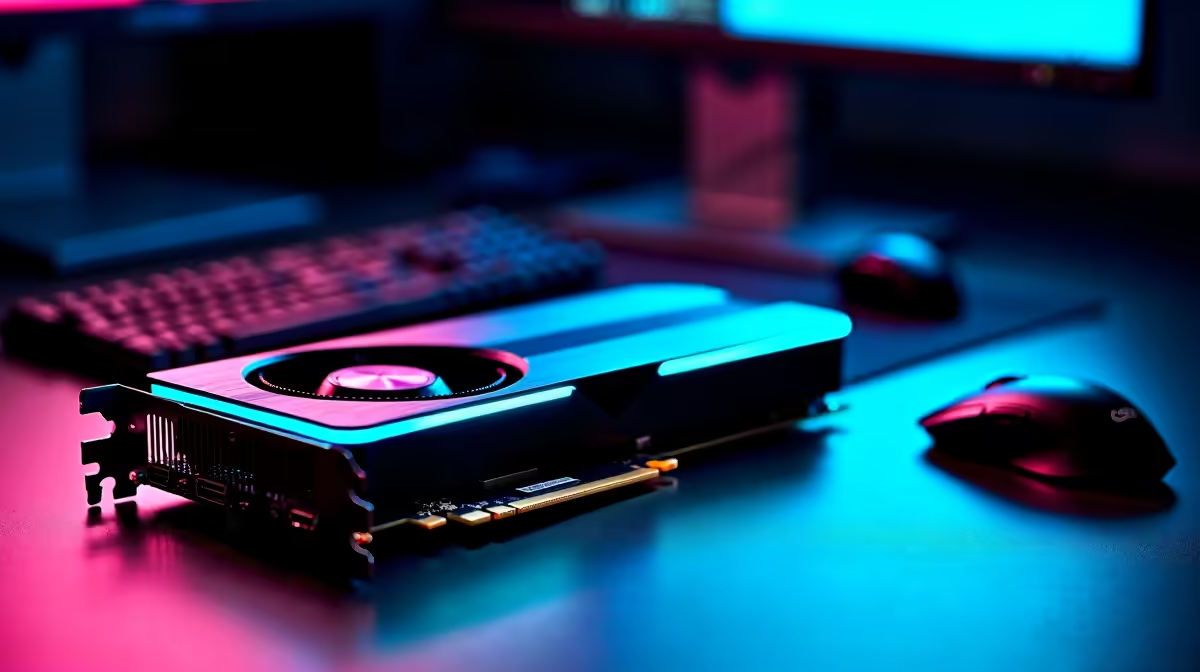
This one is purely physical, but it catches so many first-time builders out. Modern GPUs are massive. You need to confirm that the length of the graphics card you want will actually fit inside the PC case you've chosen. All our product pages list these dimensions. This becomes especially important in high-performance systems over R20k where GPUs are often triple-slot behemoths.
Power Supply (PSU) and Everything Else: Fuel for Your Rig ⚡
Your Power Supply Unit is the heart of your PC, pumping electricity to every component. You need enough wattage to power everything (especially the GPU), but you also need the right physical connectors. Ensure the PSU has the correct power connectors for your specific GPU and motherboard model.
A Simple Tool for Your Compatibility Check
Navigating this can feel overwhelming, but there's help. Online tools like PCPartPicker are excellent for flagging major PC build compatibility issues automatically. You can select your parts, and it will warn you of most conflicts. It's a fantastic starting point for any DIY build. For inspiration on what a well-balanced, compatible build looks like, check out the best gaming PC deals curated by our experts.
BIOS Update Check! 💡
Sometimes, a motherboard needs a software (BIOS) update to work with a newer CPU, even if the socket matches. Always check the motherboard's CPU support list on the manufacturer's website. If an update is needed, some motherboards let you update it without a CPU installed (a feature called BIOS Flashback), which is a lifesaver!
The Easiest Path to a Perfect Build ✨
Let's be honest... researching, checking, and double-checking every single component can be a mission. If you'd rather spend your time gaming than worrying about motherboard sockets and GPU clearance, there's a simpler way. Opting for a pre-built PC removes all the guesswork. You get a professionally assembled, cable-managed, and stress-tested machine that's guaranteed to work perfectly out of the box. It's the ultimate peace of mind, and you can often find some fantastic pre-built PC deals that offer incredible value.
Ready to Build Without the Worry?
Ensuring perfect part compatibility can be a mission. Why not let the pros handle it? With the Evetech PC Builder, you can pick your parts and our system automatically checks for compatibility, giving you the freedom to create with confidence.
Design Your Dream PC with Our Custom Builder