



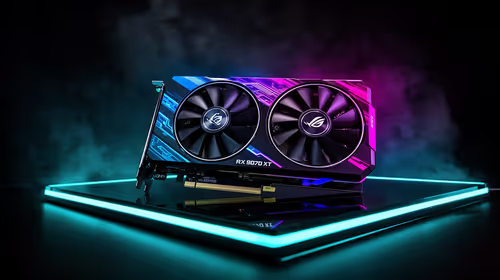
Fix Dead pixel checks on RX 9070 XT build
Dead pixel on RX 9070 XT build needs careful display-chain checks, not a single-part blame. Test the screen, cable, port, scaling, drivers, and setup context before replacing hardware.
Read moreHardware delivery to Westonaria for video should be shortlisted around the job it must do. South African buyers should compare fit, performance, compatibility, and upgrade room, warranty path, and upgrade room before treating any pick as best.
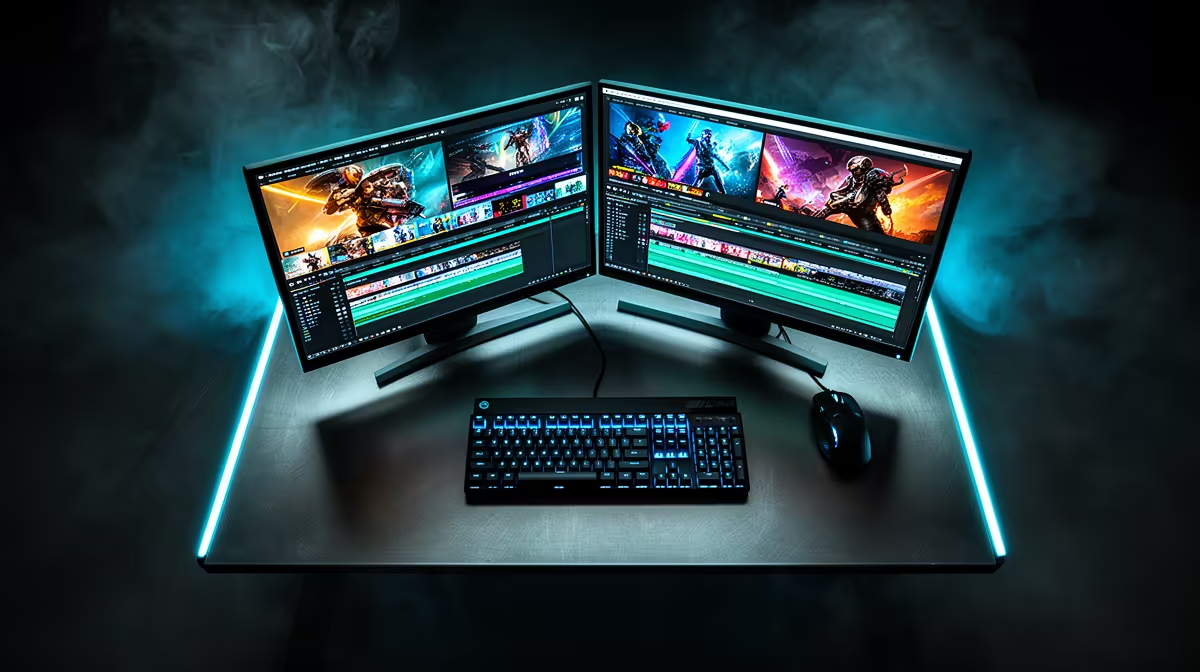
A 1080p editing PC delivered to Westonaria is far cheaper than a 4K rig, landing around R16,000 to R26,000. A Ryzen 7 7700 with 32GB DDR5, an RTX 4060, and a 1TB NVMe edits 1080p timelines in Premiere Pro or DaVinci Resolve smoothly and exports a 10-minute clip in a couple of minutes. Westonaria's West Rand location near Joburg often means courier delivery in 2 to 4 working days.
1080p editing is lighter than 4K, so you can skip 64GB RAM and a pricier GPU. An 8-core Ryzen 7 7700 powers renders, 32GB RAM handles multitrack 1080p comfortably, and the RTX 4060's NVENC encoder accelerates exports. A 1TB NVMe holds the OS plus projects, since 1080p files are far smaller than 4K.
Multicam 1080p plays back without stutter, GPU effects apply in real time in Resolve, and exports finish quickly. For Westonaria creators making social and YouTube content at 1080p, this build avoids overspending on 4K hardware you would not use.
Point your editor's cache at the NVMe and pair the build with an sRGB-accurate IPS panel so 1080p exports look the same on phones and TVs. Accurate colour and a fast cache matter more here than chasing extra CPU cores.
Yes. 32GB is comfortable for 1080p timelines in Premiere and Resolve. 64GB only becomes worthwhile if you move up to 4K or very effect-heavy work.
Westonaria's West Rand location near Joburg often means 2 to 4 working days by courier from Evetech for an assembled, tested PC.
Yes. Add more RAM and a stronger GPU like an RTX 4070 down the line. Buying 32GB in two sticks now leaves slots free for an easy upgrade.
Dead pixel on RX 9070 XT build needs careful display-chain checks, not a single-part blame. Test the screen, cable, port, scaling, drivers, and setup context before replacing hardware.
Read more
Genshin Impact anti-cheat error on RTX 4090 usually needs service, permissions, overlay, and file integrity checks. Use this SA-focused fix path to isolate launch blockers before reinstalling or changing security settings.
Read more
Mass Effect launch trouble on RX 7800 XT needs focused driver, settings, launcher, and heat checks. Use this SA-friendly guide to isolate the likely cause, protect saves, and return to smoother play without unsupported hardware claims.
Read more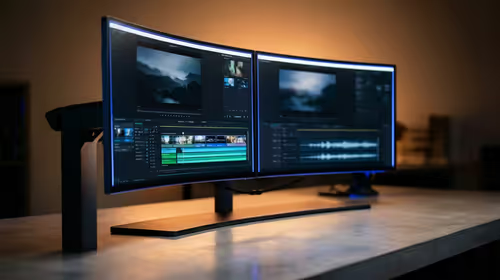
144Hz 1440p setup for video editing in 1080p - what SA needs a balanced, cautious look before buying. Compare fit, budget, workload, warranty support, and upgrade room so the choice makes sense for South African buyers.
Read more
R8,000 gaming PC build in KwaZulu-Natal needs a practical check before you shortlist anything. Compare fit, compatibility, warranty support, timing, and total setup balance for South African buyers.
Read more
Brits video editing in 4K build under R20,000 needs a balanced parts plan, not a random basket. Map the CPU, GPU, RAM, SSD, cooling, and monitor target to the budget so SA builders know where to spend first.
Read more
Windows never combine taskbar shows separate labelled buttons for open windows. Choose it in Taskbar behaviours, then review space and other-display settings; labels and grouping are linked in the available options.

8BitDo Ultimate 3C+ brings adjustable stick tension to the C Series. Windows uses wired USB or the 2.4 GHz adapter; Android uses Bluetooth. Confirm those modes and local pricing before buying.

EPOMAKER Galaxy75 previews an aluminium 75% keyboard with wireless modes and HUB/VIA customisation. It is still marked coming soon; final pricing and South African supply are not confirmed.

Windows Delivery Optimisation can share update files with other PCs. Review its activity, choose local-only sharing or turn peer sharing off, and use bandwidth controls; those choices do not disable Windows Update.
Windows never combine taskbar shows separate labelled buttons for open windows. Choose it in Taskbar behaviours, then review space and other-display settings; labels and grouping are linked in the available options.
Windows Delivery Optimisation can share update files with other PCs. Review its activity, choose local-only sharing or turn peer sharing off, and use bandwidth controls; those choices do not disable Windows Update.

Windows touch indicator adds visual feedback where you touch a screen. Change it in Accessibility, Mouse pointer and touch; a feedback circle is different from inaccurate input, ghost touches or a damaged panel.

Windows underline access keys makes supported menu letters easier to see. Enable the keyboard accessibility option, then follow the app's displayed Alt cues; this does not remap keys or create missing app shortcuts.
Windows never combine taskbar shows separate labelled buttons for open windows. Choose it in Taskbar behaviours, then review space and other-display settings; labels and grouping are linked in the available options.

Windows always show scrollbars keeps supported interface scrollbars visible. Enable it in Accessibility and test Settings first; an app can use its own scrollbar behaviour and may need a separate preference.
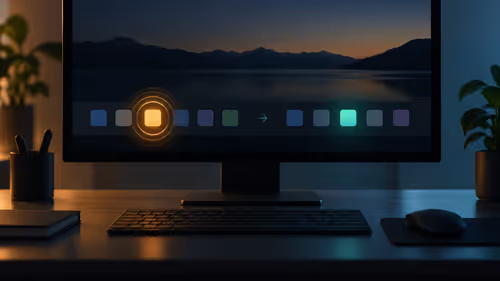
Windows taskbar flashing can be disabled in Taskbar behaviours. Focus can also suppress flashing temporarily. Choose permanent or timed behaviour, then check notifications separately so useful messages remain visible.

Windows focus sessions combine a timed work period with optional suppression of taskbar badges, flashing and notifications. Review the options and the Clock app before assuming every interruption will stop.