


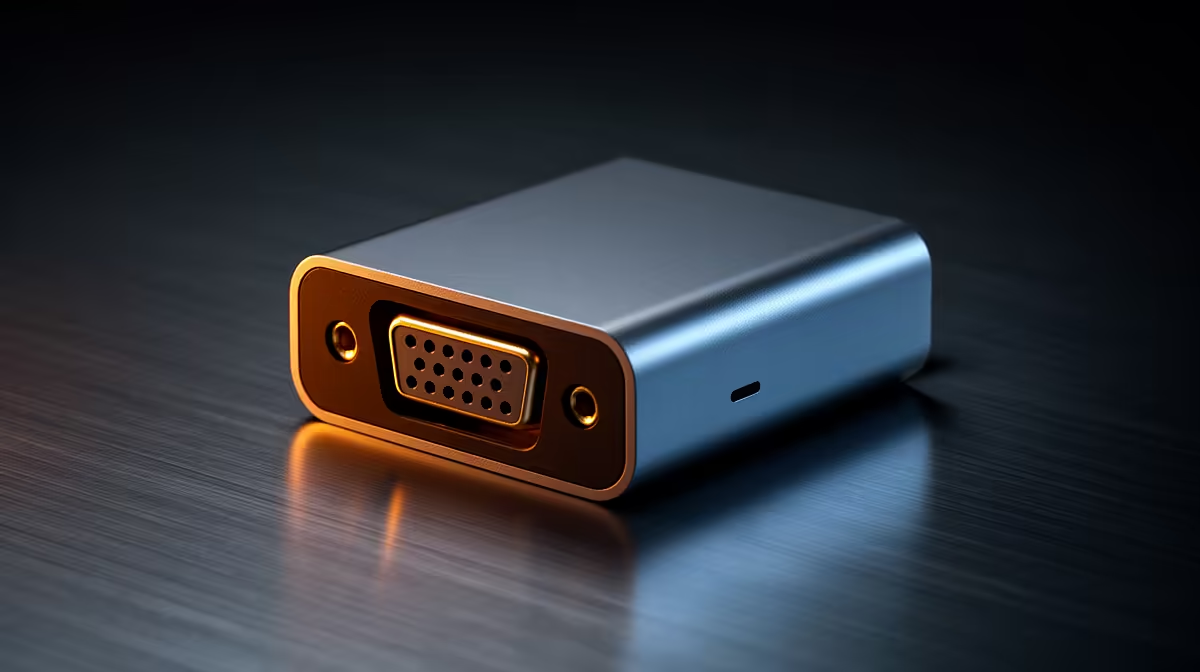
HDMI to VGA adapter dual-monitor basics
South African gamers: need one more screen for streaming chat, or a cheap second display for CS:GO minimap? An HDMI to VGA Adapter Dual Monitor Setup can rescue that old VGA monitor and add real estate without a new GPU. It’s cheap, quick, and surprisingly reliable if you know the quirks. 🔧✨
Why an HDMI to VGA adapter works — and its limits
An HDMI signal is digital while VGA carries analogue video, so adapters actively convert signals rather than just wiring pin‑to‑pin. That’s why simple passive leads won’t work in most single‑direction setups. For reference on signal differences see HDMI and VGA specs (digital vs analogue) from reputable sources like Wikipedia for HDMI and VGA. Practical tip: expect solid 1080p at 60Hz with many adapters, but higher resolutions or refresh rates may be limited by the adapter’s converter chip and the monitor’s age. For technical background on connector limits, see this VGA overview.
Quick checklist for a smooth dual monitor setup
- Confirm your primary output is HDMI and the extra monitor accepts VGA.
- Buy an active HDMI→VGA adapter with its own power or a powered USB option if the adapter lists high resolutions.
- Update GPU drivers and set display scaling in Windows Display Settings (Windows 10/11).
- Use good-quality cables to avoid signal noise; cheap leads can introduce flicker or blur. If you want tidy internals or cable management for a new build, check these ARGB extensions for clean routing on your rig: GameMax 12VHPWR cable & ARGB extension. ⚡
Troubleshooting common issues
- No signal: check adapter power, then GPU output and monitor input.
- Flicker or ghosting: try a shorter VGA cable or a shielded premium cable; poor shielding and long analogue runs amplify noise. Consider higher quality sleeved cables for better durability and routing: NZXT individually sleeved premium cables.
- Wrong resolution: force 1920x1080@60Hz in display settings; if unavailable, the adapter likely limits the EDID it reports.
Small upgrades that make a big difference
Micro‑story: I helped a Cape Town streamer plug an old Dell 20-inch VGA monitor into a modern GPU with an active adapter. After swapping to a powered adapter and a shielded cable, their secondary chat window stopped blurring during frame spikes. Little changes matter. 🚀
Productivity Pro Tip ⚡
On Windows, use the PowerToys FancyZones utility to create custom snap layouts for your windows. It's a lifesaver for managing multiple apps on an ultrawide monitor, letting you organise your timeline, preview window, and asset folders perfectly for video editing.
Final setup checklist before you buy
- Verify monitor input, adapter reviews, and return policy.
- If you care about aesthetics and cable routing, invest in good sleeving and management.
- Remember: passive adapters rarely work for HDMI→VGA; choose an active converter.
Ready to Find Your Perfect Match? The Mac vs Windows debate is complex, but for maximum power, choice, and value in South Africa, Windows is hard to beat. Explore our massive range of laptop specials and find the perfect machine to conquer your world.











