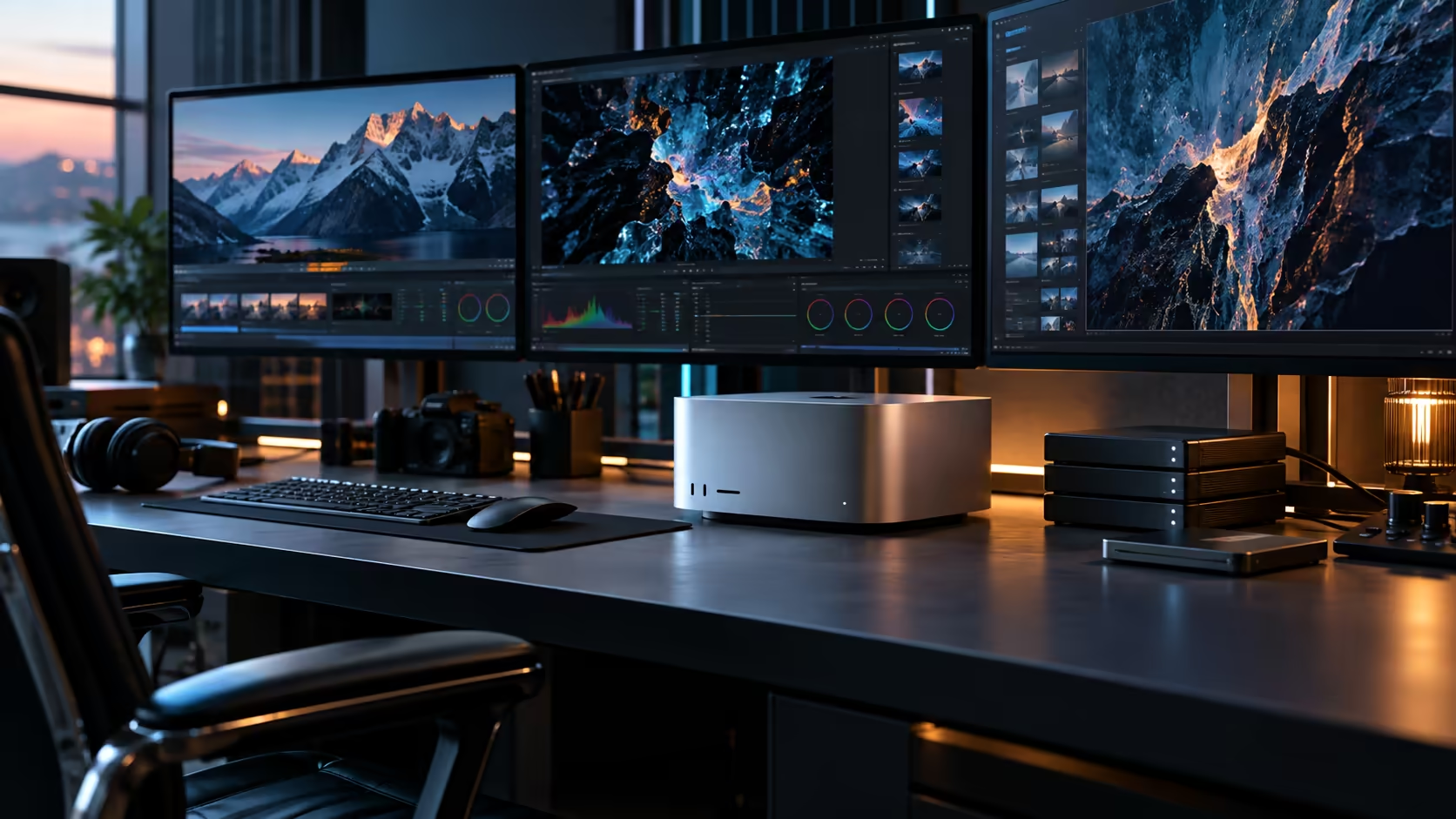
Every South African Mac Studio M5 Ultra budget conversation stops at one figure, and that figure is only the entry fee. A realistic desk built around a halo workstation like this costs meaningfully more once storage, screens and a chair worth sitting in for a full day are added.
Quick Answer
Plan on R108,999 for the Mac Studio M5 Ultra itself, then keep roughly a third of that figure back for the desk around it: storage, displays and proper cabling. Since memory and storage are fixed at purchase, the 96GB and 1TB decision is the one part of this budget you cannot revisit once the order goes through, and local warranty cover is worth budgeting into the decision alongside the hardware itself.
💰 The desktop's price is the anchor, not the total
R108,999 buys the chip, the 96GB memory pool, the 1TB SSD and the full port layout. Nothing beyond the machine itself.
Rand pricing on Apple hardware shifts as the exchange rate and Apple's own list price move, so use this as a working estimate and check the live figure at the point you actually place an order. What it doesn't include: a display, external storage for anything beyond a single project's worth of work, and the Thunderbolt-certified cables needed to actually connect accessories at full speed.
🔒 Why memory and storage deserve the most scrutiny here
Unlike almost everything else on this list, these two numbers can never be changed after delivery.
96GB and 1TB are fixed at the point of purchase, with no internal upgrade path available afterward. Measuring your actual heaviest project's real memory and storage needs before ordering is the single most important step in this entire budget, since every other line item can be adjusted later while this one cannot.
🖥️ Displays: often the second-largest line item
A halo workstation deserves a display that doesn't undersell it, and that costs real money.
One well-chosen monitor, or a small array for demanding work, paired with the external SSD range for extra storage, can together add R15,000 or more on top of the machine's own cost. Price this honestly before finalising a total rather than treating it as an afterthought once the machine has already shipped.
🇿🇦 Why a team should think about this differently from a single buyer
For a business considering this machine, the calculation isn't just "one expensive computer."
Weigh R108,999 against what several lighter machines would cost a small team collectively, since a halo workstation like this only makes financial sense when its extra capability is actually shared or fully used, rather than sitting on one desk doing work a cheaper configuration would handle just as well. If the honest answer is that no single person's workload needs this much machine, splitting the same budget across two or three lighter systems often serves a team better.
🧮 Checking whether you need this tier at all
Before finalising any budget, it's worth confirming the M5 Ultra is actually the right configuration rather than the default choice.
Measure your current heaviest project's real memory and storage use, then compare that honestly against the compact PC lineup and the M5 Max tier one step down. If your work comfortably fits within the smaller configuration's limits, that difference in price is better spent on storage, a display, or simply kept in the bank rather than paying for headroom you won't use.
📦 Sequencing the purchase sensibly
Not everything needs to be bought on day one, and spreading the decision over the first few weeks reduces the pressure to get every line item right immediately.
Buy the machine and enough storage and cabling to get working properly from day one. Add a second display, additional external storage, or networking hardware once you've had a few weeks of real use, typically the first 4 to 6 weeks, to confirm what the setup actually needs, rather than guessing at the full requirement before the machine has even arrived.
Frequently Asked Questions
What's the actual price of a Mac Studio M5 Ultra in South Africa?
The 96GB, 1TB configuration is R108,999, and like any rand price on imported hardware, it shifts with the currency, so treat it as this week's figure rather than a permanent one.
What's the biggest permanent decision in this budget?
Memory and storage capacity, since both are fixed at purchase with no upgrade path afterward, unlike displays or cabling which can be added or changed later.
Is a Mac Studio M5 Ultra a good buy for a small team instead of several lighter machines?
It depends on whether the extra capability is genuinely shared or used by one demanding workload. If not, splitting the same budget across lighter machines for each person often serves a team better.
What should I budget for beyond the machine itself?
A suitable display, external storage for anything beyond the internal 1TB, and Thunderbolt-certified cables, all of which add a meaningful amount to the total.
Do I need to buy everything for this setup on day one?
No. Get the machine working properly with essential storage and cabling first, then add displays or further storage over the following weeks once real use confirms what's actually needed.
Ready to budget for the whole workstation, not just the machine?
Price storage, displays and cabling alongside the Mac Studio M5 Ultra before finalising your order.