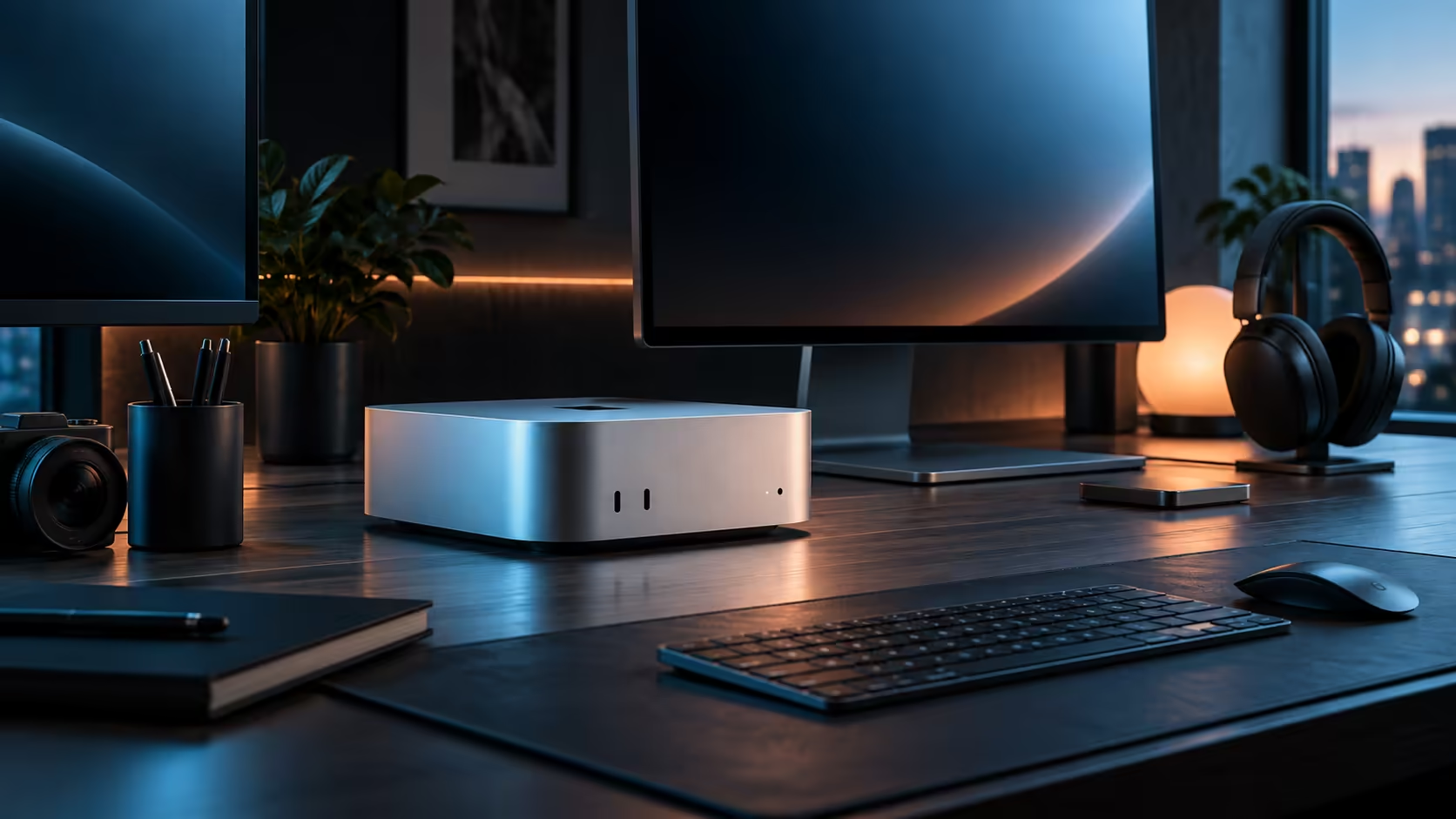
Work out the single heaviest task you run every week before worrying about anything else on a Mac Mini M6, because that one number, not a generic rule of thumb, decides whether 16GB of unified memory is enough for your AI and creative work.
Quick Answer
16GB handles photo editing, 1080p video, everyday multitasking and small quantised AI models comfortably. Heavier 4K grading, dense 3D scenes and larger local AI models push past that ceiling, because none of the three engines sharing that memory keeps a reserve just for itself. Evetech prices the R21,699 build with exactly that 16GB tier.
🎬 What actually fits in 16GB day to day
A 1080p timeline with a handful of layers, a photo library open in an editor, and a dozen browser tabs running in the background all sit comfortably inside 16GB with room left over for macOS itself. Moderate 4K work is fine too, provided the timeline is not carrying several colour-graded layers and heavy effects stacked on top of each other at the same time.
📈 Where the ceiling actually shows up
Two demanding tasks running together is the real test, far more than any single task alone. A large local AI model loaded at the same time as a busy creative application is where 16GB starts to feel genuinely tight, because unified memory has no separate reserve for either engine to fall back on once the shared pool fills up.
🧮 A simple way to size it properly
List your single heaviest weekly task, note roughly what it uses in practice, then add about 8GB on top for macOS and the usual background clutter of a browser and a chat client. That total, not a guess pulled from a spec sheet, is the number worth comparing against the 16GB tier before ordering. On a Windows build, by contrast, system memory and graphics memory are bought as two entirely separate line items, so a shopper crossing over from that world for the first time is comparing two genuinely different pricing structures, not just two numbers.
🧭 When it is time to look at a higher tier
If your honest weekly habit regularly runs two heavy tasks together, or leans on AI models well beyond a small quantised size, the base tier is the wrong fit and a higher-memory Mac Mini configuration is worth pricing before you commit. For everyone else, 16GB at R21,699 is genuinely enough, and the saving is better spent on a proper monitor or storage instead.
Every other memory tier Apple offers is listed on the Mac Mini page itself, with mini PC on hand should a different chassis end up the better fit for your desk.
🧑🎨 A worked example from an actual weekday
Take a freelance photographer who spends most mornings culling a shoot of a few hundred RAW files, then spends an hour in the afternoon running a small local model to auto-tag them by subject. Culling alone barely touches 16GB; the tagging job briefly pushes usage higher but releases most of that memory the moment it finishes, so the two tasks rarely overlap for more than a minute or two at a time. That pattern, one demanding task at a time rather than several running together permanently, is exactly the shape of work 16GB was sized for.
Contrast that with a small studio running the same tagging model continuously in the background while a second person edits 3840x2160 footage on the same machine. There, both jobs hold memory at the same time for hours rather than minutes, and that sustained overlap is what actually forces a move to a higher tier, not the individual size of either task on its own.
Frequently Asked Questions
Is there any way to add memory to this machine down the line?
No option exists for that on any Mac Mini tier once it leaves the factory, which is precisely why getting the sizing right at order time carries so much weight.
Does closing background apps actually free up meaningful memory?
Yes, a browser with a dozen tabs and a sync client both hold a surprising amount in reserve, and closing what you are not using gives the active project genuine breathing room.
Is 16GB enough for professional photo editing?
For most photo libraries and editing sessions, yes, comfortably, even for a large one; it is heavy video and AI work running together that strains it first.
Does a bigger SSD help if memory feels tight?
No, storage and memory measure different things entirely; a bigger drive holds more files, while memory is what decides how many tasks can run smoothly at once.
How would I actually notice memory running short in daily use?
The whole machine feels sluggish across every app rather than one specific program crashing, since macOS starts swapping data to the slower internal drive once the memory pool genuinely fills.
Ready to size your Mac Mini's memory against real work rather than a guess?
Total up your heaviest weekly task plus headroom for the system before choosing a configuration.