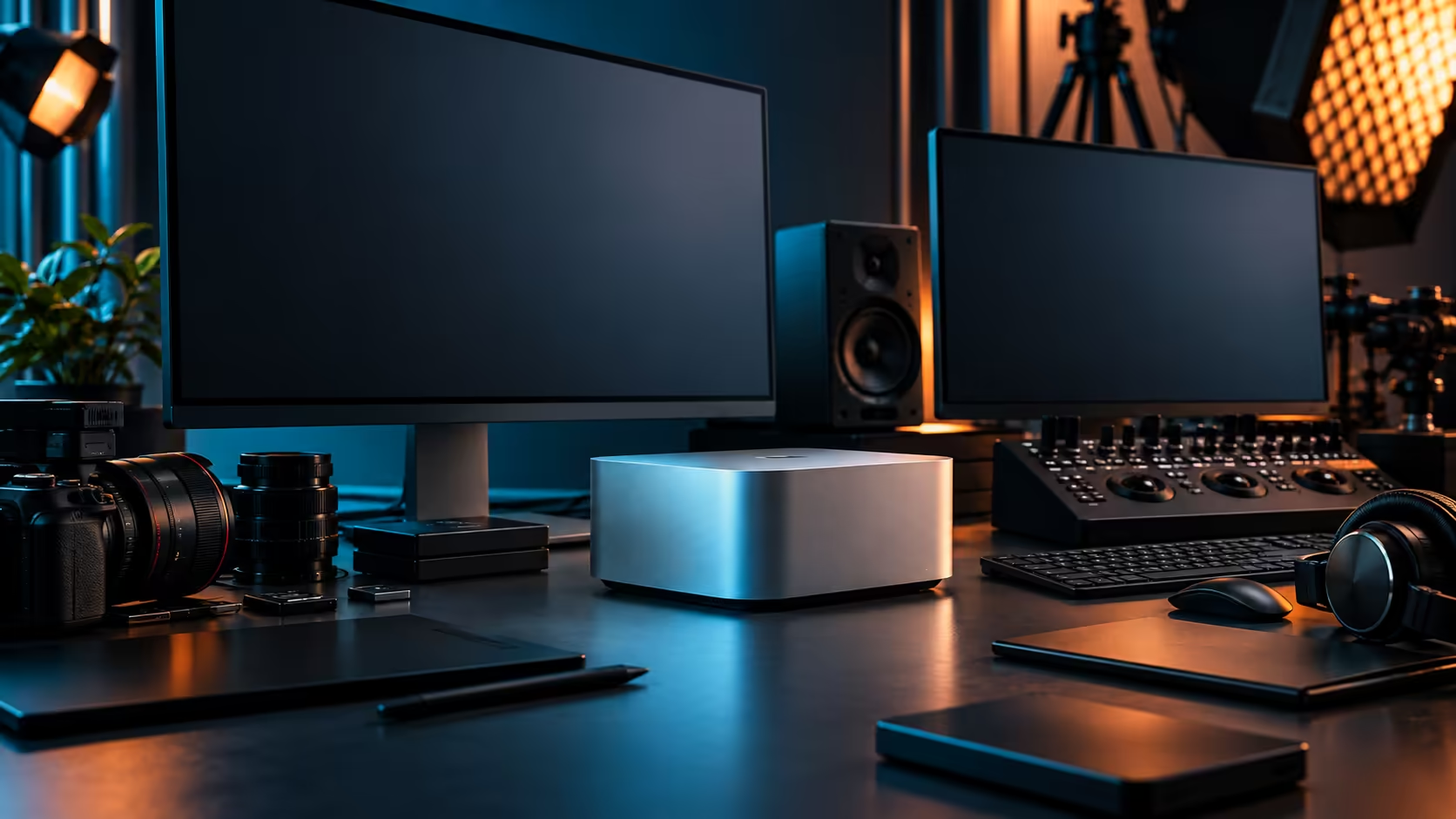
The 512GB SSD inside a Mac Studio M5 Max is fast, sealed, and smaller than it looks once real project work starts landing on it. Treat it as a workbench you clear off constantly, not a warehouse you fill and forget, and running out of space stops being a recurring problem.
Quick Answer
Move finished projects, camera footage and anything not actively being edited off the internal drive as soon as possible, keeping only current work on the 512GB SSD itself. Pair the machine with an external Thunderbolt 5 drive or networked storage from day one rather than waiting for the warning to appear. The 36GB, 512GB Mac Studio M5 Max is R49,499.
📉 Why 512GB fills faster than the number suggests
macOS itself, your applications, caches and the operating system's own overhead take a real bite before a single project ever lands on the drive.
Video projects with camera-original footage, render caches and multiple export versions can consume tens of gigabytes each without anyone actively trying to fill the drive, and a handful of active projects sitting alongside typical creative software installations is often enough to leave uncomfortably little headroom. The fix isn't a bigger internal drive, since this one is fixed at 512GB for the machine's life; it's a workflow that treats the internal SSD as temporary space rather than permanent storage.
🔌 External Thunderbolt 5 storage as the default, not the backup plan
Buy the external drive at the same time as the machine, not after the first low-space warning.
A Thunderbolt 5 external SSD connected directly, rather than through a shared hub, gives you fast, reliable overflow storage for anything not currently being actively edited. The external SSD range covers this role well, and treating it as part of the initial purchase rather than a later add-on means you never actually hit the wall the internal drive would otherwise present.
🗄️ Networked storage for shared or archived work
For a studio with more than one person, or projects that need to survive longer than the current job, a NAS solves a different problem than a single external drive does.
A network-attached storage unit on the same network lets a two-person edit suite share one project archive instead of each person keeping separate copies, and it's the natural home for finished work once a project wraps rather than leaving it to slowly consume the internal drive. Pairing NAS access with the Mac Studio's 10Gb Ethernet port, rather than relying on Wi-Fi for large transfers, keeps that shared archive from becoming its own bottleneck.
🧹 A simple routine that actually prevents the problem
The fix here is a habit, not a purchase, and it costs nothing to start.
At the end of each project, move the finished files and camera originals off the internal drive within a day or two rather than letting them accumulate. Clear render caches and old export versions on a schedule rather than only when a warning appears. Keep the internal 512GB drive reserved for whatever you're actively touching this week, and the "professional desktop that keeps running out of space" complaint mostly disappears.
This applies just as much to lighter configurations across the mini PC range, since the fixed-storage trade-off is the same principle regardless of which internal drive size you settle on. The habit matters more than the exact number on the spec sheet.
💼 Planning storage before delivery, not after
Once the machine arrives is the wrong time to start thinking about where a full drive gets discovered.
A quick estimate before ordering, roughly how many active projects you typically run at once and how large each one gets at its peak, tells you whether 512GB with disciplined offloading is realistic for your workload, or whether you should budget for a larger external drive from the outset rather than treating it as an emergency purchase three weeks in.
Frequently Asked Questions
Why does my 512GB Mac Studio fill up so quickly?
macOS, applications and typical creative software installations take a real chunk of that space before project files are added, so active video or 3D work fills the remainder faster than the raw number suggests.
Can I replace the internal SSD with a larger one myself?
No, the internal SSD in a Mac Studio is fixed at purchase and is not user-replaceable, which is why planning external storage from the start matters.
Should I buy external storage immediately or wait until I run out of space?
Buy it at the same time as the machine. Treating external storage as part of the initial setup avoids the disruption of hitting the limit mid-project.
Is a NAS worth it for a single-person setup?
It's most valuable for shared or archived work across more than one person, but even a single editor benefits from having a dedicated home for finished projects separate from the working drive.
How often should I clear finished projects off the internal drive?
As soon as a project is delivered and confirmed, ideally within a day or two, rather than letting several finished jobs accumulate on the working drive.
Ready to stop running out of space mid-project?
Pair the Mac Studio with external SSD or NAS storage from the start, rather than after the warning appears.