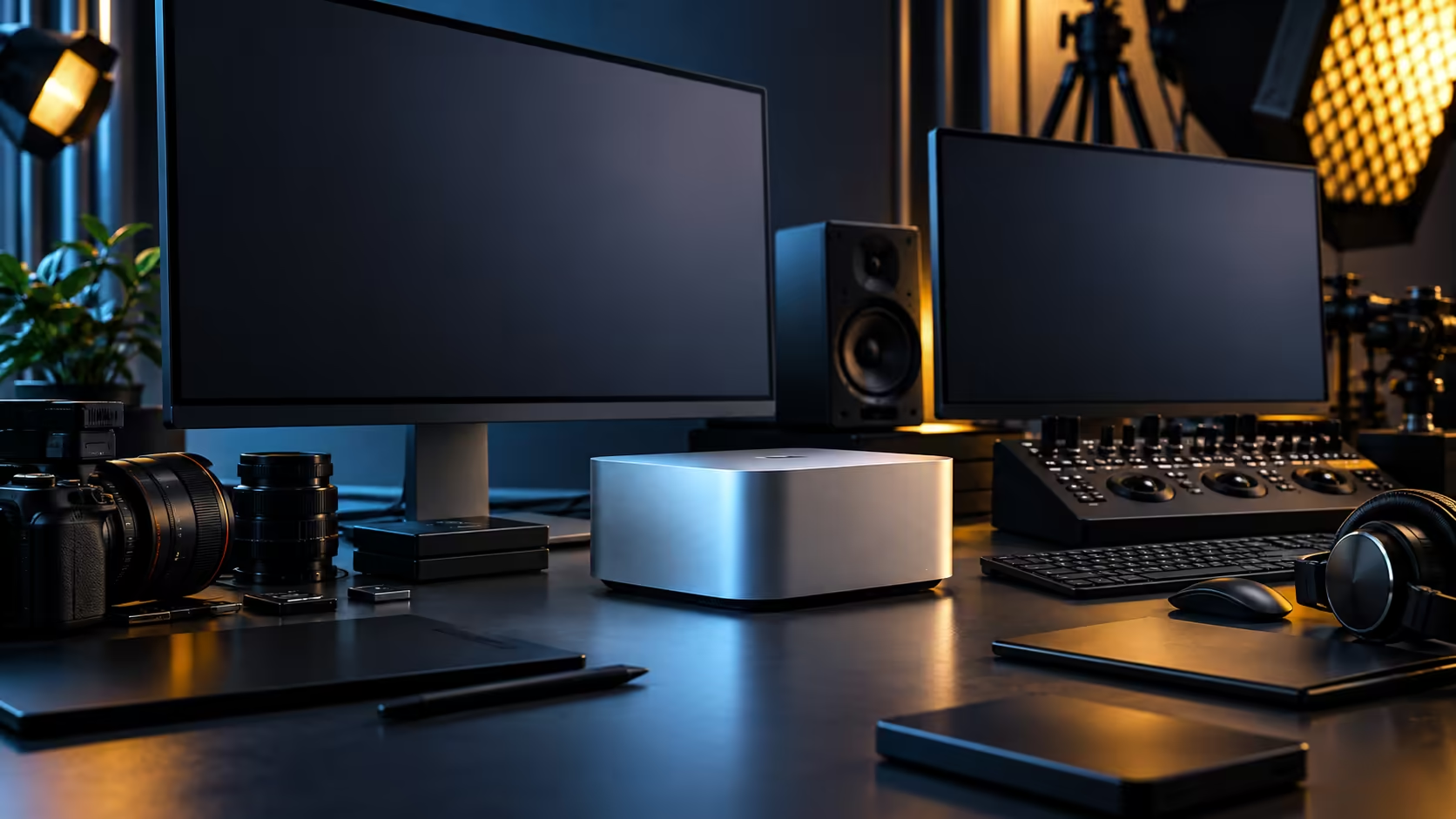
The Mac Studio M5 Max is rarely the loudest thing on a desk, and that's the trap: buyers picture a silent machine and end up disappointed by a room that was never quiet to begin with. Build the rest of the setup around the same standard the machine already meets, and the R49,499 desktop earns the reputation it deserves.
Quick Answer
Fan noise from the Mac Studio itself is usually the last thing you notice in a properly set up room, so chase the other three sources first: spinning archive drives, a hot enclosed space, and reflective surfaces that bounce sound back at you. Clear airflow and solid-state storage solve most of what people blame on the machine. The 36GB, 512GB configuration is R49,499.
🌡️ The heat problem comes from the room, not the chip
A machine working hard needs somewhere for that heat to go, and a lot of desks don't offer it.
Give the Mac Studio clear air on at least two sides, and never push it flush against a wall or into a closed cubby under a desk. A Highveld summer afternoon can push a poorly ventilated home office several degrees above the rest of the house, and a machine drawing air that is already warm has to work harder to move the same amount of heat, which is where fan noise actually comes from. A gap of roughly 100mm behind the machine is a reasonable minimum, more if the space is enclosed. This applies whether the desk sits in a Gauteng townhouse or a Cape Town flat; the principle is about airflow, not geography, but the summer months are when it's easiest to get caught out.
Direct sun through a window onto the desk does the same thing to the air around the machine as it does to a parked car, so if the setup faces a west-facing window, closing a blind in the afternoon does more for noise than any hardware change will.
💽 Spinning drives are the usual culprit, not the Mac
Track down what's actually making noise before assuming it's the machine you just bought.
An older external hard drive, a NAS with spinning disks, or a multi-bay archive enclosure sitting next to the Mac Studio is very often the real source of the hum and click people attribute to the computer. Moving active project libraries onto SSD storage removes that noise entirely, and it has the side benefit of being faster for anything you're actively editing.
Reserve spinning drives for cold archive that gets touched once a project wraps, kept in a separate cabinet or under the desk rather than at ear height next to the monitor. Every configuration in the mini PC range is itself silent at idle; a drive enclosure two feet away rarely is.
🪑 The desk and chair matter more than people expect
A quiet machine on a desk that creaks, or a chair that squeaks with every movement, undoes the whole point of choosing quiet hardware.
A solid desk surface without a hollow underside carries far less resonance than a cheap composite one, and a gaming desk built with a rigid frame is a genuine upgrade here, not just an aesthetic one. Pair it with an office chair that has a solid gas lift and metal frame rather than plastic joints, because a squeaking chair in an otherwise quiet room is more distracting over a long session than a fan ever is.
Cable management plays a small but real part too. Loose cables vibrating against a metal desk leg during a render, however faint, are the kind of noise that only becomes obvious once everything else has been quietened down.
🎧 Setting realistic expectations for a two-person suite
Two people working in the same room changes what "quiet" actually needs to mean.
If both editors are on headphones for monitoring, ambient room noise matters less. If either is using open speakers for a client review, then air conditioning, a desk fan, or a second machine's cooling become the competing sources worth addressing before you spend any more time on the Mac Studio itself. Scheduling loud, fan-heavy tasks like batch exports for a 15-minute break in the session, rather than running them while someone is trying to do critical audio work at the next desk, is a workflow fix that costs nothing.
Frequently Asked Questions
Will a Mac Studio M5 Max get loud under heavy load?
It is designed to run quietly even under sustained work, so most noise complaints trace back to something else in the room, most often a spinning drive or restricted airflow.
How much clearance does the Mac Studio need for cooling?
A hand's width of open air on at least two sides is a reasonable minimum, more in an enclosed cubby or against a wall that traps warm air.
Do external drives make more noise than the Mac Studio itself?
Often, yes. A spinning hard drive or multi-bay NAS sitting nearby is frequently the actual source of noise that gets blamed on the computer.
Does summer heat affect how loud the machine runs?
Indirectly. Warmer intake air makes any computer work harder to shed the same heat, and a room that heats up through a west-facing window in the afternoon is worth managing with a blind rather than hardware.
What is the cheapest way to quieten a two-person edit suite?
Move active project files onto SSD storage, keep spinning archive drives away from the desk, and check the desk and chair for creaks and squeaks before assuming the noise is coming from the computer.
Ready to build a workspace as quiet as the machine on it?
Browse mini PCs alongside desks and chairs chosen to match, so nothing in the room undoes the point.