


That beast of a gaming rig under your desk is more than just a box of parts; it's your portal to other worlds. But here in South Africa, whether it’s Highveld dust or coastal humidity, our PCs face a constant battle. Dust buildup isn't just ugly—it's a performance assassin, slowly choking your components. Knowing how to clean your gaming PC motherboard safely is a vital skill that protects your investment and keeps your frame rates high. Let’s get it done. ✨
Why a Clean Motherboard is a Happy Motherboard
Your motherboard is the central nervous system of your PC. It’s the electronic highway where your CPU, GPU, and RAM communicate. When this highway gets clogged with dust and grime, things slow down. Heat gets trapped, leading to thermal throttling—your PC intentionally slows itself down to avoid damage. In worst-case scenarios, conductive dust can even cause short circuits. Regular, safe motherboard cleaning ensures optimal airflow, stable temperatures, and a longer life for your entire system. Keeping it pristine is just as important for one of our budget gaming PCs as it is for a top-tier machine.
Gearing Up: Your PC Cleaning Toolkit 🔧
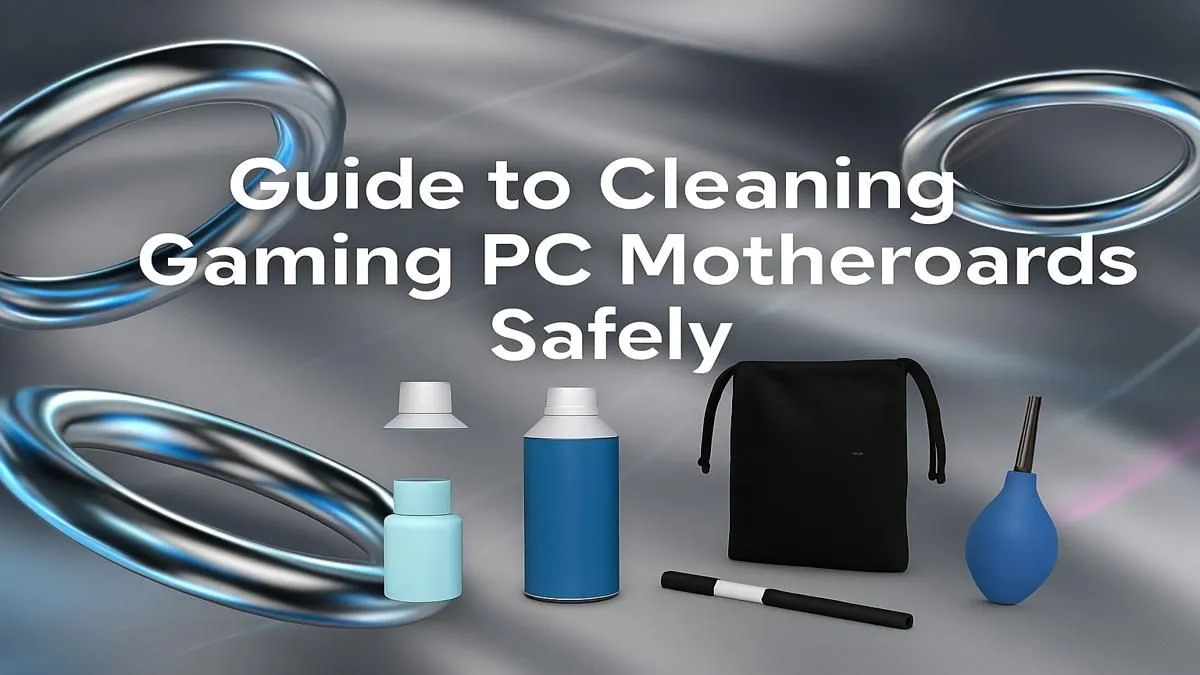
Before you even think about opening your case, you need the right tools. Using the wrong stuff can cause irreparable damage. Forget the vacuum cleaner (static electricity risk!) and that old t-shirt (lint!). Here’s your shopping list for a safe and effective clean:
- Compressed Air: A can of compressed air or an electric duster is your number one weapon against loose dust.
- Isopropyl Alcohol (IPA): Get the 90% or higher stuff. It evaporates quickly and cleans thoroughly without leaving residue.
- Soft-Bristle Brush: A small, clean paintbrush or a dedicated anti-static brush is perfect for gently dislodging stubborn grime.
- Cotton Swabs & Microfibre Cloth: For targeted cleaning and wiping down surfaces.
- Anti-Static Wrist Strap (Recommended): This is your best defence against electrostatic discharge (ESD), the silent killer of PC components.
Static is the Enemy! ⚡
Always ground yourself before touching any internal PC components. The easiest way is to touch the metal part of your plugged-in (but switched off) PC case. An anti-static wrist strap is a cheap investment that provides constant protection and peace of mind, especially when working on the delicate circuits of a motherboard.
This simple toolkit is all you need to maintain everything from a starter rig to one of the most powerful gaming PCs over R20k.
The Safe Motherboard Cleaning Process: Step-by-Step
Right, let's get down to business. This process is all about being patient and gentle. Learning how to clean your PC motherboard isn't difficult, but rushing can lead to mistakes.
Step 1: Power Down and Prep
Shut down your PC completely. Unplug the power cable from the wall and all other peripherals (USB, HDMI, etc.). Move your tower to a well-lit, well-ventilated area. Open the side panel and lay the case on its side so the motherboard is facing up. Clip your anti-static wrist strap to a metal part of the case.
Step 2: The Initial Air Blast
Holding the compressed air can upright, use short, controlled bursts to blow loose dust out of the case and off the motherboard. Start from the top and work your way down. Pay special attention to heat sinks, fan blades, and the spaces between your RAM slots and PCIe slots. If your PC is a few years old and this is its first deep clean, you might be shocked at what comes out! Sometimes, the sheer amount of gunk makes you realise it might be time to check out some fresh pre-built PC deals instead.
Step 3: The Detailed Clean
Now for the finer work. Lightly dip a cotton swab in isopropyl alcohol (don't soak it) and gently clean any sticky spots or residue on the motherboard's surface. Use your soft brush to carefully loosen any remaining dust from around the small capacitors and chips. Be methodical. For many gamers, a well-maintained rig under the R20k mark can deliver incredible performance for years with just a little TLC like this.
Step 4: Final Inspection and Reassembly
Give everything one last look. Ensure no stray cotton fibres are left behind and that all surfaces are dry. Once you're happy, close up the case, reconnect your cables, and boot up your newly refreshed machine. You’ve just successfully completed a crucial piece of PC maintenance. 🚀 This simple act can make a world of difference, ensuring you get the most out of the best gaming PC deals you invested in.
Feel the Difference? A clean PC is a fast PC. But if your rig is still struggling after a good clean-up, it might be time for an upgrade. From entry-level heroes to 4K powerhouses, we've got the perfect machine to get you back in the game. Explore our full range of Gaming PCs and find your next powerhouse.











