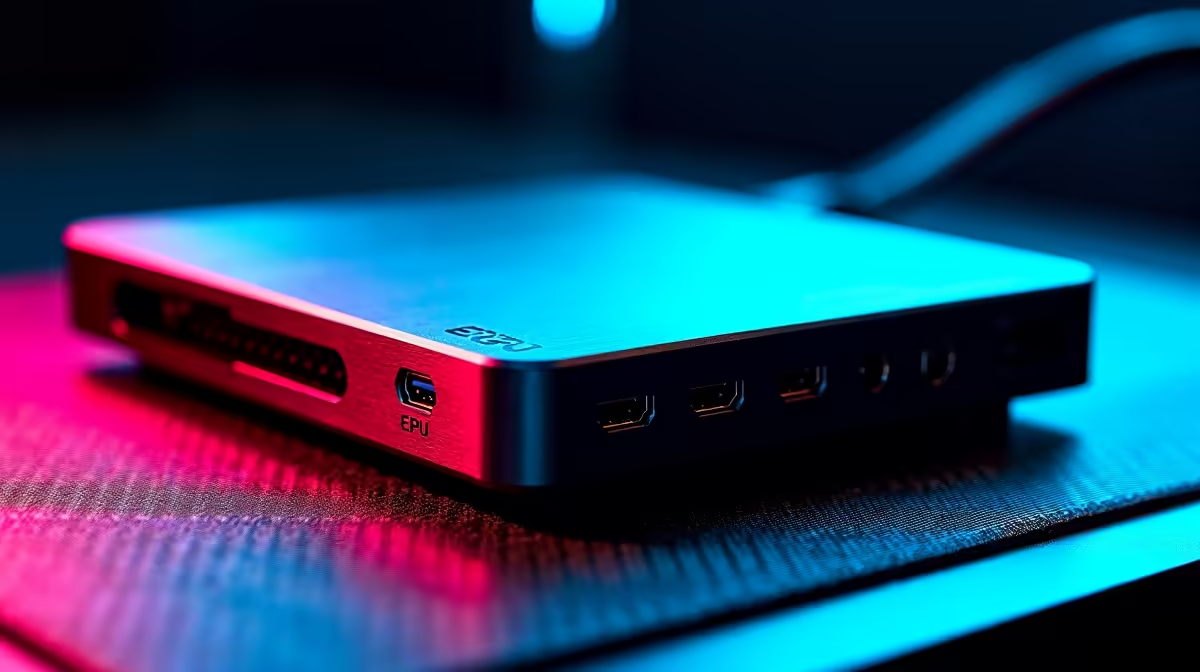
Plugging a handheld into an OCuLink dock for desktop-class graphics quickly raises a practical snag: the handheld stops charging. Combining OCuLink for graphics and USB-C for power on a handheld eGPU is the standard way around this, because OCuLink is a pure data link. It carries the PCIe lanes that feed the external graphics card and nothing else, so the handheld needs a second cable, its own USB-C charger, to stay powered during long sessions.
Quick Answer
You need two cables because OCuLink only carries PCIe data and delivers no power to the host. Run the OCuLink cable from the handheld's OCuLink port to the eGPU dock for graphics, and plug a separate USB-C charger into the handheld's USB-C or USB4 port for power. Always connect and disconnect OCuLink with the device fully powered off, since standard OCuLink does not support hot-plugging.
Why OCuLink Cannot Power the Handheld
OCuLink exists to move PCIe data as fast as possible. On a handheld setup it typically runs PCIe 4.0 x4, around 64 Gbps with almost no protocol overhead, which is why it beats most USB-based eGPU connections for raw graphics bandwidth. That focus is also its limitation: the standard carries data only and has no power-delivery channel back to the host. A dock connected over OCuLink, such as common DEG1-style docks, supplies no charge to the handheld at all.
So while the external graphics card draws its own power from its own supply, your handheld is left running purely on its internal battery. Under a heavy gaming load that battery drains fast, and once it is flat the session ends regardless of how powerful the eGPU is. The fix is to give the handheld its own power feed alongside the OCuLink data link.
Setting It Up Step by Step
- Power the handheld off completely. Standard OCuLink does not support live connection: plugging or unplugging it while the system is on causes an immediate crash, so always start from a fully powered-down device.
- Connect the OCuLink cable from the handheld's OCuLink port to the OCuLink input on your eGPU dock. Seat both ends firmly, since a loose OCuLink connection can drop the link mid-game.
- Make sure the external graphics card is installed in the dock and the dock has its own power supply connected and switched on.
- Plug a USB-C charger into the handheld's USB-C or USB4 port. On a device like the ROG Ally this is a separate port from the OCuLink connector, so the two run independently.
- Power on the handheld. With graphics arriving over OCuLink and charge arriving over USB-C, you can game on the external card while the battery stays topped up.
Managing Two Cables Cleanly
Running two cables to a small handheld can get messy, so a little cable management goes a long way. Route the OCuLink cable and the USB-C charger to the same side of the device where possible, and use a clip or a small stand so the connectors are not under strain from the cable weight. Keeping tension off the OCuLink plug matters most, because a knocked or half-seated OCuLink connection can crash the session, and you cannot simply re-plug it without powering down first.
If you want a tidier all-in-one experience, some portable eGPU units bundle the graphics card and connection into a single chassis, which reduces clutter. Either way, a USB-C charger is still required for the handheld. For docking and connectivity options, Evetech's docking station catalogue covers the hardware you need to tie the whole setup together, and the GPU catalogue helps narrow down which card fits your dock and use case.
Frequently Asked Questions
Why do I need two cables for an OCuLink eGPU?
Because OCuLink carries only PCIe data and provides no power to the host device. The OCuLink cable handles graphics, and a separate USB-C charger keeps the handheld powered, since the dock cannot charge it through the OCuLink connection.
Can I hot-plug an OCuLink eGPU?
No. Standard OCuLink does not support live connection or disconnection. Doing so while the system is on causes an immediate crash, so always power the handheld off fully before plugging or unplugging the OCuLink cable.
Will my handheld charge through the eGPU dock?
Not over OCuLink. The dock delivers no power to the host, so without a separate USB-C charger the handheld runs on battery alone and will eventually go flat under a gaming load. Use the USB-C port for charging.
Does the USB-C cable affect graphics performance?
No. The USB-C connection only supplies power to the handheld, while all graphics data travels over the separate OCuLink link. They operate independently, so charging over USB-C does not slow down the eGPU.
Is OCuLink faster than a USB-C eGPU connection?
For raw bandwidth, generally yes. OCuLink typically runs PCIe 4.0 x4 with very little overhead, which gives more headroom for a powerful graphics card than most USB-based connections. The trade-off is no power delivery and no hot-plugging.
Building a handheld eGPU setup? Explore the docking station range at Evetech to get the connectivity and power side right, then pair it with the graphics card that suits your games.